
When choosing a laptop, you can’t ignore the balance between weight and power. Lightweight models are easier to carry but might sacrifice performance, while bulkier laptops offer more processing power but can be cumbersome. As a student, you’ll need a device that fits your classes and projects without causing strain. It’s crucial to weigh your daily performance needs against portability. If you think you’ve got it figured out, there’s more to explore about making the right choice.

Get business pricing on monitors, keyboards and dev gear
- Business-only prices and quantity discounts
- Tax-exempt purchasing
- Multiple users, one account, clear invoices
Key Takeaways
- Lightweight laptops offer portability, but may not handle demanding applications effectively, impacting performance during classes or projects.
- Heavier laptops provide superior processing power but sacrifice ease of transport, posing a challenge for students on the go.
- Battery efficiency varies; lighter models typically last longer, while bulkier options may drain quickly under heavy use.
- Understanding hardware constraints helps students avoid overspending on unnecessary features, tailoring their selection to actual performance needs.
- Budget considerations are crucial; students should balance desired power with financial limitations to find suitable laptop options.

When you’re shopping for a laptop, balancing weight and power can feel like a challenging task. You might find yourself drawn to sleek, lightweight models that promise portability but skimp on performance. On the flip side, you may come across bulkier machines that offer impressive processing power but can be a hassle to lug around campus. Understanding portability considerations is essential, especially as a student who needs a dependable device for classes, projects, and maybe even some gaming on the side.
Performance benchmarks are often a key factor in your decision-making process. You want a laptop that can handle everything from word processing to more demanding applications like graphic design or programming. However, heavier laptops generally pack more powerful components, which can lead to better performance. This creates a dilemma. Will you sacrifice power for the sake of convenience? Or will you endure the extra weight for that extra speed?
Performance benchmarks play a crucial role in your decision-making, balancing the need for power against the desire for portability.
Battery efficiency also plays a significant role in this trade-off. Lightweight laptops typically come with lower power consumption, which can mean longer battery life—an essential feature for students who spend hours in lectures or libraries without access to a power outlet. Yet, some heavier models with robust hardware may offer better performance but drain their batteries faster. Finding that sweet spot between battery efficiency and performance can make all the difference in your daily routine. Additionally, some newer laptops incorporate smart power management features that optimize energy usage based on your activity, extending battery life further. Understanding hardware constraints can help you select a device that balances these factors effectively. Recognizing hardware limitations can also guide you in choosing components that meet your needs without unnecessary bulk. Moreover, staying informed about power consumption trends allows you to make smarter choices that align with your usage patterns.
Considering hardware constraints can also help you avoid overpaying for features you don’t need, ensuring your investment is more aligned with your actual use case. Student preferences vary widely, and understanding yours can simplify your choice. If you mostly use your laptop for browsing, note-taking, or streaming, a lighter model may suffice. But if your studies require intensive software, you might lean toward a more powerful option. Design choices also influence your decision; a laptop that looks good and fits your style can be equally important, especially in social settings.
Lastly, don’t forget about budget constraints. High-performance laptops often come with a steep price tag, and if you’re a student, every dollar counts. You’ll want to balance your desire for power with what you can realistically afford. Ultimately, finding a laptop that meets your needs without sacrificing portability or breaking the bank is possible with careful consideration. So, weigh your options, prioritize your requirements, and make a choice that fits your lifestyle.
As an affiliate, we earn on qualifying purchases.
Frequently Asked Questions
How Do Laptop Materials Affect Weight and Durability?
Laptop materials play a vital role in weight and durability. For instance, aluminum is lightweight and robust, while plastic can reduce weight but might compromise durability. Your design choices, like using carbon fiber, can enhance both strength and weight distribution. Consider these material types carefully; they directly impact how portable and long-lasting your laptop will be. Balancing these factors is essential for achieving the right mix of performance and convenience.
What Role Does Battery Life Play in Laptop Weight?
You might think battery life doesn’t matter much for weight, but it plays an essential role. A laptop with better battery efficiency often uses lighter materials, helping you maintain that weight balance. If you prioritize long-lasting power, you might end up with a heavier battery, but advancements are making it possible to enjoy both. So, consider how battery life influences your laptop’s overall weight when making your choice.
Are Lighter Laptops Less Prone to Overheating?
Lighter laptops aren’t necessarily less prone to overheating. Their compact design can limit thermal management and efficient heat dissipation. While manufacturers try to optimize cooling solutions, the lightweight materials might not always handle heat as effectively as heavier models. You’ll want to take into account how a laptop’s design influences its cooling capabilities, especially if you plan to run demanding applications. Prioritizing a balance between weight and thermal performance can enhance your overall experience.
How Do Gaming Laptops Compare in Weight and Power?
Gaming laptops typically offer a powerful performance but often weigh more than standard laptops. If you’re looking for gaming performance, you’ll notice that the extra hardware needed for graphics and processing adds weight. However, some models aim for a portability balance, using lightweight materials while still packing a punch. Ultimately, you’ll need to decide what’s more important: carrying a lighter laptop or enjoying solid gaming capabilities on the go.
What Accessories Can Impact Overall Laptop Weight?
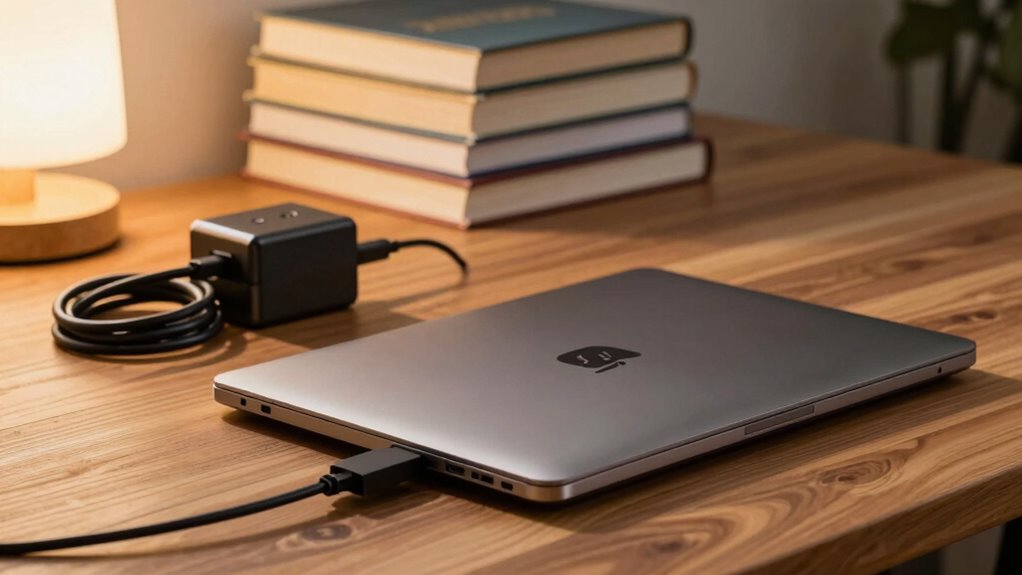
Imagine slinging your sleek laptop bag over your shoulder, but then you realize how heavy it’s gotten. Accessories like portable chargers, laptop cases, external storage drives, and cooling pads can add significant weight. Each item you add transforms your setup from lightweight convenience to a cumbersome load. So, as you gear up for your next adventure, think carefully about what you really need to keep your tech portable without sacrificing performance.
high performance portable laptop
As an affiliate, we earn on qualifying purchases.
As an affiliate, we earn on qualifying purchases.
Conclusion
When you’re picking a laptop, remember that weight and power go hand in hand. Did you know that nearly 60% of students prioritize portability over performance? While a lightweight laptop is tempting, don’t overlook the potential impact on your productivity. Finding the right balance means you can carry it easily without sacrificing the power you need for your studies. So, weigh your options carefully; the right choice can make all the difference in your academic journey!
As an affiliate, we earn on qualifying purchases.
budget gaming laptop for students
As an affiliate, we earn on qualifying purchases.
As an affiliate, we earn on qualifying purchases.
Fall Picks
fall essentials
As an affiliate, we earn on qualifying purchases.