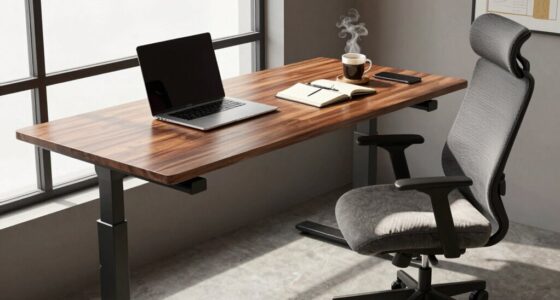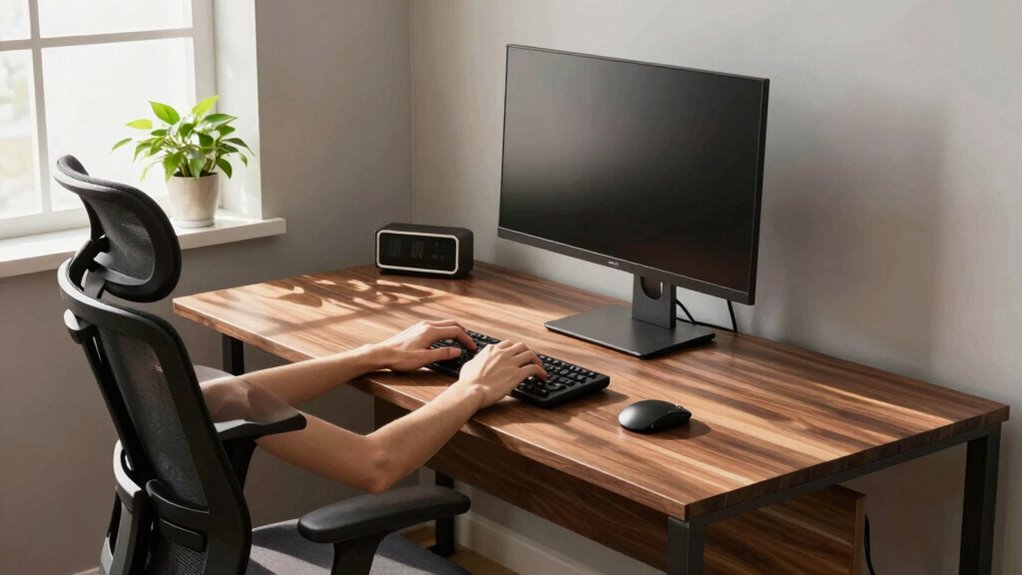

Desk height greatly impacts your typing comfort and concentration. If your desk is too high, you might end up raising your shoulders, causing neck tension. On the other hand, a low desk can lead to hunching and back strain. Keeping your elbows at a 90-degree angle guarantees better posture and comfort. Adjusting your setup can enhance your focus and overall productivity. There’s still more to discover about optimizing your workspace for improved comfort and efficiency.
Key Takeaways
- Correct desk height ensures elbows are at a 90-degree angle, enhancing typing comfort and preventing strain.
- Improper height can lead to poor posture, distracting from tasks and reducing concentration levels.
- Adjusting keyboard height keeps wrists straight, promoting comfort and preventing disruptions in focus.
- Ergonomic solutions like adjustable desks and keyboard trays optimize individual needs, improving overall typing experience.
- Mindful adjustments to desk height and positioning can significantly enhance productivity and reduce long-term injuries.
When you sit down to work, the height of your desk can make a huge difference in your typing comfort. If your desk is too high or too low, it can lead to discomfort, strain, and even long-term injuries. Finding the right height isn’t just about aesthetics; it’s essential for maintaining good posture and ensuring that you can focus on your tasks without distraction. When you make ergonomic adjustments, you’re setting yourself up for success.
The ideal desk height allows your elbows to be at a 90-degree angle when you’re typing. If your desk is too high, you might find yourself raising your shoulders, which can lead to tension in your neck and back. On the flip side, if your desk is too low, you might hunch over, straining your back and affecting your concentration. It’s important to pay attention to these details because they can notably impact your productivity.
The right desk height ensures your elbows are at 90 degrees, preventing strain and boosting productivity.
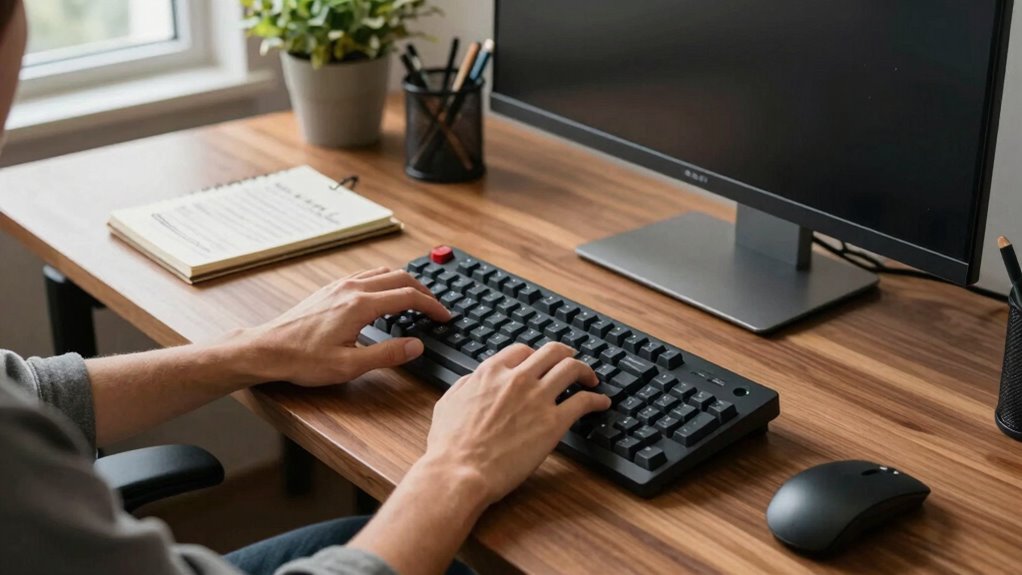
Keyboard positioning also plays a key role in your typing comfort. When your keyboard is at the proper height, your wrists should remain straight and relaxed. If your keyboard is too high, you’ll likely have to bend your wrists upward, which can cause discomfort over time. Conversely, if it’s too low, you may find yourself reaching down awkwardly. Both scenarios can throw off your focus, making it harder to complete your work efficiently. Adjusting your keyboard height can significantly improve your comfort and reduce strain.
You might consider using a keyboard tray or an adjustable desk if you’re struggling with the height. These options can help you achieve the ideal ergonomic adjustments tailored to your needs. Additionally, elevating your monitor to eye level can help keep your neck aligned and reduce strain, further enhancing your overall comfort while working. Proper ergonomic setup can also help prevent repetitive strain injuries and promote better overall wellness. Incorporating posture awareness into your routine is another step toward maintaining comfort and preventing injury. Being mindful of your ergonomic principles during your setup can make a notable difference in your daily comfort.
Small tweaks can lead to considerable improvements in your typing experience. Experimenting with different desk heights and keyboard positions can help you find what works best for you. When everything is aligned correctly, you’ll notice a boost in your concentration and productivity.

Veken 55 Inch Large Electric Standing Desk,Sit to Stand Up, Heights Adjustable, Work Home Office Computer Table for Study, Walking Pad, Writing, and Games, Wooden Desktop Desks, White
Electric Height Adjustment – Sit or Stand Any Time: Quiet motor (under 52 dB) with memory presets. Easily…
As an affiliate, we earn on qualifying purchases.
As an affiliate, we earn on qualifying purchases.
Frequently Asked Questions
How Does Desk Height Affect Wrist Health Over Time?
Desk height greatly affects your wrist health over time. If your desk is too high or low, it can misalign your wrists, leading to strain and discomfort. Proper wrist alignment helps prevent long-term effects like carpal tunnel syndrome or chronic pain. By adjusting your desk to a comfortable height, you promote better posture and reduce the risk of injury, allowing you to type effectively without compromising your wrist health.
What Are the Ideal Chair and Desk Height Ratios?
The ideal chair and desk height ratios depend on your body proportions. Typically, your chair seat should be 16-20 inches high, allowing your feet to rest flat on the ground. Your desk should be around 28-30 inches high. For maximum chair ergonomics, guarantee your elbows are at a 90-degree angle when typing, and your wrists align with the desk. This alignment helps prevent strain and boosts your overall comfort while working.
Can Standing Desks Improve Typing Speed?
Absolutely, standing desks can dramatically improve your typing speed! Imagine typing like a whirlwind, with your fingers flying across the keys. The ergonomic benefits of standing desks can reduce fatigue and enhance focus, resulting in a significant productivity boost. You’ll feel more energized and alert, which translates into faster typing and fewer errors. So, if you want to release your inner speed typist, consider making the switch to a standing desk!
How Often Should I Adjust My Desk Height?
You should adjust your desk height frequently throughout the day. Try changing it every hour or so to find the position that feels best for you. Your body can benefit from these frequent adjustments, keeping you comfortable and reducing fatigue. If you’re standing, mix it up with seated positions to maintain energy levels. Staying flexible with your desk height can greatly enhance your productivity and overall well-being.
Are There Ergonomic Accessories to Complement Desk Height Adjustments?
To enhance your ergonomic setup, consider adding keyboard trays and footrests. Imagine typing like a maestro at a grand piano, fingers dancing effortlessly over keys while your feet rest comfortably on a plush footrest. Keyboard trays let you position your hands at the perfect angle, reducing strain. With these accessories, your desk height adjustments become a symphony of comfort, allowing you to focus and work without distraction.

VIVO Large Under Desk 34 x 11 inch Computer Keyboard and Mouse Tray with Swinging Height Adjustment, 12 Settings, Platform Drawer for Typing, Black, MOUNT-KB34S
Save Desk Space: This 33.8” x 11” ergonomic keyboard tray mounts under your desk, holding your keyboard, mouse,…
As an affiliate, we earn on qualifying purchases.
As an affiliate, we earn on qualifying purchases.
Conclusion
In the grand symphony of productivity, desk height plays a vital note. When you find that sweet spot, typing feels like a gentle dance, allowing your fingers to glide effortlessly across the keys. Comfort blooms, and concentration sharpens, turning your workspace into a haven of creativity. So, adjust that desk, and let your thoughts flow like a river, unimpeded and vibrant, as you embrace the harmony of comfort and focus in your digital endeavors.

Marsail Ergonomic Office Chair: Office Desk Chair with High Back Mesh and Adjustable Lumbar Support Rolling Work Swivel Task Chairs with Wheel 3D Armrests and Headrest
Fully Adjustable Office Chair: Customized chairs, featuring with an adjustable 2D headrest, backrest with 90° to 120° recline,…
As an affiliate, we earn on qualifying purchases.
As an affiliate, we earn on qualifying purchases.

WALI Computer Monitor Stand for Desk, Adjustable Laptop Riser, Desk Monitor Stand Underneath Storage for Office, Home, School Supplies (STT003), 1 Pack, Black
Design: The monitor stand for the desk has a large 14.6 x 9.3 inches metal shelf that fits…
As an affiliate, we earn on qualifying purchases.
As an affiliate, we earn on qualifying purchases.