
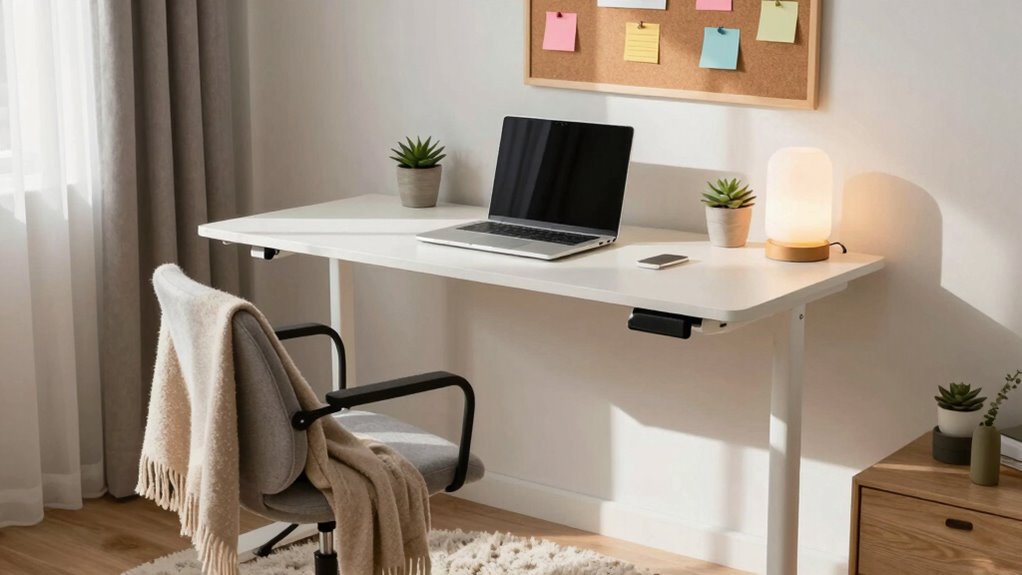

To build a dorm-friendly ergonomic workspace, start by choosing a compact desk with shelves. Use adjustable furniture for flexibility between sitting and standing. Keep your space uncluttered with organizers and incorporate wall-mounted solutions to maximize space. Good lighting is essential, so position your desk near a window and consider a lamp with adjustable brightness. Finally, add plants for freshness and layout your furniture to enhance movement. Stick around for more tips to elevate your workspace!

Get business pricing on monitors, keyboards and dev gear
- Business-only prices and quantity discounts
- Tax-exempt purchasing
- Multiple users, one account, clear invoices
Key Takeaways
- Choose a compact, height-adjustable desk to support both sitting and standing positions for ergonomic comfort.
- Keep the workspace minimal by using organizers and wall-mounted shelves to reduce clutter and distractions.
- Position your desk near a window to maximize natural light, enhancing mood and productivity.
- Incorporate a laptop stand and a compact lamp to improve ergonomics and provide flexible lighting options.
- Add plants to improve air quality and create a calming atmosphere in your workspace.
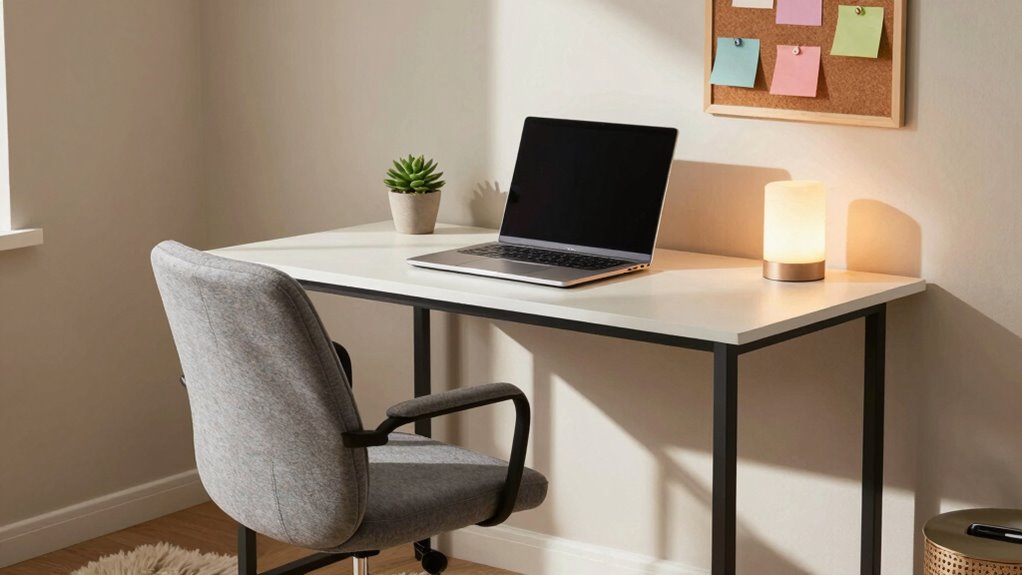
Creating a dorm-friendly ergonomic workspace can transform your study routine and boost productivity. In a small space, it’s essential to maximize every inch while ensuring comfort and efficiency. Start by choosing space‑saving solutions that fit your room’s dimensions. A compact desk with shelves can provide ample workspace without overcrowding your area. Look for adjustable furniture, like a desk that can be raised or lowered, so you can alternate between sitting and standing. This flexibility not only enhances comfort but also promotes better posture, reducing strain during long study sessions. Incorporating ergonomic principles ensures that your setup supports your body’s natural alignment, preventing discomfort over time.
Next, embrace a minimalist design. By keeping your workspace uncluttered, you’ll create a calming environment that’s conducive to focus. Use organizers to keep essential supplies within reach while eliminating distractions. Consider using wall-mounted shelves or pegboards to keep items off your desk. This organization tip not only saves space but also adds a personal touch to your workspace. You might also want to incorporate portable accessories, like a laptop stand or a compact lamp, which can be easily moved when you need to change your setup or rearrange your room. Additionally, paying attention to air quality can help maintain a fresh environment that enhances concentration and well-being.
Embrace a minimalist design to create a calming, organized workspace that enhances focus and personal expression.
Lighting options play an important role in maintaining productivity. Natural light is ideal, so position your desk near a window if possible. If that’s not an option, invest in a good desk lamp with adjustable brightness. This will help reduce eye strain and create an inviting atmosphere for late-night study sessions. A warm light can make your space feel cozy, while a cooler light can keep you alert. Pair your lighting with some greenery—like a small plant—to enhance your mood and keep the air fresh. Incorporating proper posture and ergonomic principles into your setup can further improve comfort and reduce fatigue during long study periods. Additionally, space planning and thoughtful layout can make your small dorm room feel more open and functional.
Popular right now

KitchenAid Artisan Mini Tilt-Head Stand Mixer, 3.5 Qt, Contour Silver

Samsung 48 4K OLED Smart TV (2026) with WireLogic 8ft Ultra High Speed HDMI Cable

Apple AirPods Pro (2nd Generation) Wireless Earbuds with USB‑C Charging, Up to 2X More Active Noise Cancelling, Transparency Mode, Adaptive
As an affiliate, we earn on qualifying purchases.
Frequently Asked Questions
How Much Space Do I Need for an Ergonomic Workspace?
You’ll need at least 4 by 6 feet of space for a comfortable ergonomic workspace. This gives you room for essentials like a desk, chair, and storage. Make sure your chair supports your back, and your monitor’s at eye level to reduce strain. Keep frequently used items within arm’s reach to minimize movement. By prioritizing these workspace dimensions and ergonomic essentials, you’ll create a setup that promotes comfort and productivity.
What Are Affordable Ergonomic Furniture Options for Dorms?
Did you know that nearly 70% of college students experience back pain due to poor seating? To create a comfy workspace on a budget, consider budget chairs that support your posture without breaking the bank. Look for compact desks that fit snugly in your dorm while providing enough surface area for your laptop and books. These affordable options make it easy to stay ergonomic, even in tight spaces. You’ll feel the difference!
Can I Create an Ergonomic Setup With a Laptop Only?
Yes, you can create an ergonomic setup with just a laptop. Start by using laptop accessories like a stand to elevate your screen and an external keyboard to keep your wrists straight. Invest in a comfortable chair that supports your back. Organize your workspace to minimize clutter, ensuring everything’s within reach. Adjust your seating position so your feet are flat on the floor, promoting better posture and comfort during long study sessions.
How Can I Stay Active While Working in My Dorm?
To stay active while working in your dorm, take regular active breaks every hour. Stand up, stretch, or do some desk exercises like seated leg lifts or desk push-ups. Incorporate a quick walk around your room or dorm hallway to get your blood flowing. Consider using a standing desk or a balance ball for added movement. These simple steps keep you energized and focused, making your study sessions more productive.
What Are Some Quick Stretches for a Dorm Workspace?
Picture yourself at your desk, feeling the tension in your shoulders. Quick desk stretches can work wonders! Try seated exercises like shoulder rolls—simply lift your shoulders to your ears, then drop them down. For a nice back stretch, interlace your fingers and reach overhead. Finally, twist gently in your chair to release any tightness. These simple moves keep you energized and focused, helping you conquer your study session like a champ!
Conclusion
Creating a dorm-friendly ergonomic workspace isn’t just about comfort—it’s essential for your productivity and well-being. Did you know that 80% of college students report experiencing some form of back pain? By setting up a well-designed workspace, you can help prevent aches and enhance your focus. So, invest a little time in arranging your desk, chair, and lighting. Your body—and grades—will thank you! Remember, a comfortable space leads to a sharper mind.