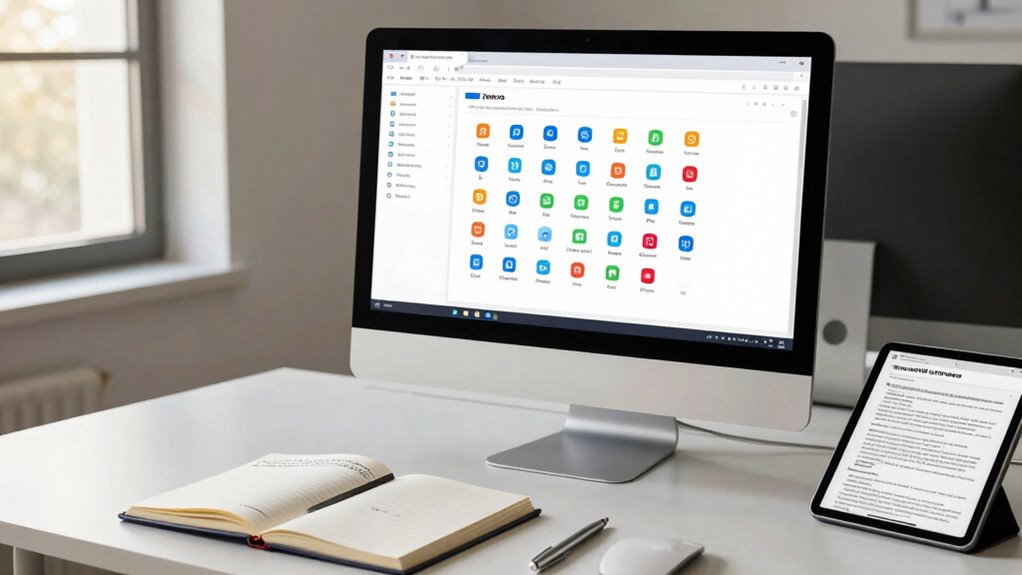

Zotero helps you organize your research sources smarter by automatically importing data from databases, websites, and catalogs, saving you time on manual entry. It lets you categorize sources with collections, tags, and notes, attaching PDFs and files for quick access. Seamlessly integrating with Word and Google Docs, it makes citing and generating bibliographies easy. Plus, its open-source design allows for extensions and tools to customize your workflow. Keep exploring to discover how Zotero can transform your research process.

Get business pricing on monitors, keyboards and dev gear
- Business-only prices and quantity discounts
- Tax-exempt purchasing
- Multiple users, one account, clear invoices
Key Takeaways
- Automates citation import from various databases, saving time and reducing manual data entry.
- Organizes sources with tags, collections, and notes tailored to project needs.
- Integrates seamlessly with Word and Google Docs for easy in-text citation and bibliography management.
- Syncs across devices and supports collaboration for continuous, accessible research data.
- Open-source platform allows for extensions, custom tools, and enhanced data analysis capabilities.
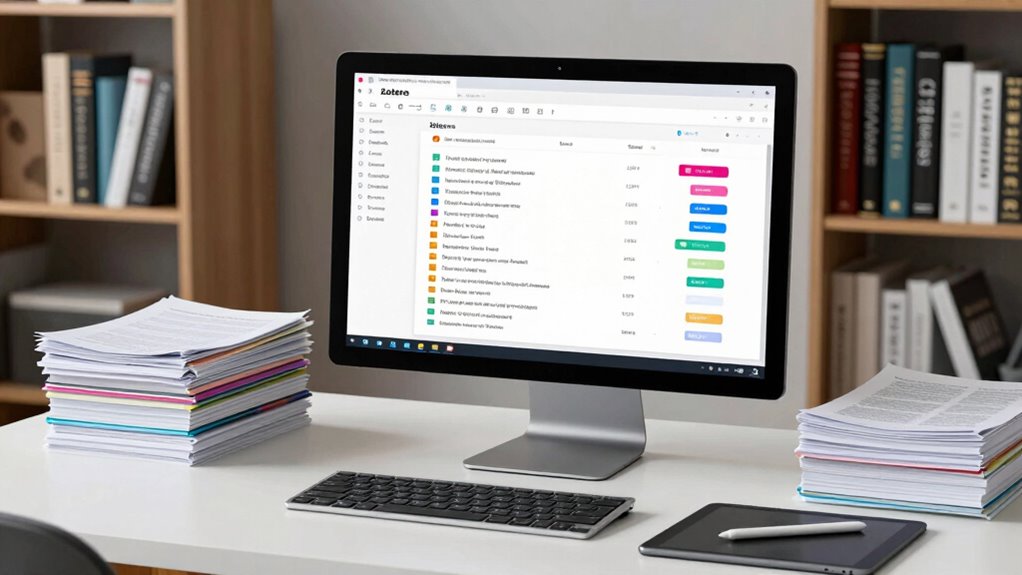
Beyond collaboration, Zotero excels at data integration techniques that simplify how you gather and connect your research information. It can automatically import citation data from various sources, including academic databases, websites, and library catalogs, saving you hours of manual entry. Once your data is in Zotero, you can easily organize it into collections, tags, or notes tailored to your project’s needs. The integration with word processors like Microsoft Word and Google Docs means you can insert citations directly into your documents and generate bibliographies instantly. This tight integration helps maintain consistency throughout your work, especially when managing multiple sources from different platforms. Additionally, understanding media literacy is crucial for evaluating sources effectively, ensuring your research remains credible and trustworthy.
Zotero’s ability to connect with other tools further enhances your data management. You can sync your library across devices, ensuring that your sources are always available, no matter where you’re working. Its ability to handle various file types — PDFs, images, and notes — means you can attach supplementary data directly to your citations, creating an *all-inclusive* research database. Additionally, Zotero’s open-source nature encourages extensions and plugins, expanding its functionality to suit your specific needs. For example, you can incorporate data analysis tools or advanced export options to fit your workflow.
As an affiliate, we earn on qualifying purchases.
Frequently Asked Questions
Can Zotero Handle Large Datasets Directly?
Zotero doesn’t handle large datasets directly for data storage or file management. Instead, it’s designed to organize references and smaller files efficiently. You can link to large datasets stored elsewhere, like cloud services or dedicated data repositories, and manage metadata within Zotero. This way, you keep your project organized without overloading Zotero’s storage capacity, ensuring smooth data handling while maintaining easy access to your research sources.
How Does Zotero Integrate With Data Analysis Tools?
Think of Zotero as the bridge connecting your research world to data analysis tools. You can seamlessly integrate it, leveraging its metadata management to keep your sources organized and accurate. Zotero’s citation automation guarantees your references stay current, making collaboration smoother. By syncing Zotero with your analysis tools, you transform chaos into clarity, like a conductor harmonizing diverse instruments into a symphony of insightful research.
Is Zotero Suitable for Collaborative Research Projects?
Yes, Zotero is suitable for collaborative research projects. It supports team collaboration by allowing members to share libraries and access shared sources easily. While it doesn’t have built-in version control like some project management tools, you can manage changes through group libraries and syncing. This makes Zotero a practical choice for researchers working together, helping streamline source organization and ensuring everyone stays up-to-date with the latest references.
Can Zotero Automatically Import Data From Online Repositories?
Yes, Zotero can automatically import data from online repositories, streamlining your metadata management. You simply save references directly from repositories or use browser connectors, which fetch citation details and add them to your library. This automation helps you manage sources efficiently and guarantees accurate citation data. By integrating online data, Zotero simplifies your workflow, making research organization smoother and saving you time on manual data entry.
How Secure Is My Research Data in Zotero?
Your research data in Zotero is like a treasure chest, safeguarded by sturdy locks. It uses data encryption to shield your sensitive information from prying eyes and access control to limit who can view or edit your files. While no system is invulnerable, Zotero’s security measures do a solid job of protecting your data from unauthorized access, giving you peace of mind while you focus on your research journey.
research source management software
As an affiliate, we earn on qualifying purchases.
As an affiliate, we earn on qualifying purchases.
Conclusion
So, despite all the fuss about complex databases and endless spreadsheets, Zotero reminds you that organizing your research data doesn’t have to be a headache. It’s almost funny how a simple tool can save you from chaos—and still get you excited about your project. Next time you’re drowning in sources, remember: the smarter, easier way might just be a click away. Who knew organization could be this effortless?
academic citation tools for Word and Google Docs
As an affiliate, we earn on qualifying purchases.
As an affiliate, we earn on qualifying purchases.
research data organization extension
As an affiliate, we earn on qualifying purchases.
As an affiliate, we earn on qualifying purchases.
Evergreen bestsellers Picks
bestsellers
As an affiliate, we earn on qualifying purchases.