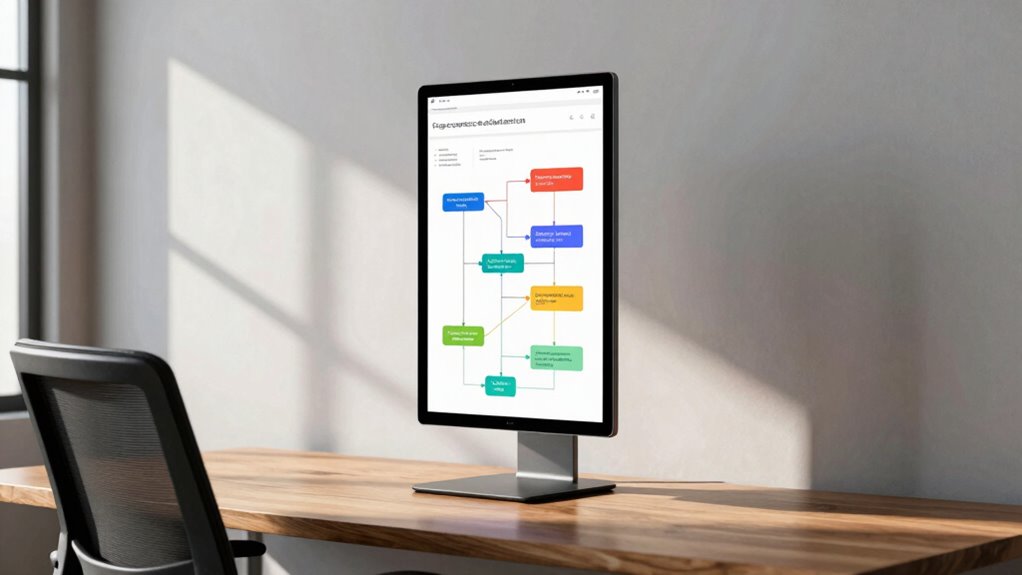
A vertical monitor makes more sense than a bigger one when you’re tackling tasks like coding or multitasking. It lets you see more lines of text without scrolling, boosting your efficiency. Plus, it takes up less horizontal space, making it ideal for compact work areas. The clean design can enhance your workspace’s aesthetic and help you stay focused. If you want to know more about how this setup could benefit you, there’s plenty more to explore.

Get business pricing on monitors, keyboards and dev gear
- Business-only prices and quantity discounts
- Tax-exempt purchasing
- Multiple users, one account, clear invoices
Key Takeaways
- Vertical monitors enhance productivity by displaying more lines of text, ideal for coding and reading tasks without constant scrolling.
- They save horizontal space, making them perfect for compact work areas or shared spaces with limited room.
- A vertical setup aligns with minimalist design preferences, creating a clean and organized workspace aesthetic.
- Ergonomic benefits reduce strain during long sessions, especially with adjustable stands that optimize comfort and health.
- Vertical monitors improve gameplay for strategy and coding games, offering better views of maps and enhancing strategic planning.
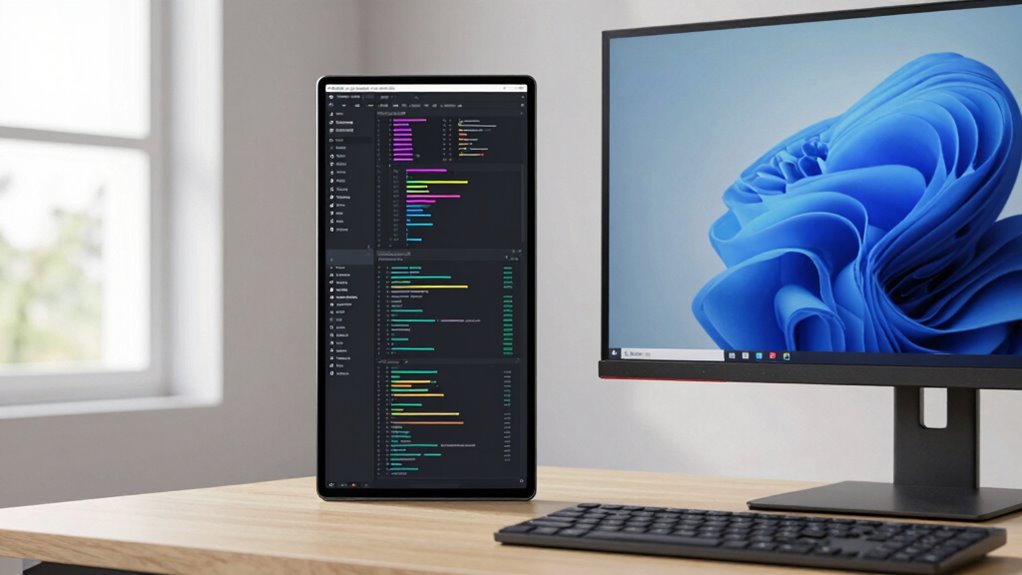
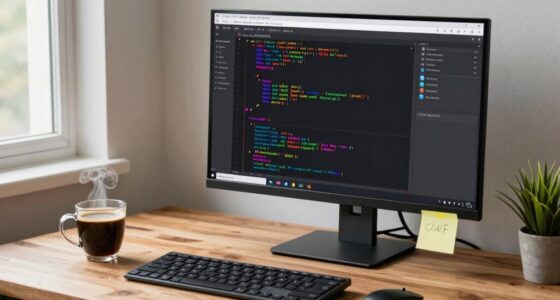
When you’re deciding between vertical monitors and larger ones, it’s essential to contemplate how you work and what you need from your display. Vertical monitors can offer significant productivity benefits, especially if your tasks involve a lot of reading or coding. With a vertical setup, you can view more lines of text without scrolling, which can enhance your multitasking efficiency. If you frequently switch between documents or applications, having a taller display can streamline your workflow and reduce interruptions. Additionally, considering display ergonomics can help prevent strain during long working sessions. Your design preferences also play an important role in this decision. If you’re someone who enjoys a clean, organized workspace, a vertical monitor might fit perfectly into your aesthetic appeal. These monitors can complement a minimalist design, allowing for a modern look that doesn’t overpower your desk. Conversely, larger monitors can sometimes feel imposing, taking up valuable space and making your workstation appear cluttered. Speaking of space constraints, if you’re working in a compact area, vertical monitors can be a clever solution. They occupy less horizontal space while still providing ample screen real estate. This is especially useful if you have a smaller desk or need to share your workspace with other tools. By using vertical monitors, you can keep your setup neat and functional, maximizing your available area. Additionally, consider how you use your monitor for gaming. If you’re an avid gamer, a larger screen might initially seem appealing due to the immersive experience it offers. However, vertical monitors can enhance certain genres, like coding games or strategy games, where verticality becomes an asset for viewing the entire game map. This can give you an edge and enhance your overall gaming experience, allowing for quicker reactions and better strategic planning. Moreover, understanding the ergonomics of your monitor placement can further improve comfort during extended use. Incorporating connected technology such as adjustable stands and mounting options can also optimize your setup for long-term comfort and health. Paying attention to display size and how it influences your workflow can help you make more informed decisions that support both productivity and well-being.
adjustable vertical monitor stand
As an affiliate, we earn on qualifying purchases.
As an affiliate, we earn on qualifying purchases.
Frequently Asked Questions
Can I Use a Vertical Monitor for Gaming?
Yes, you can use a vertical monitor for gaming! While it might not be the traditional choice, it can enhance your gaming performance, especially in titles that benefit from a taller vertical resolution. This setup lets you see more of the game world vertically, which can be advantageous in certain genres. Just make sure your games support this orientation, and you might find it offers a unique and enjoyable experience.
What Are the Best Vertical Monitor Sizes for Coding?
When it comes to coding, you’ve got to strike while the iron’s hot. A 27-inch vertical monitor often hits the sweet spot, balancing screen real estate with comfort. If you prefer multitasking, consider a 32-inch model for that extra coding efficiency. Ultimately, it boils down to your display preferences—whether you like more lines of code or a broader view of your projects. Find what suits you best, and watch your productivity soar!
How Do I Mount a Vertical Monitor?
To mount a vertical monitor, first, choose an adjustable monitor arm or VESA mount for ideal monitor positioning. Make sure to align the mount with your eye level for ergonomic benefits. After securing the mount to a wall or desk, attach the monitor, ensuring it’s stable. Adjust the angle to reduce neck strain, and you’re set! This setup enhances your workspace, making coding or reading easier on your eyes.
Are Vertical Monitors More Expensive Than Traditional Ones?
Vertical monitors can be more expensive than traditional ones, but it really depends on the model and features. If you do a cost comparison, you might find some vertical options that are quite affordable. Keep an eye on market trends, as prices fluctuate with new technology. So, while some vertical monitors might cost more upfront, their benefits for specific tasks could make them worth the investment in the long run.
Can I Rotate a Standard Monitor to Vertical?
Yes, you can rotate a standard monitor to a vertical orientation, but it depends on the monitor’s design and your setup. Most modern monitors support monitor rotation, allowing you to switch between landscape and portrait modes easily. You’ll need to adjust the display settings on your computer to match the vertical orientation. Just make sure your monitor’s stand allows for rotation; otherwise, you might need a separate mount. Enjoy the enhanced view!
ergonomic monitor mount for vertical display
As an affiliate, we earn on qualifying purchases.
As an affiliate, we earn on qualifying purchases.
Conclusion
In a world where screens dominate our lives, choosing a vertical monitor can feel like revealing a hidden level in a game. You’ll find that it enhances your workflow, especially for tasks like coding or reading lengthy documents. Instead of struggling with a cumbersome, bigger monitor, embrace the vertical design that brings clarity and efficiency. Just like a well-placed plot twist, the right setup can transform your productivity, making you wonder why you didn’t make the switch sooner.
compact vertical monitor for coding
As an affiliate, we earn on qualifying purchases.
As an affiliate, we earn on qualifying purchases.
multi-monitor setup for productivity
As an affiliate, we earn on qualifying purchases.
As an affiliate, we earn on qualifying purchases.
Fall Picks
fall essentials
As an affiliate, we earn on qualifying purchases.