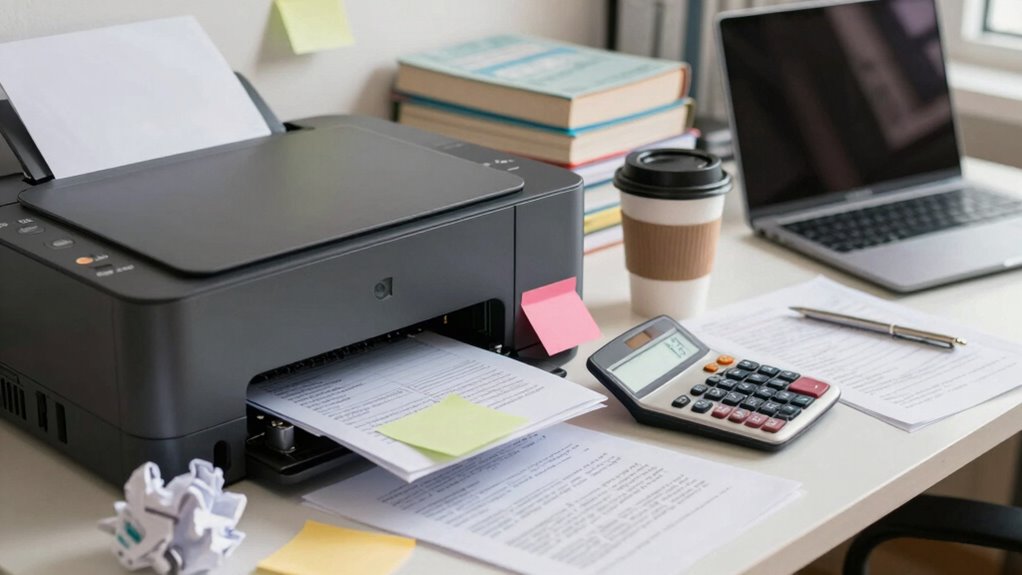

When budgeting for school, don’t forget about printer costs. Ink expenses often exceed your estimates, and high-yield cartridges can save you money over time. Paper prices add up, so consider double-sided printing and bulk buys. Maintenance fees for your printer and energy consumption also can sneak into your budget. Finally, account for replacement cartridges to avoid surprise expenses. Curious about how to manage these costs effectively? There’s more to explore!

Get business pricing on monitors, keyboards and dev gear
- Business-only prices and quantity discounts
- Tax-exempt purchasing
- Multiple users, one account, clear invoices
Key Takeaways
- Ink replacement costs can significantly impact budgets, especially if high-yield options aren’t considered for frequent printing needs.
- Paper expenses accumulate quickly; opting for double-sided printing and bulk purchases can help reduce overall costs.
- Maintenance fees for servicing and repairs often go overlooked but can lead to unexpected financial burdens.
- Energy consumption from printers can inflate electricity bills; using energy-efficient models and turning off devices when not in use can mitigate costs.
- Replacement cartridges are essential for printer functionality, and budgeting for them is crucial to avoid unexpected financial disruptions.
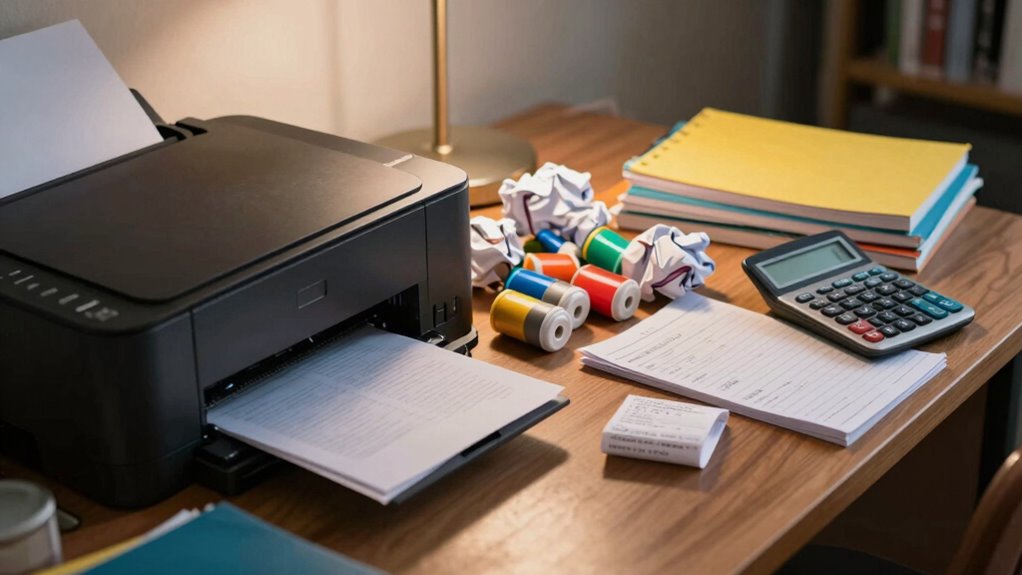
When you’re a student, every dollar counts, and printer costs can quickly add up. You might think the price of the printer is the main expense, but several hidden costs can sneak up on you. It’s vital to factor in ink expenses, paper prices, and even maintenance fees to get a clear picture of your total printing costs.
First, let’s talk about ink expenses. Most students underestimate how much ink they’ll actually use throughout the semester. If you’re printing papers, lecture notes, or even color projects, those replacement cartridges can drain your budget faster than you expect. Depending on your printer model, buying high-yield cartridges can save you money in the long run, but it’s still something you need to plan for. Always keep an eye on your ink levels to avoid last-minute runs to the store when you’re cramming for finals.
Ink expenses can sneak up on you; plan for high-yield cartridges to save money and avoid last-minute store runs.
Then there are paper prices. While you might think buying a ream of paper is a small expense, it can add up, especially if you’re printing frequently. If you’re printing double-sided or choosing less expensive paper options, you can save a bit, but it’s still important to include this in your budget planning. Consider buying in bulk or sharing costs with friends who need paper too.
Maintenance fees are another often-overlooked cost. Printers can require occasional servicing or cleaning to keep them functioning well. If you’re not careful, these maintenance fees can hit your wallet hard. It’s worth looking into warranty options when you buy your printer; they can save you from unexpected repair costs down the line.
Energy consumption is another factor you might not think about. Printers consume power, and if you’re using it regularly, it can affect your electricity bill. Opting for energy-efficient models can help mitigate this expense. Make sure to turn off your printer when you’re done using it to save on energy costs.
Finally, don’t forget about budgeting for replacement cartridges. They’re vital for keeping your printer running smoothly, so plan for them just like you would for ink and paper. By considering all these factors in your budget planning, you’ll avoid any nasty surprises and keep your finances on track throughout your studies.
high-yield ink cartridges for printers
As an affiliate, we earn on qualifying purchases.
As an affiliate, we earn on qualifying purchases.
Frequently Asked Questions
How Can I Reduce Ink Usage While Printing?
To reduce ink usage while printing, start by optimizing your print settings. Choose draft mode for less critical documents, and use grayscale for black-and-white prints. Incorporate ink conservation tips like printing on both sides of the paper and removing unnecessary images or graphics. You can also adjust the font size and style to use less ink. Regularly clean your printer’s nozzles to guarantee efficient ink flow, preventing wastage.
What Are the Benefits of Double-Sided Printing?
Double-sided printing offers significant environmental benefits and cost savings. By printing on both sides, you reduce paper usage, which helps conserve trees and lowers waste. This not only supports sustainability but also trims your printing costs, allowing you to buy less paper. Furthermore, double-sided documents are easier to manage and store, making your workspace neater. So, next time you’re printing, think about going double-sided for both your wallet and the planet!
Are There Free Printing Alternatives Available on Campus?
“Where there’s a will, there’s a way!” Yes, there are free printing alternatives available on campus! Many universities offer free printing through campus resources, especially for students who utilize digital alternatives. Check if your school provides print credits or student discounts for extra pages. You can often find these resources in libraries or student centers, so take advantage of them to save money and stay organized without breaking the bank!
How Do I Choose the Right Printer for My Needs?
To choose the right printer for your needs, start by considering ink types. Inkjet printers are great for photos, while laser printers excel at text and high-volume printing. Next, evaluate printer features like wireless connectivity, duplex printing, and scanning capabilities. Think about your typical printing tasks—if you need color, opt for an inkjet; for fast, black-and-white documents, go with a laser printer. Prioritize what matters most for your projects.
What Maintenance Do Printers Require to Avoid Extra Costs?
Think of your printer as a car; it needs regular maintenance to keep running smoothly. To avoid extra costs, focus on printer upkeep like cleaning the print heads, replacing ink cartridges promptly, and ensuring software is up to date. Conduct a cost analysis periodically to evaluate if your printing habits align with your needs. Taking these steps not only extends your printer’s lifespan but also saves you money in the long run.
As an affiliate, we earn on qualifying purchases.
Conclusion
When you think about the costs of college—tuition, books, and living expenses—don’t overlook the hidden fees of printing. While you might save on textbooks by going digital, those ink cartridges and paper can quickly add up. It’s easy to forget, but ignoring printer costs can turn your budget upside down. Balancing your expenses means recognizing that every little charge, even the quiet hum of a printer, plays a big role in your financial picture. Stay sharp!
As an affiliate, we earn on qualifying purchases.
As an affiliate, we earn on qualifying purchases.
Fall Picks
fall essentials
As an affiliate, we earn on qualifying purchases.