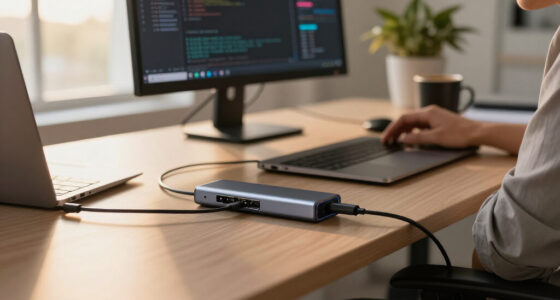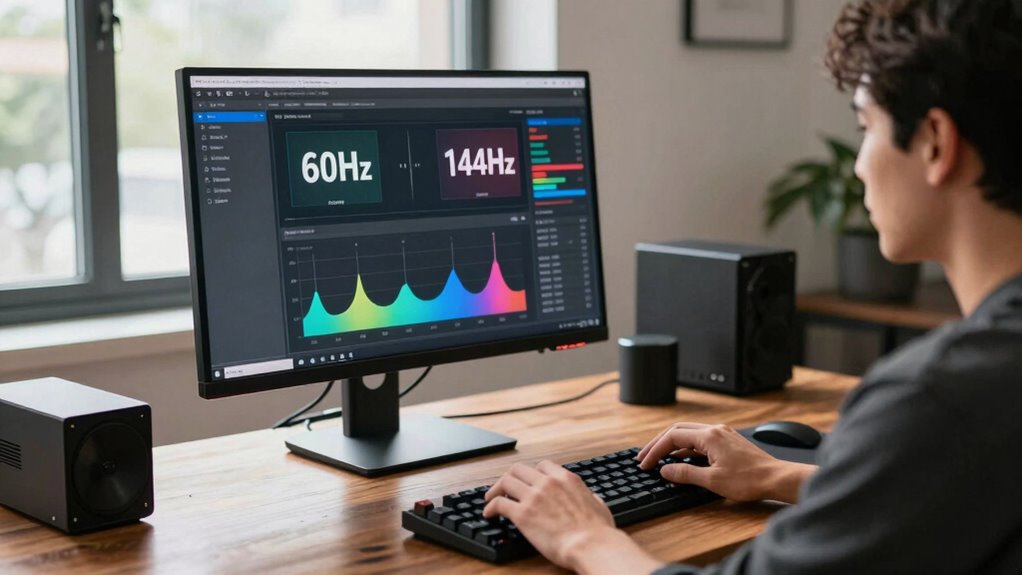

Yes, monitor refresh rate matters for your productivity. A higher refresh rate, like 120Hz or 144Hz, offers smoother visuals, making it easier to scroll through documents and switch between applications. This can help reduce eye strain and fatigue, allowing you to focus better during long hours of work. You’ll likely make fewer mistakes, especially in tasks like spreadsheets or video editing. Want to discover how to choose the right refresh rate for your needs?
Get ready for Prime Big Deal Days — try Prime free
Exclusive member deals on October 6–7, plus fast free delivery. Cancel anytime.
As an affiliate, we earn on qualifying purchases.
Key Takeaways
- Higher refresh rates (120Hz, 144Hz) enhance visual smoothness, improving document scrolling and application transitions for better productivity.
- Reduced flickering and stuttering from higher refresh rates minimize eye strain, leading to increased comfort during long work hours.
- Smooth displays facilitate accurate movements in tasks like spreadsheets and video editing, reducing the likelihood of mistakes.
- Enhanced focus and responsiveness from high refresh rates support multitasking, making it easier to manage multiple applications efficiently.
- Understanding refresh rates is essential for choosing a monitor that boosts efficiency and aligns with specific work habits and tasks.
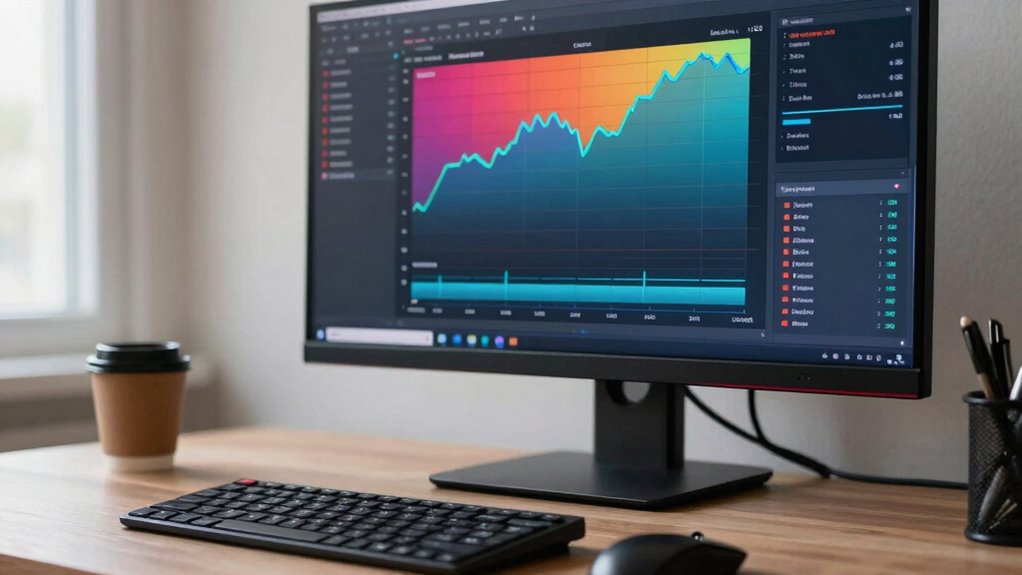
When you’re focusing on productivity, the monitor refresh rate might not be the first thing on your mind, but it plays an essential role in how smoothly your tasks flow. You might think that as long as your monitor displays images, you’re good to go. However, a higher refresh rate can greatly enhance your experience, especially if you spend hours staring at the screen. It’s not just for gaming performance; it can also impact your everyday tasks.
A monitor’s refresh rate, measured in hertz (Hz), indicates how many times per second the screen refreshes the image. For most office work, a standard refresh rate of 60Hz is often sufficient. Still, if you’ve ever noticed flickering or stuttering on your screen, you know how distracting that can be. An upgrade to a higher refresh rate, such as 120Hz or even 144Hz, can offer a much smoother visual experience. This smoothness translates to easier scrolling through documents and swifter shifts between applications, which can save you time and energy.
A monitor’s refresh rate significantly affects your visual experience, enhancing productivity with smoother scrolling and quicker application transitions.
Moreover, eye strain is a common issue for anyone who spends long hours in front of a monitor. A higher refresh rate can help reduce this strain. When your screen refreshes more frequently, it creates a more stable image, making it easier for your eyes to track and focus. If you’ve ever experienced headaches or fatigue after a long day at your computer, consider that a higher refresh rate might alleviate some of that discomfort.
While gaming performance is often touted as the primary benefit of high refresh rates, the advantages extend into productivity as well. Imagine working on a complex spreadsheet or editing a video. A smoother display allows for more accurate movements, reducing the likelihood of mistakes. You’re more likely to stay in the zone, leading to a more productive work session.
In a world where multitasking is the norm, having a monitor that can keep up with your fast-paced workflow can make a considerable difference. Whether you’re scrolling through endless emails or participating in virtual meetings, a higher refresh rate isn’t just for gamers; it’s a valuable tool for anyone looking to enhance their productivity. So, when considering your next monitor, remember that refresh rate matters and can ultimately boost your efficiency and comfort at work. Understanding monitor specifications can help you make informed choices to improve your setup.
high refresh rate monitor for productivity
As an affiliate, we earn on qualifying purchases.
As an affiliate, we earn on qualifying purchases.
Frequently Asked Questions
What Is the Ideal Refresh Rate for Gaming Monitors?
The ideal refresh rate for gaming monitors is 144Hz or higher. This refresh rate enhances your gaming experience by providing smoother visuals and reducing motion blur. If you’re into competitive gaming, a higher refresh rate gives you a significant competitive advantage, allowing you to react faster to in-game actions. Whether you’re playing fast-paced shooters or racing games, investing in a monitor with at least 144Hz will elevate your gameplay.
How Does Refresh Rate Affect Eye Strain?
They say, “You only get one pair of eyes,” so keeping them comfortable is essential. A higher refresh rate can greatly enhance your eye comfort by reducing flicker and motion blur, leading to better visual clarity. When you’re working or gaming, smoother images make it easier for your eyes to track movement without straining. So, if you want to protect your vision, consider investing in a monitor with a suitable refresh rate.
Can a Higher Refresh Rate Improve Video Quality?
Yes, a higher refresh rate can greatly improve video quality. You’ll notice enhanced video clarity, especially during fast-paced scenes, as smoother motion reduces blurriness. This is particularly beneficial for gaming; a higher refresh rate elevates your gaming experience by making movements feel more fluid and responsive. In fast action, it helps you track details better, giving you an edge and immersing you deeper into the visual action.
Do Laptops Have Adjustable Refresh Rates?
When it comes to laptops, you can definitely adjust refresh rates if your laptop specifications support it. Many modern laptops offer adjustable settings, especially those geared toward gaming performance. By tweaking these settings, you can enhance your experience based on display technology. So, if you’re looking to up your game or just improve visual clarity, don’t hesitate to explore those settings and make the most of what your laptop can do!
What Are Common Refresh Rates for TVS?
Common refresh rates for TVs are 60Hz, 120Hz, and 240Hz. Higher refresh rates improve TV performance, enhancing motion clarity during fast-paced scenes. If you love watching sports or action movies, a 120Hz or 240Hz TV can greatly elevate your viewing experience. Display technology advancements also play a role, so consider models with features like variable refresh rates for an even smoother picture. You’ll truly notice the difference in fluidity and detail!
As an affiliate, we earn on qualifying purchases.
Conclusion
In the world of productivity, a monitor’s refresh rate is like the heartbeat of your workflow. A higher rate keeps your tasks flowing smoothly, reducing strain and enhancing clarity, much like a river racing over stones. If you want to elevate your efficiency, investing in a higher refresh rate can be the wind beneath your wings. So, consider this upgrade as a tool that sharpens your focus and transforms your workspace into a vibrant hub of creativity.
ergonomic monitor with flicker reduction
As an affiliate, we earn on qualifying purchases.
As an affiliate, we earn on qualifying purchases.
smooth scrolling monitor for office use
As an affiliate, we earn on qualifying purchases.
As an affiliate, we earn on qualifying purchases.
Fall yard work Picks
leaf blowers
As an affiliate, we earn on qualifying purchases.