
TL;DR
Get ready for Prime Big Deal Days — try Prime free
Exclusive member deals on October 6–7, plus fast free delivery. Cancel anytime.
Start your free trialAs an affiliate, we earn on qualifying purchases.
Meshdiff introduces a new browser-based tool for visual comparison of STL model versions, operating entirely client-side. This allows users to compare 3D files without uploading to a server, enhancing privacy and speed. The tool is available now and aims to simplify version control for 3D printing and modeling workflows.
Meshdiff has unveiled a new browser-based tool that allows users to visually compare two STL files directly in their web browser. This development enables 3D modelers, engineers, and hobbyists to analyze differences between model versions without relying on server uploads or external software, marking a significant step in accessible, privacy-conscious 3D file comparison.
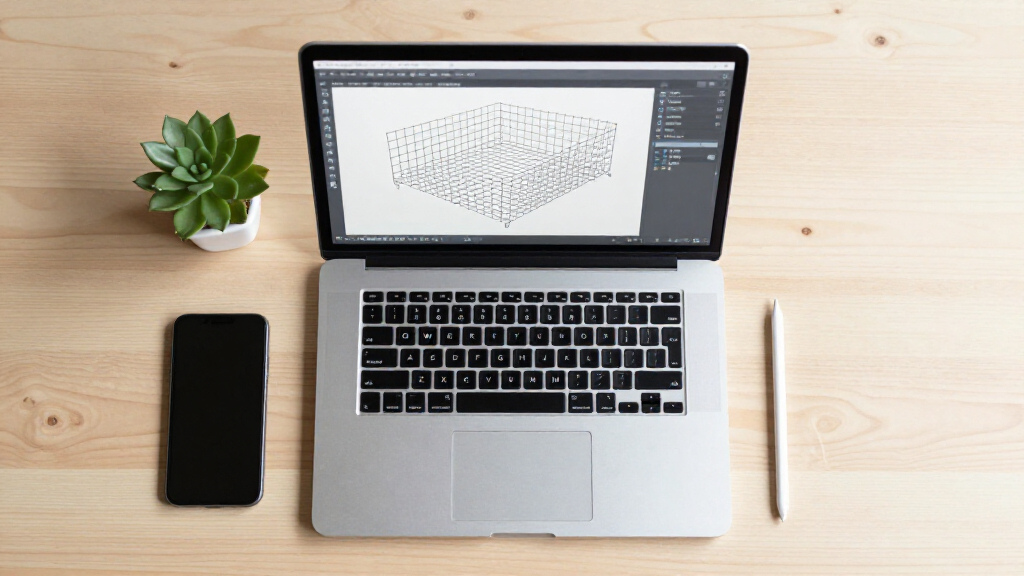
The tool, named Meshdiff, operates entirely on the client side—meaning all processing occurs within the user’s browser, with no data sent to external servers. It supports the visualization of two STL files side-by-side, highlighting differences in geometry, and offers intuitive controls for zooming, rotating, and toggling visibility of model features. Meshdiff is designed to streamline workflows where version control and precise comparison of 3D models are critical, such as in 3D printing, CAD design, and prototyping.
According to the developers, Meshdiff is compatible with all modern web browsers and does not require installation or additional software. The tool is accessible via a web URL, where users can upload their STL files directly. The developers emphasize that this approach enhances user privacy and reduces the time needed to compare models, especially for users working with sensitive or proprietary designs.
Implications for 3D Model Version Management
This development matters because it addresses a common challenge in 3D modeling: efficiently comparing different versions of complex models. Traditional methods often require specialized software or uploading files to cloud services, which can raise privacy concerns and slow down workflows. Meshdiff’s client-side approach offers a faster, more secure alternative, particularly useful for professionals handling sensitive data or working in environments with limited software access.
By enabling quick visual comparisons directly in the browser, Meshdiff could improve productivity in design iterations, quality control, and collaborative review processes. It also lowers barriers for hobbyists and small teams who may lack access to expensive CAD tools, democratizing access to advanced comparison features.
As an affiliate, we earn on qualifying purchases.
Growing Need for Simplified 3D File Comparison Tools
Over recent years, the complexity and volume of 3D models have increased significantly, driven by advancements in 3D printing, CAD software, and digital manufacturing. Existing tools for model comparison often require dedicated software, cloud-based services, or manual overlay techniques, which can be cumbersome or insecure.
Prior to Meshdiff, some browser-based viewers offered basic visualization but lacked detailed comparison features. Other solutions required uploading files to external servers, raising privacy concerns for sensitive designs. Meshdiff’s client-side approach aligns with a broader trend toward privacy-preserving, web-based tools that do not compromise data security.
As an affiliate, we earn on qualifying purchases.
Limitations and Compatibility Questions Remain
It is not yet clear how Meshdiff handles very large or highly complex STL files, or how it performs on older hardware. Additionally, the extent of feature support—such as detailed difference metrics or advanced visualization options—has not been fully disclosed. Developers have not provided detailed technical specifications or performance benchmarks, so some uncertainties about scalability and robustness remain.
As an affiliate, we earn on qualifying purchases.
Future Developments and Broader Adoption Plans
The Meshdiff team plans to release additional features, including more detailed difference analysis and support for other 3D file formats. They also aim to gather user feedback for refining the interface and functionality. Wider adoption will likely depend on community testing, integration with existing CAD workflows, and potential partnerships with 3D printing platforms or CAD software providers.
As an affiliate, we earn on qualifying purchases.
Key Questions
Is Meshdiff free to use?
Yes, Meshdiff is currently available as a free web-based tool accessible through its official URL.
Can I compare files larger than a certain size?
The developers have not specified size limits, but performance may vary depending on hardware and file complexity. Testing is ongoing.
Does Meshdiff support formats other than STL?
As of now, Meshdiff exclusively supports STL files, but future updates may include other formats such as OBJ or PLY.
Is my data secure when using Meshdiff?
Yes, since all processing occurs in the browser without uploading files to external servers, your data remains on your device.
Will Meshdiff integrate with existing CAD software?
There are no announced integrations yet, but the developers are exploring ways to enhance compatibility with popular CAD tools.
Source: hn
Fall yard work Picks
leaf blowers
As an affiliate, we earn on qualifying purchases.