
E-paper devices really minimize glare, making them easier on your eyes compared to glossy screens. You can comfortably enjoy hours of content in different lighting conditions without the strain typically associated with traditional displays. Customizing settings for font size and color contrast further enhances your experience. It’s important to take regular breaks, though, even with eye-friendly tech. Stay tuned, and you’ll discover more tips for maximizing your comfort while using these innovative devices.

Get business pricing on monitors, keyboards and dev gear
- Business-only prices and quantity discounts
- Tax-exempt purchasing
- Multiple users, one account, clear invoices
Key Takeaways
- E-paper displays reduce screen glare, making reading comfortable in various lighting conditions, similar to traditional printed paper.
- Extended reading on e-paper devices minimizes the risk of digital fatigue, but taking breaks is still essential for eye health.
- Customizable settings for font size and background color enhance readability and allow users to tailor their experience for optimal comfort.
- Well-lit environments and minimal glare improve visual clarity, reducing strain during prolonged reading sessions.
- Mindful usage habits, like adjusting settings and taking regular breaks, significantly enhance overall reading enjoyment on e-paper devices.
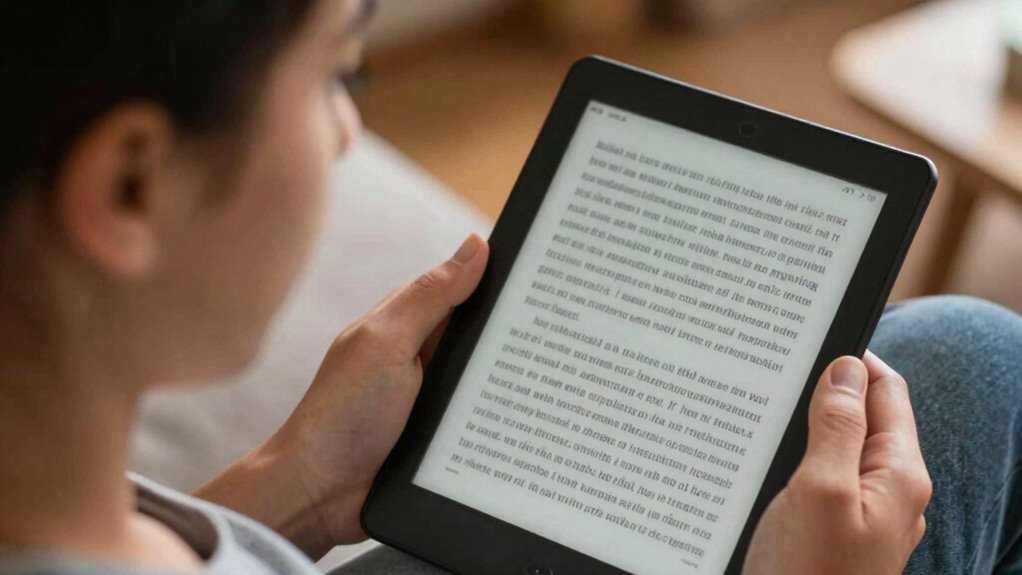
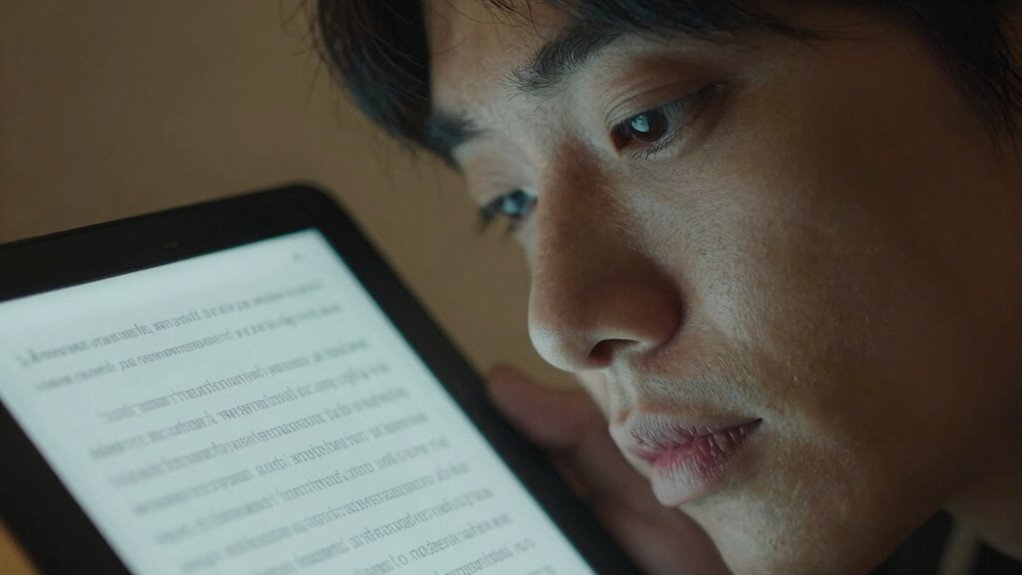
As you immerse yourself in the world of e-paper devices, you might wonder how they affect your eye comfort. These devices have gained popularity for their paper-like display, which many claim reduces eye strain compared to traditional screens. But is that really the case? Understanding how factors like screen glare, reading duration, and color contrast play into your experience can help you determine if e-paper is a good fit for you.
One major advantage of e-paper devices is their ability to minimize screen glare. Unlike glossy screens, e-paper displays reflect light in a way that resembles printed paper. This means you can read comfortably in various lighting conditions, whether it’s a sunny park or a dimly lit room. However, even with reduced glare, you still need to pay attention to your surroundings. If you’re in a situation with harsh lighting, you might still encounter some bothersome reflections.
Reading duration is another critical factor in eye comfort. People often read for extended periods, and the last thing you want is to experience digital fatigue. E-paper devices are designed to be easier on your eyes, allowing you to read for longer without discomfort. Still, it’s essential to take breaks. No matter how comfortable the device is, your eyes need time to rest and recover, especially after long reading sessions.
Color contrast also plays a significant role in how easily you can read on an e-paper device. Many e-readers offer adjustable settings, enabling you to customize the font size and background color to suit your preferences. A higher contrast between text and background can enhance readability, making it easier for you to focus and enjoy your reading experience. If you’re struggling to see the text clearly, tweaking these settings could make a world of difference.
Finally, consider how all these factors intertwine. If you’re reading in a well-lit environment with minimal glare, using appropriate font sizes and color contrasts, you’re likely to feel more comfortable. However, if you overlook these elements, you might find yourself succumbing to digital fatigue, even with an e-paper device.
In the end, eye comfort on e-paper devices largely depends on how you use them. By being mindful of screen glare, adjusting your reading duration, and optimizing color contrast and font size, you can create a more enjoyable reading experience.
E-ink e-reader with adjustable font size
As an affiliate, we earn on qualifying purchases.
As an affiliate, we earn on qualifying purchases.
Frequently Asked Questions
Can E-Paper Devices Help With Digital Eye Strain?
Yes, e-paper devices can help with digital eye strain. They offer significant digital eye comfort due to their paper-like display, reducing glare and minimizing blue light exposure. You’ll find that reading on e-paper feels more natural, allowing your eyes to relax during long sessions. Plus, the benefits of e-paper include longer battery life and lightweight design, making it easier for you to enjoy extended reading without discomfort.
How Do E-Paper Screens Compare to Traditional Screens?
If you think traditional screens are the pinnacle of modern technology, think again! E-paper screens offer a different experience. They have lower contrast clarity compared to your flashy LCDs, but that’s not always a bad thing. With minimal screen refresh, you won’t feel like you’re staring into a strobe light. So, if you’re seeking a more relaxed reading experience, e-paper might just be your ticket away from eye strain chaos!
Are E-Paper Devices Safe for Long-Term Use?
Yes, e-paper devices are generally safe for long-term use. They mimic paper’s appearance, reducing strain on your eyes compared to traditional screens. If you’ve got good reading habits—like taking breaks and adjusting brightness—you’ll enhance your eye health. E-paper’s low glare and lack of blue light make it a comfortable option for extended reading sessions, helping you enjoy your books without worrying about potential discomfort or fatigue.
Do E-Paper Devices Emit Blue Light?
E-paper devices don’t emit blue light like traditional screens do. Their unique screen technology mimics ink on paper, reducing blue light exposure considerably. This means you can enjoy reading for longer periods without straining your eyes. By choosing e-paper, you’re opting for a more comfortable experience that minimizes potential eye discomfort associated with excessive blue light. So, if you’re concerned about eye health, e-paper devices are a great choice!
Can E-Paper Devices Be Used in Direct Sunlight?
Yes, you can use e-paper devices in direct sunlight. Their design includes glare reduction features, making it easier to read outdoors without straining your eyes. You’ll appreciate the outdoor readability, as e-paper screens mimic the appearance of printed paper, ensuring clear visuals even in bright conditions. Just remember, while they perform well in sunlight, you might still need to adjust your angle for best viewing. Enjoy your reading outside!
E-paper device screen glare protector
As an affiliate, we earn on qualifying purchases.
As an affiliate, we earn on qualifying purchases.
Conclusion
In the world of e-paper devices, comfort and strain stand in stark contrast. While traditional screens often bombard your eyes with harsh blue light, e-paper mimics paper’s gentle embrace, reducing fatigue. You’ll find yourself reading longer without discomfort, enjoying the crispness of text against a soft background. Choose wisely—between the glaring screen of a tablet and the serene simplicity of e-paper, your eyes will thank you for opting for a more comfortable reading experience.
E-reader with customizable contrast
As an affiliate, we earn on qualifying purchases.
As an affiliate, we earn on qualifying purchases.
Blue light filter for e-paper devices
As an affiliate, we earn on qualifying purchases.
As an affiliate, we earn on qualifying purchases.
Fall Picks
fall essentials
As an affiliate, we earn on qualifying purchases.