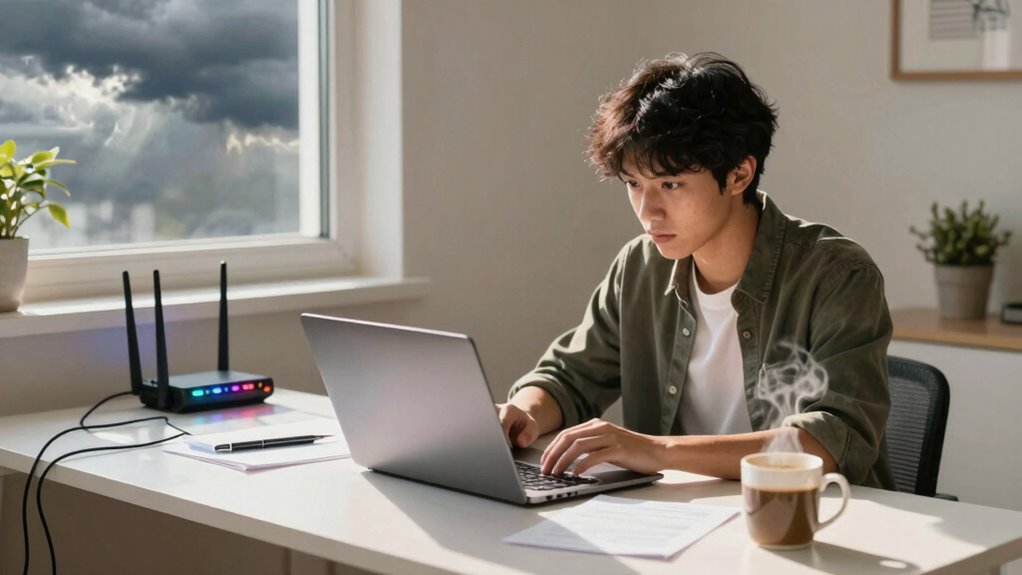

Wi-Fi quality greatly impacts your online class experience. A slow or unstable connection can lead to buffering, distractions, and even feelings of isolation during classes. You need a reliable Wi-Fi connection to engage effectively with your peers and instructors. Shared bandwidth can slow your connection, making it essential to prioritize devices when attending classes. With the right tools and strategies, you can enhance your Wi-Fi experience and create a more productive learning environment. Discover further tips for improvement!
Key Takeaways
- High Wi-Fi quality enhances learning by reducing buffering and distractions during online classes.
- A stable connection allows for uninterrupted participation, fostering engagement with instructors and peers.
- Minimizing network interference ensures a stronger signal, improving overall class experience and focus.
- Adequate bandwidth allocation is crucial, as multiple devices can slow down connection speeds during classes.
- Utilizing tools like Wi-Fi extenders or mesh networks can significantly enhance signal strength and coverage for effective learning.

As online classes become the norm, the quality of your Wi-Fi connection can greatly impact your learning experience. If you’ve ever found yourself frozen on a video call or struggling to load a lecture, you know how frustrating it can be. Wi-Fi speed is essential to ensuring you can engage fully with your courses. Slow speeds can lead to buffering, which disrupts your focus and makes it hard to absorb information. In today’s fast-paced learning environment, you need a reliable connection to keep up with lectures, participate in discussions, and submit assignments on time.
The quality of your Wi-Fi connection is crucial for effective online learning and engagement in your courses.
Connection stability is another key factor. You want your connection to be consistent, allowing you to join classes without interruption. A stable connection means fewer dropped calls and less anxiety about missing important information. If your connection drops frequently, it can create feelings of disconnection, making it hard to feel engaged in your learning. You might miss out on valuable interactions with your peers and instructors, which can make online learning feel isolating. Understanding how to minimize network interference can help you maintain a stronger connection, ensuring you can focus on your studies rather than technical issues. Additionally, using tools that optimize Wi-Fi signal strength can significantly improve your overall experience. Incorporating smart home technology such as Wi-Fi extenders or mesh networks can also help distribute your signal more evenly across your space.
Network interference can also play a significant role in your Wi-Fi experience. Things like walls, electronic devices, and even other Wi-Fi networks can disrupt your signal. If you’re in a crowded area or living with multiple people who are also using Wi-Fi, you may notice a decline in performance. Understanding how to minimize network interference can help you maintain a stronger connection, ensuring you can focus on your studies rather than technical issues.
Bandwidth allocation is another aspect you should consider. If multiple devices are connected to the same network, they share the available bandwidth. This sharing can slow down your connection speed, especially during peak usage times. If you’re in a household where everyone is streaming, gaming, or working online simultaneously, your learning experience could suffer. Prioritizing your device for your online classes can help you make the most of your connection.
Wi-Fi extender for online learning
As an affiliate, we earn on qualifying purchases.
As an affiliate, we earn on qualifying purchases.
Frequently Asked Questions
How Can I Test My Wi-Fi Speed at Home?
To test your Wi-Fi speed at home, use an online speed test tool like Ookla or Fast.com. Simply visit the site and click “Go” to measure your download and upload speeds. If you’re experiencing slow connections, try some Wi-Fi troubleshooting like repositioning your router or reducing interference from other devices. For better performance, consider speed optimization techniques, such as upgrading your router or using a wired connection for important tasks.
What Devices Can Improve My Wi-Fi Signal?
To improve your Wi-Fi signal, consider using Wi-Fi extenders, signal boosters, or setting up a mesh network. These devices help eliminate dead zones and enhance coverage throughout your home. Also, pay attention to router placement; positioning it in a central location can greatly boost performance. Experiment with these options to find what works best for you, ensuring a more reliable connection for your online activities.
Are Free Public Wi-Fi Networks Safe for Online Classes?
You might think a free public Wi-Fi network is convenient for your online classes, but it comes with risks. Data security concerns are real; your personal information can be exposed to hackers. Public networks often lack encryption, making it easy for cybercriminals to intercept your data. If you can, use a VPN to protect yourself, or stick to secure, private networks for your studies. Don’t compromise your safety for convenience!
How Often Should I Reboot My Router for Optimal Performance?
You should reboot your router at least once a month for peak performance. Regular router maintenance tips suggest this helps clear memory and refresh connections. If you notice slow speeds or connectivity issues, rebooting more frequently—like once a week—can help. Keeping your router in a well-ventilated area and away from interference can also improve performance. So, don’t forget to make rebooting part of your routine for better online experiences!
Can a VPN Affect My Wi-Fi Speed During Classes?
Yes, a VPN can affect your Wi-Fi speed during classes. Studies show that using a VPN can reduce your speed by up to 30%. This happens due to encryption overhead and the distance to the server location. You might experience speed fluctuations and connection stability issues, especially if your bandwidth limitations are tight. To optimize your experience, choose a VPN with minimal impact on performance and a server close to your location.
mesh Wi-Fi system for home
As an affiliate, we earn on qualifying purchases.
As an affiliate, we earn on qualifying purchases.
Conclusion
In the world of online learning, Wi-Fi’s whims can make or break your experience. A strong signal fosters focus, fueling fruitful friendships and fantastic feedback. Conversely, weak Wi-Fi can create chaos, causing confusion and cutting connections. To truly thrive in your virtual classroom, prioritize a powerful, dependable connection. Don’t let lagging links limit your learning journey. Embrace the benefits of brilliant bandwidth, and watch your education flourish in this digital domain!
Wi-Fi signal booster
As an affiliate, we earn on qualifying purchases.
As an affiliate, we earn on qualifying purchases.
router with high bandwidth for students
As an affiliate, we earn on qualifying purchases.
As an affiliate, we earn on qualifying purchases.