
📊 Full opportunity report: Build vs Buy a Prebuilt AI Workstation on ThorstenMeyerAI.com — validation score, market gap, and execution plan.

Get business pricing on monitors, keyboards and dev gear
- Business-only prices and quantity discounts
- Tax-exempt purchasing
- Multiple users, one account, clear invoices
TL;DR
In 2026, the traditional cost advantage of building your own AI workstation has diminished due to component shortages and price spikes. Buyers now must weigh cost, time, thermal control, and warranty options when choosing between DIY and prebuilt systems.
In 2026, the long-standing rule that building a custom AI workstation is cheaper than buying prebuilt has been overturned due to component shortages and price increases. This shift means buyers must now carefully evaluate cost, time, thermal management, and support options when choosing between DIY and prebuilt systems.
The rise in component prices for DDR5 RAM, GPUs, and SSDs—driven by AI boom-related shortages—has pushed DIY build costs above those of prebuilt systems. Major manufacturers like Lambda, Puget, and BIZON have secured bulk components and offer systems with validated thermals, water-cooling, and warranties, often at prices that are hard to match individually. Prebuilt systems arrive ready to use, with pre-installed AI stacks, and undergo extensive thermal testing, making them attractive for professionals who value time and reliability. Conversely, hobbyists and students with time and technical skill can still benefit from building their own, gaining control, upgradeability, and a deeper understanding of their hardware. The decision now hinges on whether the buyer prefers the convenience and support of prebuilt systems or the customization and learning experience of DIY assembly.Build vs buy
an AI workstation.
The real question behind this whole series: do you pull the five heat-and-noise levers yourself, or buy a prebuilt where the vendor pulled them for you? And in 2026, the old “building is cheaper” rule has broken. Match your situation in Part 3.
Impact of Rising Hardware Costs on Build vs Buy Decisions
As component prices surge, the traditional economic advantage of building your own AI workstation diminishes, forcing buyers to reconsider their options. This change affects individual hobbyists, students, and professionals, who must now factor in not just cost but also time, thermal management, warranty, and support. For the AI community, it means a shift toward valuing prebuilt systems with validated performance and support, especially for high-end multi-GPU setups. This evolution could influence future hardware purchasing trends and the competitive landscape among workstation vendors.
As an affiliate, we earn on qualifying purchases.
2026 Market Conditions and Component Shortages
Over the past year, AI-driven demand has caused shortages and price spikes in critical components like DDR5 RAM, high-end GPUs, and SSDs. Historically, building a custom system was cheaper, but bulk purchasing by vendors like Lambda and Puget has allowed them to offer systems at prices often lower than what individuals can assemble today. This shift is compounded by the increased complexity of thermal management in high-power AI workstations, making prebuilt systems with validated cooling solutions more appealing. The landscape is now shaped by supply chain dynamics and the need for reliable, ready-to-run systems for AI workloads.
"The traditional cost advantage of DIY builds has evaporated in 2026 due to component shortages and price hikes, making prebuilt systems more competitive than ever."
— Thorsten Meyer, AI hardware expert
As an affiliate, we earn on qualifying purchases.
Uncertainties in Future Hardware Pricing and Supply
It remains unclear whether component prices will stabilize or continue to rise in 2026, which could further alter the cost comparison. Additionally, supply chain disruptions or new technological developments might influence the availability and pricing of GPUs, RAM, and SSDs, impacting the build vs buy decision in the near future.
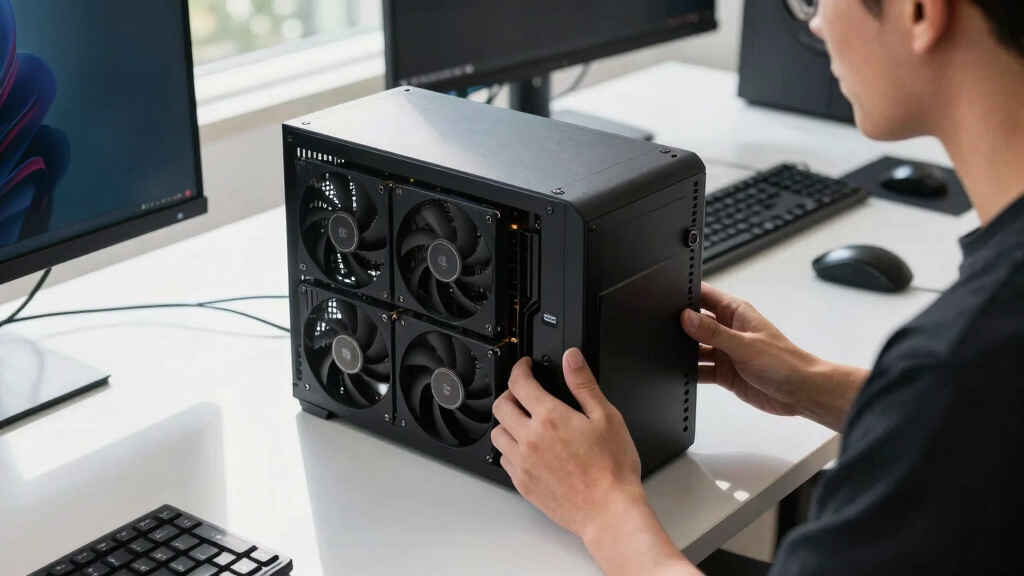
professional AI workstation cooling system
As an affiliate, we earn on qualifying purchases.
As an affiliate, we earn on qualifying purchases.
Market Trends and Buyer Choices in 2026
Expect ongoing price fluctuations and supply adjustments through 2026. Vendors will likely continue offering validated, ready-to-use systems with warranties, while DIY builders may focus on niche markets or specific custom configurations. Buyers should carefully price current options and consider their thermal management expertise and support needs before deciding.
As an affiliate, we earn on qualifying purchases.
Key Questions
Is building a DIY AI workstation still cheaper in 2026?
Not necessarily. Due to component shortages and price spikes, prebuilt systems often match or exceed the cost of DIY builds, especially for high-end configurations.
What are the main advantages of buying a prebuilt AI workstation?
Prebuilts offer plug-and-play convenience, validated thermals, warranties, and pre-installed AI software stacks, saving time and reducing setup risks.
Can I upgrade a prebuilt AI workstation later?
It depends on the system design, but many high-end prebuilts allow for upgrades like additional RAM, storage, or GPUs. However, some components may be more difficult to replace.
Is thermal management still a reason to build your own?
Yes, building your own allows precise control over cooling solutions, which can be beneficial for custom setups or specific noise and temperature requirements.
What should I consider when choosing between build and buy for AI workstations?
Consider your budget, time, technical skill, need for support, and whether you value customization or convenience most. Also, compare current prices for your specific configuration.
Source: ThorstenMeyerAI.com
Halloween Picks
halloween
As an affiliate, we earn on qualifying purchases.