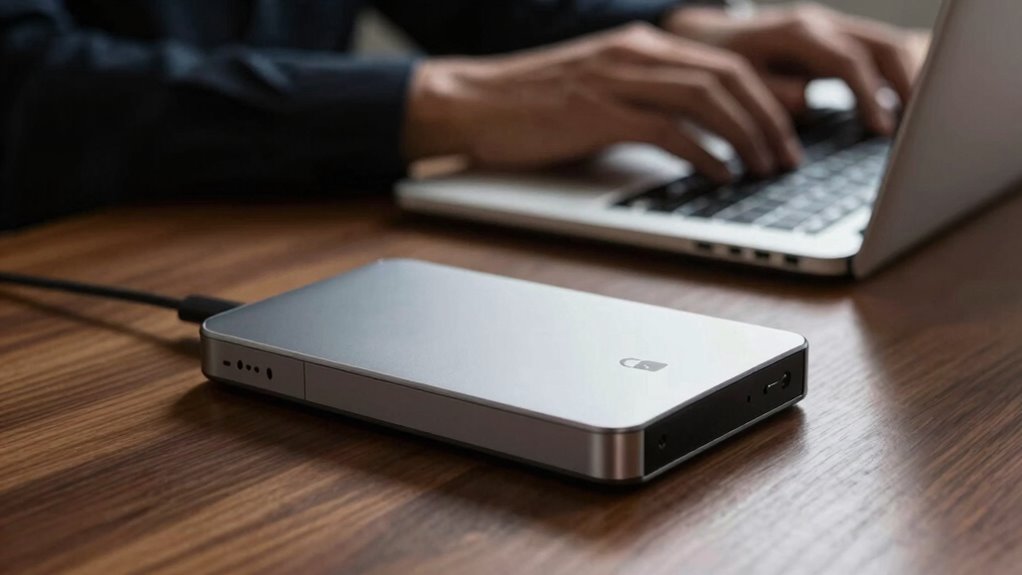

Encryption matters for your external drives because it protects your sensitive data from unauthorized access and cyber threats. Without encryption, a lost or stolen drive could expose your personal information, financial records, and more. It also helps you comply with data protection regulations, avoiding potential legal issues. By locking your data behind a password, you gain peace of mind about your security. Discover how to choose the right encryption tools and enhance your data management practices.
Key Takeaways
- Encryption protects sensitive data on external drives from unauthorized access, ensuring privacy for financial and personal information.
- It safeguards against data breaches, minimizing the risk of financial and reputational damage.
- Compliance with industry regulations often requires encryption, helping organizations avoid legal penalties.
- Encrypting drives enhances data management by promoting secure storage and limiting access to authorized users.
- Understanding encryption mechanisms aids in selecting effective tools, fostering a culture of security within organizations.
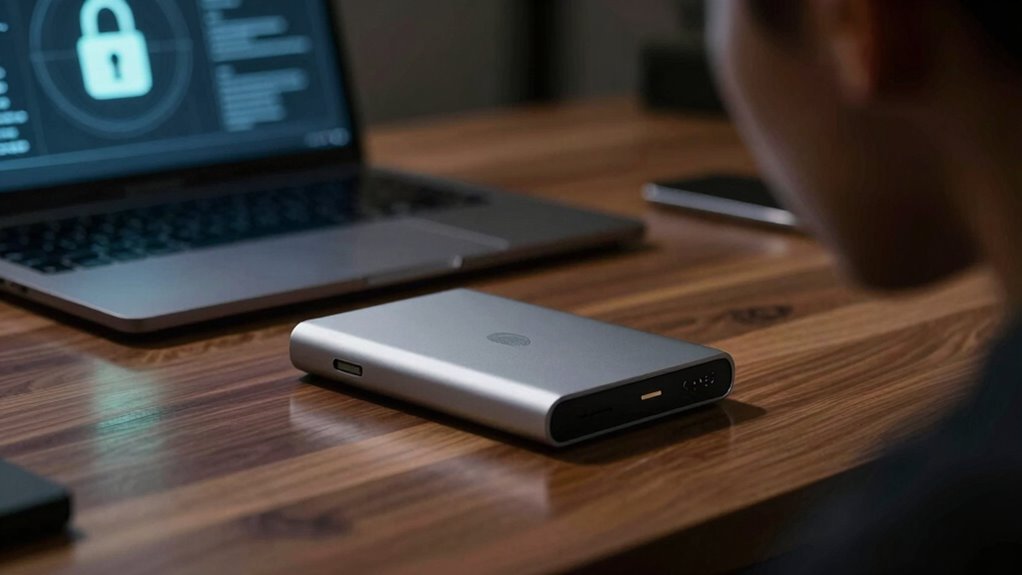
When it comes to protecting your data, encryption for external drives is essential. You might think of your external drive as a safe haven for your sensitive information, but without encryption, it’s more like leaving your front door wide open. Anyone with access can easily snoop around, leading to unauthorized access to your files. This not only puts your data security at risk but also jeopardizes your privacy protection. With increasingly sophisticated methods of drive theft, it’s important to take proactive steps to safeguard what matters most.
Imagine that you’re storing important documents, financial records, or personal photos on your external drive. If someone were to steal that drive, they could gain immediate access to your sensitive information. Encrypting your drive creates a barrier; even if someone manages to get their hands on it, they won’t be able to read the data without the correct password or encryption key. This is particularly important when you’re dealing with compliance requirements in various industries. Many organizations need to adhere to regulations that mandate the protection of sensitive data, and encryption serves as a significant tool in meeting those obligations. Additionally, implementing encryption can help you adhere to security standards and avoid potential penalties.
The benefits of encrypting your external drive extend beyond mere compliance. Think about the peace of mind you’ll have knowing that your files are secure. You won’t have to worry about what happens if your drive gets lost or stolen. By implementing strong encryption, you’re effectively locking the door to your data, ensuring that only you can access it. This level of security is vital in today’s digital landscape, where cyber threats and data breaches are rampant. Encryption also supports data breach prevention, making it a crucial component of your overall cybersecurity strategy. Understanding how encryption works and its protection mechanisms can help you make more informed decisions about your data security. Implementing encryption best practices can also help you manage access controls more effectively, limiting who can view or modify your sensitive information.
Furthermore, understanding the importance of encryption can encourage better data management practices, helping you to organize your files more securely.
external drive encryption software
As an affiliate, we earn on qualifying purchases.
As an affiliate, we earn on qualifying purchases.
Frequently Asked Questions
What Types of Encryption Are Best for External Drives?
For external drives, the best encryption types include software options like BitLocker and VeraCrypt, which offer strong data protection. If you prefer hardware solutions, look for drives with built-in encryption features that comply with AES (Advanced Encryption Standard) standards. These solutions not only secure your data but also make it easier to access when needed. By choosing the right encryption method, you guarantee your sensitive information stays safe from unauthorized access.
How Do I Encrypt My External Drive?
To encrypt your external drive, start by using reliable encryption tools like VeraCrypt. Imagine you store sensitive client data on that drive; if it gets lost, encryption keeps your information safe. Simply download VeraCrypt, install it, and create a volume on your drive. Follow the prompts to set a strong password. This way, you enhance your data security and guarantee that only you can access your valuable information, even if the drive falls into the wrong hands.
Can Encryption Slow Down Drive Performance?
Yes, encryption can slow down your drive’s performance. When you use encryption algorithms to secure your data, they require processing power, which might lead to minor delays during read and write operations. However, the performance impact often depends on the specific algorithm and your hardware’s capabilities. Some modern drives handle encryption efficiently, minimizing any noticeable slowdown. If speed’s a priority, consider testing different algorithms to find one that balances security and performance effectively.
Is Encryption Necessary for All External Drives?
Think of encryption like a sturdy lock on your front door; it’s essential for keeping your home safe. Yes, encryption’s necessary for all external drives, especially if you value data security and privacy protection. Without it, you risk unauthorized access to your sensitive files, compromising data integrity. Whether you store personal photos or sensitive work documents, encrypting your drive guarantees that only you can access your important information, safeguarding it from potential threats.
What Happens if I Forget My Encryption Password?
If you forget your encryption password, you might face significant data loss. Without the correct password, accessing your files becomes nearly impossible. Some encryption software offers password recovery options, but they might not always work, depending on how the encryption was set up. It’s essential to keep a secure backup of your password or use a password manager to minimize the risk of losing access to your important data.
hardware encrypted external hard drive
As an affiliate, we earn on qualifying purchases.
As an affiliate, we earn on qualifying purchases.
Conclusion
In a world where data breaches can feel like a modern-day Trojan Horse, encrypting your external drives is essential. Just as Odysseus safeguarded his secrets, you too can protect your valuable information from prying eyes. Don’t leave your sensitive data vulnerable; take action now to guarantee its safety. By encrypting, you’re not just locking the door but fortifying your digital fortress against potential threats. Remember, in cybersecurity, a little precaution goes a long way!
portable encrypted SSD
As an affiliate, we earn on qualifying purchases.
As an affiliate, we earn on qualifying purchases.
USB drive encryption tool
As an affiliate, we earn on qualifying purchases.
As an affiliate, we earn on qualifying purchases.