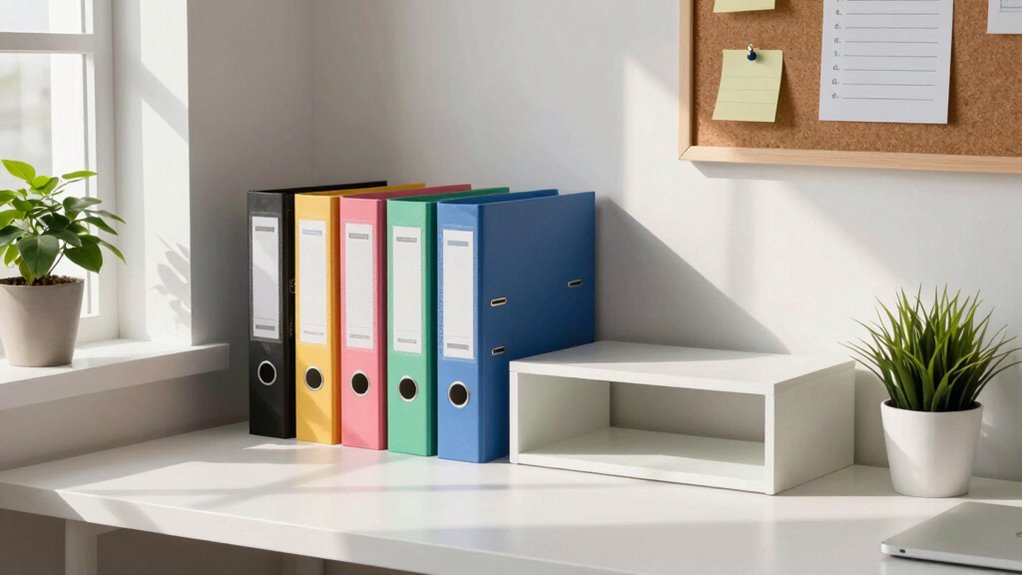

To build a paper workflow that doesn’t take over your room, start by sorting your documents into “keep,” “toss,” and “digitize” piles. Use labeled folders for easy access and stick to a consistent naming convention. Regularly review and maintain your system to prevent clutter. Make use of vertical space and consider cloud storage for digital files. By incorporating these strategies, you’ll streamline your organization and create a more efficient environment, leading to even more effective solutions ahead.

Get business pricing on monitors, keyboards and dev gear
- Business-only prices and quantity discounts
- Tax-exempt purchasing
- Multiple users, one account, clear invoices
Key Takeaways
- Sort paperwork into categories: keep, toss, and digitize, minimizing clutter and ensuring only essential documents remain in your space.
- Establish a consistent naming convention for digital files, making retrieval quick and efficient while reducing physical paperwork.
- Utilize labeled folders for both physical and digital documents, creating an organized filing system that simplifies access and reduces search time.
- Schedule regular review sessions to maintain organization and prevent paper buildup, promoting a tidy workspace and enhancing overall efficiency.
- Implement space-saving techniques, like using vertical storage, to maximize room while ensuring easy access to essential documents.
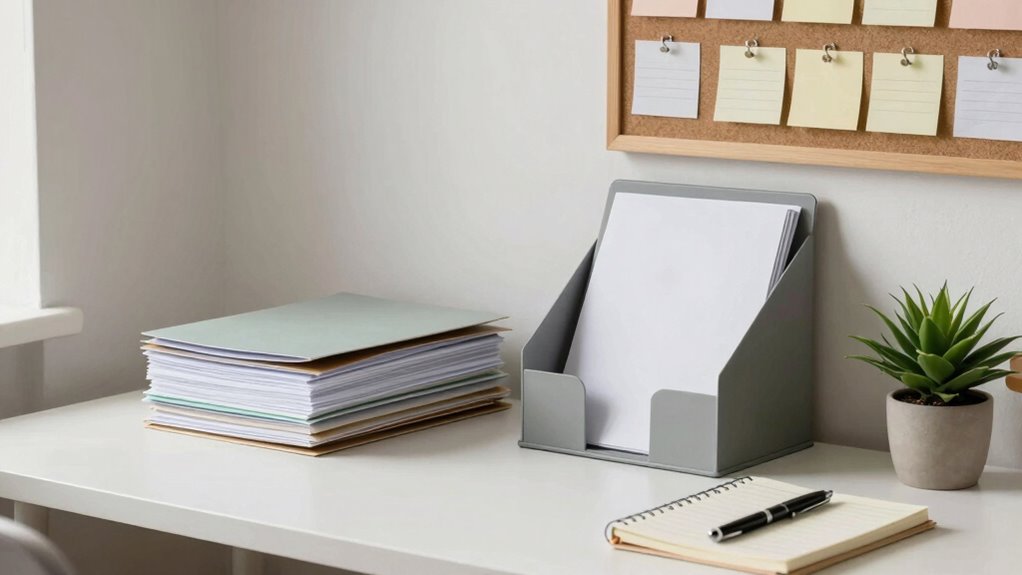
Building an effective paper workflow can transform how you manage documents, especially when you feel overwhelmed by piles of paperwork. You might find yourself drowning in an ocean of papers, but with a solid plan, you can regain control. Start by embracing digital organization. Consider going paperless whenever possible; this not only frees up physical space but also makes it easier to find documents quickly. Utilize cloud storage for your digital files and create a consistent naming convention for easy retrieval. Incorporating home‑care techniques can help you maintain a clean and organized space, reducing clutter and improving overall efficiency.
Next, let’s explore decluttering tips. Begin by sorting through your existing paperwork. Create a sorting system that categorizes documents into “keep,” “toss,” and “digitize.” This will help you identify what’s necessary and what can be discarded. For the papers you choose to keep, efficient filing is key. Use labeled folders, whether physical or digital, to store your documents methodically. Keep frequently accessed files at the front for quick access, and consider using visual aids to remind you of where everything is. Additionally, implementing organized filing systems can further streamline your process and reduce the time spent searching for important documents. Regularly updating your filing system can also prevent clutter from building up again over time. Incorporating space‑saving techniques can make a significant difference in small or cluttered spaces, helping you maximize your storage options. Incorporating routine maintenance by scheduling regular review sessions can help you stay organized and prevent buildup, saving you time and stress in the long run.
As an affiliate, we earn on qualifying purchases.
Frequently Asked Questions
What Materials Do I Need to Start Organizing My Papers?
To start organizing your papers, you’ll need a few key materials. Grab a sturdy filing system, like a filing cabinet or portable box. Invest in folders or binders to separate your documents. Use a labeling technique, like color coding or clear labels, to easily identify categories. Don’t forget some basic stationery, like scissors and markers. With these materials, you’ll set up an efficient workspace that keeps your papers in check!
How Often Should I Review My Paper Workflow?
You should review your paper workflow at least once a month. This review frequency helps you spot any issues and make necessary workflow adjustments. Check what’s working and what’s not, then tweak your system accordingly. If you notice papers piling up or feel overwhelmed, don’t hesitate to adjust more frequently. Keeping your workflow efficient guarantees you stay organized and reduces clutter, making your space more manageable.
Can Digital Tools Replace a Physical Paper Workflow?
Yes, digital tools can replace a physical paper workflow. By embracing digital efficiency, you streamline your processes and reduce clutter. Paper alternatives like cloud storage, note-taking apps, and project management software help you stay organized and access information anytime, anywhere. Plus, they often include features that enhance collaboration and tracking. So, if you’re looking to simplify your workflow and minimize paper, going digital is definitely the way to go!
What Common Mistakes Should I Avoid in Paper Organization?
To avoid common mistakes in paper organization, keep an eye out for misplaced documents and cluttered surfaces. Don’t let unread mail pile up; sort it daily to prevent overwhelm. Also, steer clear of ineffective filing systems that don’t suit your needs. Create a logical structure that you can easily maintain, ensuring everything has a designated spot. Regularly review your setup to stay organized and minimize paper chaos in your space.
How Can I Involve My Family in the Paper Workflow Process?
Involving your family in the paper workflow process might seem like inviting chaos, but it’s a great way to streamline things! Start by defining family roles based on everyone’s strengths. Delegate tasks like sorting, filing, or shredding to make it a team effort. Not only does this lighten your load, but it also fosters responsibility and collaboration. You’ll be surprised how much smoother it goes when everyone pitches in!
As an affiliate, we earn on qualifying purchases.
Conclusion
In the end, a streamlined paper workflow is like a well-tuned symphony—each piece plays its part without drowning out the others. By organizing, prioritizing, and regularly purging unnecessary documents, you’ll keep clutter at bay and your space serene. Embrace these simple steps, and watch as your room transforms into a haven of productivity. So, grab that metaphorical baton and orchestrate your paper life for a harmonious, stress-free environment!
As an affiliate, we earn on qualifying purchases.
As an affiliate, we earn on qualifying purchases.
Fall Picks
fall essentials
As an affiliate, we earn on qualifying purchases.