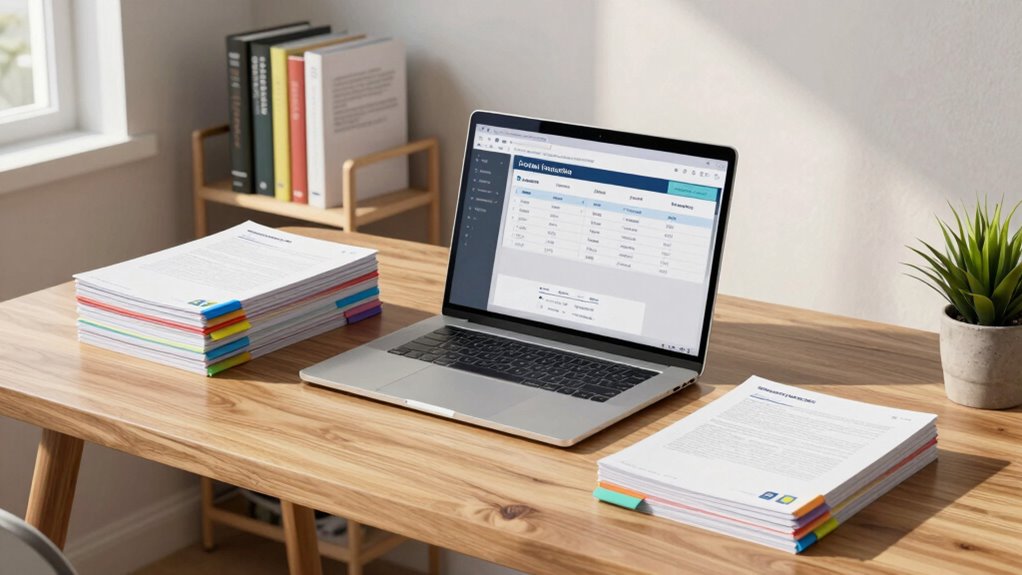

To organize your annotated PDFs, start by using concise, descriptive file names that reflect the content. Add relevant tags to categorize your documents by themes or projects for quick access. Create a structured storage system, using main folders and specific sub-folders for easier navigation. Don’t forget to back up your files regularly and update your organization strategy as needed. This way, finding your PDFs later becomes a breeze. There’s even more to explore on optimizing this process.

Get business pricing on monitors, keyboards and dev gear
- Business-only prices and quantity discounts
- Tax-exempt purchasing
- Multiple users, one account, clear invoices
Key Takeaways
- Use descriptive file names for your annotated PDFs to quickly identify their content and purpose.
- Implement a consistent tagging system to categorize PDFs by themes, topics, or projects for easier retrieval.
- Organize PDFs in a structured folder hierarchy, such as main categories and specific sub-folders, for efficient access.
- Regularly back up your documents to prevent data loss and ensure easy recovery of annotated PDFs.
- Periodically review and refine your file names, tags, and folder structures to maintain an effective organization system.

Organizing annotated PDFs can feel overwhelming, but it doesn’t have to be. With the right approach, you can create a system that makes finding your documents easy and efficient. Start by thinking about how you’ll name your files. A good file naming strategy can save you time and frustration later. Use concise and descriptive titles that reflect the content of the PDF. For example, instead of naming a paper “Article1.pdf,” consider “2023_Research_Methods_Study.pdf.” This simple adjustment helps you quickly identify what each document contains without needing to open it.
Next, consider how tagging strategies can enhance your organization. Tags act like labels that categorize your PDFs based on themes, topics, or projects. When you create tags, make them specific and relevant. For instance, if you’re working on a project about climate change, you might use tags like “climate_change,” “policy,” and “research.” This way, you can quickly filter through your PDFs later, saving you from endless scrolling. Most PDF readers allow you to add tags; take advantage of this feature to keep your documents easily accessible.
Tags serve as essential labels that categorize your PDFs by themes or projects, allowing for quick and efficient document retrieval.
Now, let’s talk about storage solutions. You can opt for cloud-based storage, which allows you to access your files from anywhere, or you might prefer local storage on your computer. Regardless of your choice, keep your folders organized. Create main folders for broad categories and sub-folders for specific topics. For instance, under a main folder called “Research,” you could have sub-folders for “Climate Change,” “Technology,” and “Health.” This hierarchical structure makes it easier to locate your PDFs when you need them. Additionally, understanding filtration and suction basics can help you manage your digital files more effectively by ensuring your storage systems are optimized to prevent data loss. Regularly backing up your files is another important aspect of digital file management that shouldn’t be overlooked. Familiarizing yourself with search techniques can also significantly increase your efficiency in locating specific documents within your organized system. Incorporating metadata into your file organization can further improve your ability to retrieve documents based on details like author, date, or keywords. Periodically refining your tags, file names, and folder structures will guarantee they remain effective.
As an affiliate, we earn on qualifying purchases.
Frequently Asked Questions
What Software Is Best for Annotating PDFS?
The best software for annotating PDFs really depends on your user preferences. Popular annotation tools like Adobe Acrobat and PDF Expert offer robust editing capabilities and cloud storage options. If you need mobile apps, consider Notability or GoodNotes for seamless annotations on the go. For collaborative features, tools like Kami or Miro excel, allowing you to share and edit PDFs with others easily. Choose the one that fits your workflow!
Can I Share Annotated PDFS Easily With Others?
Absolutely, you can share annotated PDFs easily with others! As the saying goes, “two heads are better than one.” Use collaboration tools like Google Drive or Dropbox, where you can set specific sharing permissions. This way, your colleagues can view or edit your annotations, making teamwork seamless. Just upload your PDF, adjust the permissions, and send the link. You’ll find that collaboration becomes much more effective and enjoyable!
How Do I Back up My Annotated PDFS?
To back up your annotated PDFs, use cloud storage services like Google Drive or Dropbox for easy access and file syncing across devices. You can also save copies on external hard drives for extra security. Implement organization strategies by creating folders based on topics or projects, ensuring you can find your files quickly. Regularly check your backups to confirm everything’s up-to-date, so you’ll never lose your important annotations.
Is There a Way to Merge Multiple Annotated PDFS?
Yes, you can merge multiple annotated PDFs using various PDF merging tools. Look for ones that offer batch processing options, allowing you to combine several files at once. This saves time and keeps your annotations organized. Additionally, consider using file compression techniques to reduce the size of your merged document without losing quality. This way, you’ll have a streamlined collection of your important annotations in one easily accessible file.
What File Formats Support Annotations Besides PDFS?
You’ve got options! Besides PDFs, various file formats support annotations, like image formats (JPEG, PNG), allowing you to mark up pictures, and document standards like DOCX and ODT for rich text notes. Note-taking applications often let you annotate directly within their formats, fostering an interactive experience. Collaboration tools, too, usually support comments and highlights, ensuring everyone’s voice is heard. So, immerse yourself and explore these versatile formats!
PDF tagging and organization tools
As an affiliate, we earn on qualifying purchases.
As an affiliate, we earn on qualifying purchases.
Conclusion
By organizing your annotated PDFs effectively, you’ll save time and reduce stress when searching for important information. For instance, imagine you’ve annotated several research papers for a project on climate change. By categorizing them into folders like “Sea Level Rise” and “Greenhouse Gases,” you can quickly access relevant insights. This streamlined system not only boosts your productivity but also guarantees you never miss critical details, making your research process much smoother and more efficient.
As an affiliate, we earn on qualifying purchases.
As an affiliate, we earn on qualifying purchases.
Halloween Picks
halloween
As an affiliate, we earn on qualifying purchases.