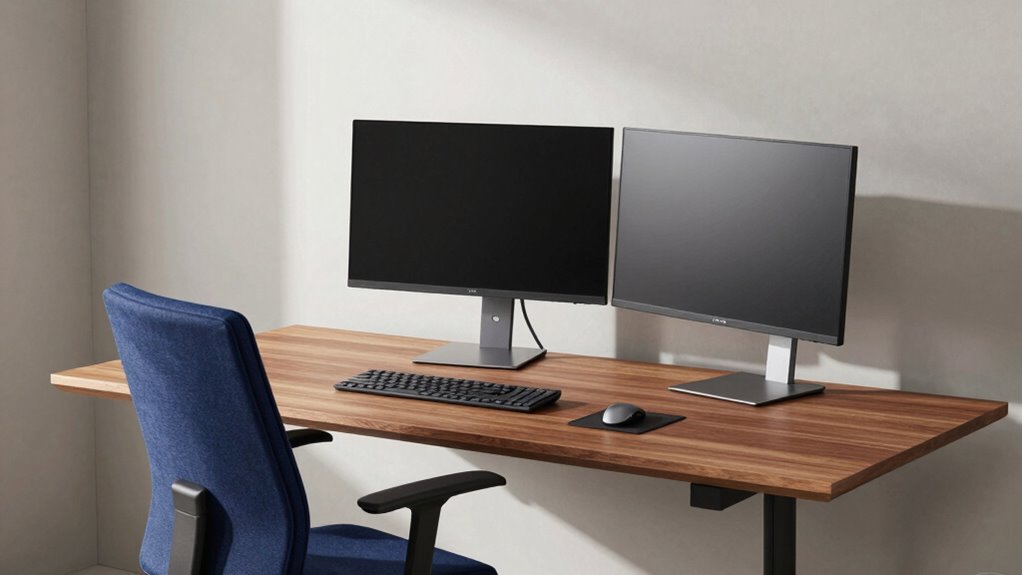

When setting up your workspace, start with a quality chair. It’ll provide the essential back support you need for long hours and reduce strain. Next, invest in a desk that complements your chair and guarantees organization. Finally, consider monitor arms to position your screens at eye level. This setup enhances comfort and productivity, creating an efficient work environment. If you’re curious about the best options, there’s more to discover about optimizing your workspace.

Get business pricing on monitors, keyboards and dev gear
- Business-only prices and quantity discounts
- Tax-exempt purchasing
- Multiple users, one account, clear invoices
Key Takeaways
- Prioritize investing in a high-quality chair first for essential back support and comfort during long hours of work.
- Select a well-designed desk next to enhance organization and support ergonomic features for improved workflow.
- Consider monitor arms after establishing a comfortable chair and desk setup to further optimize monitor positioning and workspace efficiency.
- Focus on adjustable options for the desk and chair to accommodate different working styles and preferences.
- Allocate budget wisely by prioritizing quality over quantity to ensure a supportive and productive workspace environment.
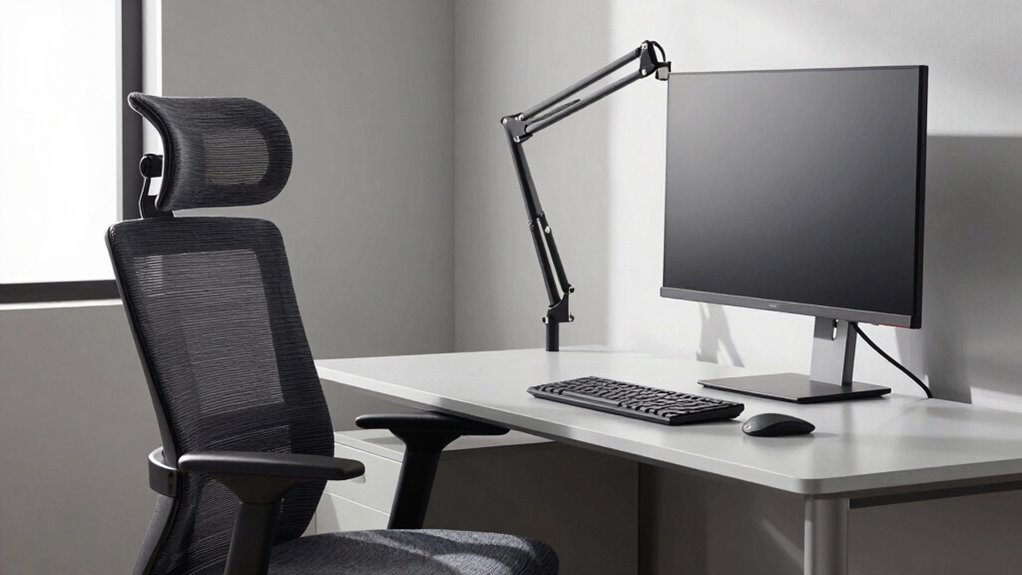
When you spend hours at your desk, having the right setup can make all the difference. Investing in the right equipment isn’t just about comfort; it’s also about productivity and overall well-being. Among the essentials, monitor arms, chairs, and desks stand out as essential pieces in creating an efficient workspace. Knowing where to allocate your budget first can lead to considerable ergonomic benefits and enhance your workspace organization.
Starting with chairs, you can’t overlook the importance of a good one. A quality chair provides crucial support for your back and posture. It allows you to stay comfortable during long hours, reducing the risk of strain or injury. Investing here can yield immediate ergonomic benefits, making it easier to focus on your tasks without the distractions of discomfort. Look for chairs with adjustable height and lumbar support; these features can greatly improve your sitting experience.
A quality chair is essential for back support and comfort, helping you focus on tasks without discomfort distractions.
Next up is your desk. A well-designed desk not only supports your chair but also plays a key role in workspace organization. If your desk is cluttered or poorly designed, it can affect your workflow and productivity. A standing desk or an adjustable desk can offer versatility, allowing you to switch between sitting and standing throughout the day. This flexibility can lead to increased energy levels and reduced fatigue. Think about the aesthetic appeal of your desk too; a visually pleasing workspace can uplift your mood and inspire creativity. Additionally, selecting a desk with proper ergonomic features can further enhance your comfort and efficiency. Incorporating ergonomic principles into your workspace setup can help prevent discomfort and promote better posture over time. Remember, a good workspace setup also considers proper organization to keep your area functional and stress-free. Prioritizing ergonomic design can significantly improve how your workspace supports your health and productivity.
Monitor arms might be the last piece on your list, but they shouldn’t be underestimated. They allow you to position your monitors at eye level, which can greatly reduce neck strain. With the right monitor arm, you can free up desk space, enhancing your workspace organization. This not only makes your desk look tidier but also optimizes your workflow by keeping everything within reach.
While it’s tempting to go for the cheapest options available, don’t forget about budget considerations. Allocate your funds wisely, focusing on quality over quantity. Prioritize your chair and desk first; these will offer the most immediate benefits. Once you’ve established a solid foundation, you can invest in monitor arms to complete your setup. Remember, the goal is to create a workspace that not only looks good but also supports your health and productivity. By thoughtfully selecting where to invest, you’ll be well on your way to a more efficient and enjoyable work environment.
ergonomic office chair with lumbar support
As an affiliate, we earn on qualifying purchases.
As an affiliate, we earn on qualifying purchases.
Frequently Asked Questions
How Do I Maintain My Monitor Arm and Chair?
To maintain your monitor arm, regularly check for loose screws and tighten them as needed. Wipe it down with a damp cloth to remove dust. For chair cleaning, use a vacuum to get rid of crumbs and debris, then spot clean stains with a mild detergent. Don’t forget to inspect the wheels and adjust the height settings for comfort. Keeping both items in good shape enhances your workspace efficiency.
Can I Use Multiple Monitors With One Arm?
Absolutely, you can use multiple monitors with one arm! Just make certain your monitor arm’s compatible with a dual monitor setup. Think of it like a clever juggler balancing two balls in one hand. Check the weight limits and mounting options to guarantee stability. Once you’ve confirmed compatibility, you’ll enjoy a seamless workspace that boosts productivity and keeps your desk tidy. It’s a game changer for multitasking!
What Are the Health Benefits of Ergonomic Furniture?
Ergonomic furniture offers significant health benefits. You’ll notice posture improvement, as it encourages you to sit correctly and reduces strain on your back and neck. This alignment helps prevent discomfort and long-term injuries. Plus, you’ll experience a productivity boost; when you’re comfortable, you can focus better and work more efficiently. Investing in ergonomic options guarantees you’re supporting both your health and performance, making your workspace a more enjoyable environment.
How Do I Choose the Right Desk Height?
Finding the perfect desk height is like discovering your secret weapon for productivity. To choose wisely, adjust your desk so your elbows rest at a 90-degree angle while typing. Your feet should be flat on the ground, ensuring good workspace ergonomics. If you can’t adjust your desk, consider a keyboard tray. Remember, desk height adjustments can make all the difference in comfort and efficiency, keeping you focused and pain-free throughout the day.
Are There Budget-Friendly Ergonomic Options Available?
Yes, there are plenty of budget-friendly ergonomic options available. You can find chairs and desks designed with comfort in mind without breaking the bank. Look for adjustable features that promote good posture and support your back. Brands often offer budget options that incorporate ergonomic designs, ensuring you stay comfortable during long hours of work. Don’t hesitate to explore online marketplaces or local stores for affordable solutions that fit your needs.
As an affiliate, we earn on qualifying purchases.
Conclusion
When it comes to upgrading your workspace, you might think chairs are the most important investment. However, a good monitor arm can greatly enhance your posture and productivity, making it a top priority. You might worry about the cost, but think of it as an investment in your health and comfort. A few adjustments can lead to a more efficient workday, so don’t underestimate the impact of a well-placed monitor on your overall performance.
monitor arm mount for dual monitors
As an affiliate, we earn on qualifying purchases.
As an affiliate, we earn on qualifying purchases.
As an affiliate, we earn on qualifying purchases.
Fall Picks
fall essentials
As an affiliate, we earn on qualifying purchases.