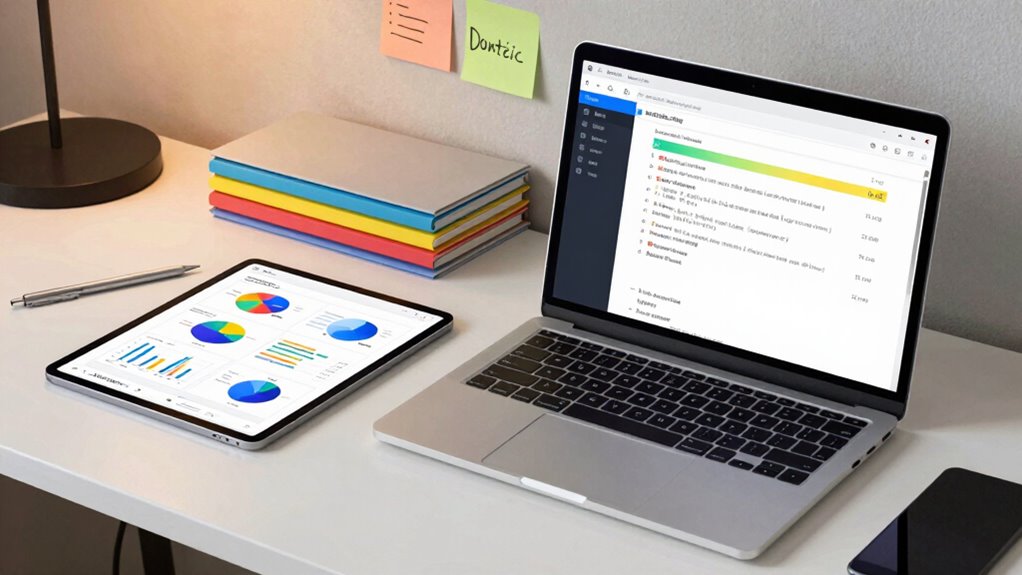

To organize your digital notes for statistics effectively, use a centralized note-taking app that offers strong tagging, categorization, and search features. Create folders based on topics or projects, and employ consistent naming conventions. Regularly update and review your notes to keep them relevant. Incorporate visual elements like charts for quick data interpretation. Maintaining an organized system will save you time and make data retrieval seamless—if you continue exploring, you’ll discover even more tips to optimize your workflow.

Get business pricing on monitors, keyboards and dev gear
- Business-only prices and quantity discounts
- Tax-exempt purchasing
- Multiple users, one account, clear invoices
Key Takeaways
- Use centralized note-taking tools with tagging, categorization, and robust search features for quick access.
- Organize notes into folders or notebooks based on topics or projects for clarity.
- Regularly update and review notes to maintain accuracy and remove outdated information.
- Incorporate visual elements like charts or tables to facilitate data interpretation.
- Ensure cross-device synchronization for seamless access and collaboration.

Have you ever struggled to find that essential statistic you noted down weeks ago? It’s a common problem, especially when your digital notes are scattered across different platforms or buried under other clutter. The key to avoiding this frustration lies in how you organize your digital notes for statistics. Using the right tools and strategies can make all the difference. One effective approach is leveraging collaborative tools and note-taking apps designed to streamline your information. These tools allow you to centralize your data, tag important notes, and create a system that’s easy to search and navigate. By integrating collaborative tools, you can even share your notes with colleagues or classmates, enabling real-time updates and collective editing, which keeps everyone on the same page.
When it comes to note-taking apps, choose ones that offer robust tagging, categorization, and search functionalities. These features help you quickly locate specific statistics without sifting through endless notes. For example, tagging each note with relevant keywords like “population,” “growth rate,” or “survey results” turns your notes into a searchable database. Organize your notes into folders or notebooks based on different topics or projects. This way, instead of hunting through a jumble of files, you can go directly to the relevant folder for your current task. Also, consider apps that sync across multiple devices, so your notes are always accessible, whether you’re on your phone, tablet, or computer. Additionally, understanding how digital content is structured and stored can enhance your ability to efficiently locate and utilize your notes. Incorporating organized data systems can further improve your efficiency by providing a clear framework for your notes. Establishing a consistent naming convention for your files is another best practice that can save you time in the long run.
Consistency is crucial. Develop a habit of updating your notes immediately after gathering new data. Use clear headings, bullet points, and concise summaries to make your notes easy to scan. Incorporate visual elements like charts or tables if possible; these often make data easier to interpret and find later. Take advantage of features like search functions, which allow you to type in a keyword and locate the note containing your needed statistic instantly. Many note-taking apps also support integrations with other tools, such as spreadsheets or data analysis software, which can help you manage and analyze your statistics more efficiently. Moreover, understanding the structure of note organization can help you design a system that adapts to your specific needs and data types.
Finally, regularly review and tidy up your notes. Remove outdated or irrelevant data, and reorganize sections if your projects evolve. This ongoing maintenance ensures your digital notes remain a reliable resource. When you combine the use of collaborative tools with well-chosen note-taking apps and disciplined organization habits, you’ll find it much easier to locate, analyze, and use your statistics. In the end, a clear, systematic approach saves you time and minimizes frustration, allowing you to focus on interpreting the data rather than hunting for it.
digital note-taking app with tagging and categorization
As an affiliate, we earn on qualifying purchases.
As an affiliate, we earn on qualifying purchases.
Frequently Asked Questions
What Are the Best Apps for Digital Note Organization?
You should try apps like Notion, Evernote, or OneNote for digital note organization. They let you use note tagging to categorize your statistics notes for quick retrieval. Additionally, color coding helps you visually distinguish topics or importance levels, keeping your notes organized and accessible. These apps support multimedia, syncing across devices, and easy editing, making your study process more efficient and less cluttered.
How Do I Integrate Notes Across Multiple Devices?
Think of your notes as a well-organized library, seamlessly accessible across all your devices. To do this, guarantee your note app syncs automatically, keeping everything up-to-date everywhere. Use effective note categorization and tagging strategies to find information quickly, no matter which device you’re on. This way, your notes stay connected, just like books in a library, ready for you whenever you need them, regardless of the device.
Can I Sync Notes With Cloud Storage Services?
Yes, you can sync your notes with cloud storage services, which makes offline access easy and seamless across devices. Just make sure your notes are encrypted for security, especially when stored on the cloud. Many apps offer built-in encryption features, so you can protect sensitive statistical data. By syncing with cloud services, you guarantee your notes are always up-to-date and accessible, whether you’re online or offline.
How to Prioritize Notes for Quick Access?
Imagine your notes as a bustling library—color coding acts like vibrant signs guiding you swiftly, while tag management sorts topics into neat sections. To prioritize for quick access, assign distinct colors to key topics and use specific tags for subcategories. This way, when you need a quick glance, your eyes instantly spot the right notes, making your workflow smooth and efficient.
What Are Some Tips for Maintaining Organized Notes Long-Term?
To maintain organized notes long-term, you should regularly review and update your system. Use clear note categorization to keep related information together, and implement consistent tagging strategies to make searching easier. Keep your folders and tags simple and intuitive, and set aside time weekly to tidy up your notes. This proactive approach guarantees your notes stay accessible, relevant, and easy to navigate over time.
cross-device note synchronization tools
As an affiliate, we earn on qualifying purchases.
As an affiliate, we earn on qualifying purchases.
Conclusion
So, after all that effort organizing your digital notes for statistics, you might think you’ve cracked the code. But let’s be honest—no matter how neat your files are, there’s always that one elusive concept hiding in the chaos. Ironically, the best way to stay organized is to accept the mess as part of the learning process. Embrace the chaos, because sometimes, the wildest notes lead to the clearest insights. Just don’t forget where you put them!
visual data chart creator for notes
As an affiliate, we earn on qualifying purchases.
As an affiliate, we earn on qualifying purchases.
collaborative note sharing software
As an affiliate, we earn on qualifying purchases.
As an affiliate, we earn on qualifying purchases.
Fall Picks
fall essentials
As an affiliate, we earn on qualifying purchases.