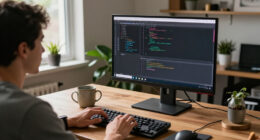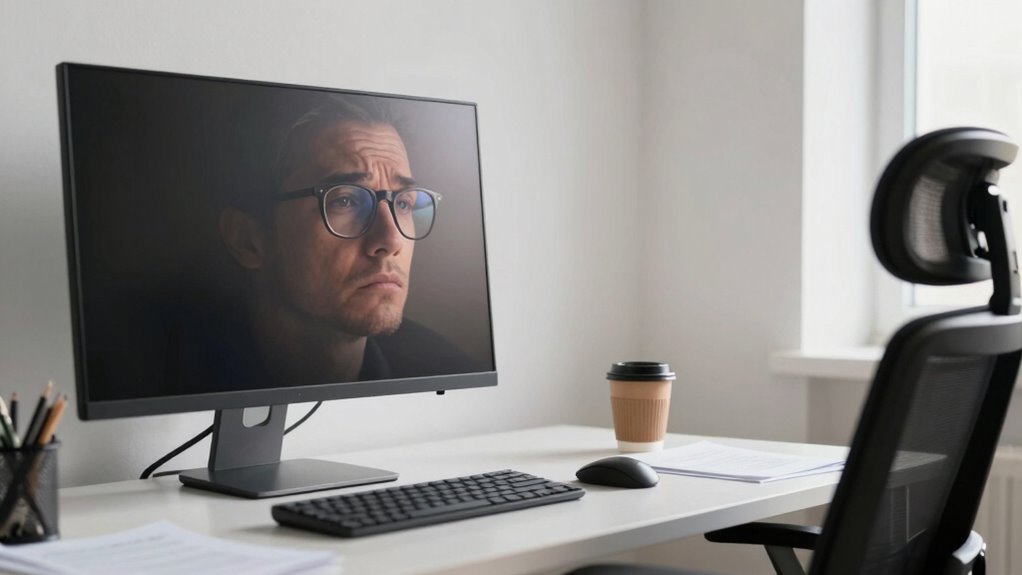

Proper monitor height is essential to preventing eye strain during your study sessions. You should position your screen at or just below eye level to promote comfort and reduce the risk of slouching. Keeping your monitor about an arm’s length away helps minimize squinting. Combine this with good lighting and regular breaks, and you’ll create a much more pleasant study environment. There’s plenty more to discover about optimizing your workspace for improved comfort and focus.

Get business pricing on monitors, keyboards and dev gear
- Business-only prices and quantity discounts
- Tax-exempt purchasing
- Multiple users, one account, clear invoices
Key Takeaways
- Set the top of your monitor at or just below eye level to minimize eye strain and improve comfort.
- Maintain an arm’s length distance from the monitor to prevent squinting and excessive eye fatigue.
- Implement the 20-20-20 rule: every 20 minutes, look at something 20 feet away for 20 seconds to rest your eyes.
- Use adjustable lighting to reduce glare and enhance visibility, ensuring a comfortable viewing environment.
- Regularly adjust your monitor position and workspace setup to support proper posture and reduce the risk of back pain.
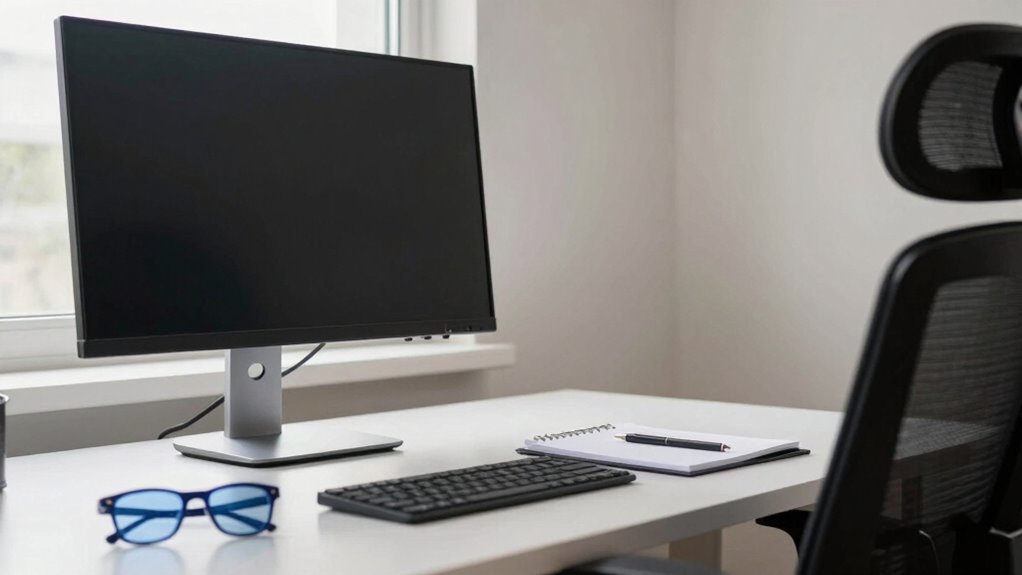
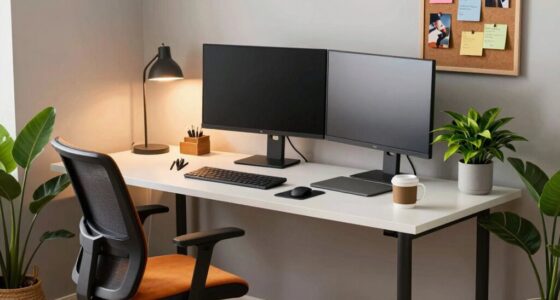
Finding the right monitor height can make a notable difference in reducing eye strain. You might not realize it, but your monitor’s position directly impacts your eye comfort. If your screen’s too low or too high, you could strain your eyes and neck over time. Making proper monitor adjustments guarantees that your screen aligns with your line of sight, which is vital in any work setup. Ideally, the top of your monitor should be at or just below eye level so you can look slightly down at the screen. This simple change can greatly enhance your overall comfort.
Finding the right monitor height is essential for reducing eye strain and enhancing overall comfort in your workspace.
Ergonomic solutions don’t just improve eye comfort; they also boost your posture. When your monitor’s at the right height, you’re less likely to lean forward or slouch in your chair. Poor posture can lead to a cascade of issues, including back pain and headaches, which only add to the discomfort you might already be feeling from eye strain. Taking the time to adjust your monitor can pay off in dividends, making your work environment more pleasant and productive. Additionally, understanding ergonomics principles can help you create a more supportive and health-conscious workspace. Being aware of training concepts related to posture and setup can further improve your work habits and prevent long-term discomfort.
You may also want to reflect on the distance between you and your monitor. The best distance is about an arm’s length away, which allows you to view the screen comfortably without straining your eyes. If you’re too close, you might find yourself squinting, which isn’t ideal for eye health. Regular breaks are essential too; the 20-20-20 rule is a great guideline. Every 20 minutes, take a 20-second break to look at something 20 feet away. This helps reset your eyes and can further reduce strain. Incorporating proper lighting into your workspace can also significantly lessen glare and eye fatigue, creating a more comfortable viewing environment. Ensuring your workspace adheres to ergonomic standards can further optimize your setup for long-term comfort.
Furthermore, choosing the right monitor size can influence how easily you can maintain proper posture and viewing distance, contributing to overall comfort. Remember that lighting plays a role in your setup as well. Glare from windows or overhead lights can exacerbate eye strain. Position your monitor to minimize glare, and think about using adjustable blinds or curtains to control natural light. An appropriate level of ambient lighting can also enhance your viewing experience, making it easier to focus on your work.
Ultimately, investing a little time in making the right monitor adjustments can lead to long-term benefits for your eye comfort and overall health. By prioritizing ergonomic solutions, you’re setting yourself up for success, both regarding productivity and well-being. So, take a moment to evaluate your workspace; your eyes and body will thank you.
As an affiliate, we earn on qualifying purchases.
Frequently Asked Questions
How Often Should I Take Breaks While Using My Monitor?
You should take a break every 20 to 30 minutes during screen time. This break frequency helps reduce eye strain and keeps you focused. Stand up, stretch, or look away from your monitor to give your eyes a rest. Incorporating short breaks into your routine can improve productivity and overall comfort. So, set a timer or use an app to remind yourself to step away regularly for better eye health.
Does Screen Glare Affect Eye Strain Levels?
Absolutely, screen glare can be a pesky intruder, amplifying eye strain levels. To keep your vision comfortable, try glare reduction techniques like using an anti-glare screen filter or adjusting your lighting. Position your monitor to minimize reflections, ideally with it perpendicular to windows. You’ll find that these screen positioning tips make a world of difference, allowing you to focus without the distraction of harsh glare, making your screen time much more enjoyable.
What Are the Best Lighting Conditions for Monitor Use?
The best lighting conditions for monitor use include a balance of ambient lighting and natural light. You should position your monitor to minimize glare from windows and overhead lights. Soft, even ambient light reduces harsh contrasts, making it easier on your eyes. If you can, use blinds or curtains to control sunlight and avoid reflections. This setup not only enhances visibility but also helps prevent eye strain during long hours of screen time.
Can Monitor Color Settings Impact Eye Comfort?
Yes, monitor color settings can impact eye comfort. When you adjust brightness and perform color calibration, you create a more visually pleasant environment. Imagine sitting in a room with soft, warm lighting versus harsh, bright lights—your eyes feel more relaxed in the first scenario. By fine-tuning these settings, you reduce glare and improve clarity, helping you stay comfortable during long hours of screen time. So, don’t underestimate the power of proper adjustments!
Are There Specific Exercises to Reduce Eye Strain?
Yes, there are specific exercises to reduce eye strain. You can try eye relaxation techniques like the 20-20-20 rule: every 20 minutes, look at something 20 feet away for 20 seconds. Incorporating visual ergonomics tips, like blinking frequently and adjusting your screen brightness, can also help. Additionally, practice rolling your eyes or focusing on near and far objects to relieve tension. These simple habits can make a big difference in your comfort.
As an affiliate, we earn on qualifying purchases.
Conclusion
Just as a tree bends towards the sun, your monitor should be positioned to align with your gaze, nurturing your eyes to thrive. If it’s too high or low, discomfort creeps in like weeds in a garden, stifling growth. By adjusting your setup, you’re not merely fixing a screen; you’re cultivating a vibrant workspace where clarity flourishes, and eye strain withers away. Embrace this small change, and watch your productivity bloom like flowers in full spring.
As an affiliate, we earn on qualifying purchases.
As an affiliate, we earn on qualifying purchases.
Halloween Picks
halloween
As an affiliate, we earn on qualifying purchases.