Looking for the best photo printers for home in 2025? I’ve found versatile models like the Canon Pixma MG3620, HP DeskJet 2855e, and Kodak Dock Plus that deliver stunning, high-quality prints with easy wireless setup. Whether you prefer all-in-one printers, portable options, or dedicated photo labs, there’s something for every need. Stay with me to explore these top choices and find the perfect printer to create beautiful photos effortlessly.
Key Takeaways
- Look for high-resolution printers (up to 5760 x 1440 dpi) for vibrant, detailed photo prints at home.
- Prioritize wireless connectivity options like Wi-Fi, Bluetooth, and mobile app support for easy photo printing.
- Choose models with refillable ink tanks or high-capacity cartridges to reduce ongoing printing costs.
- Opt for compact, space-saving designs suitable for home environments, with media sizes up to 8.5×14 inches.
- Consider printers with photo-specific features like borderless printing, waterproof inks, and fast output for stunning results.
Canon Pixma MG3620 Wireless All-in-One Printer
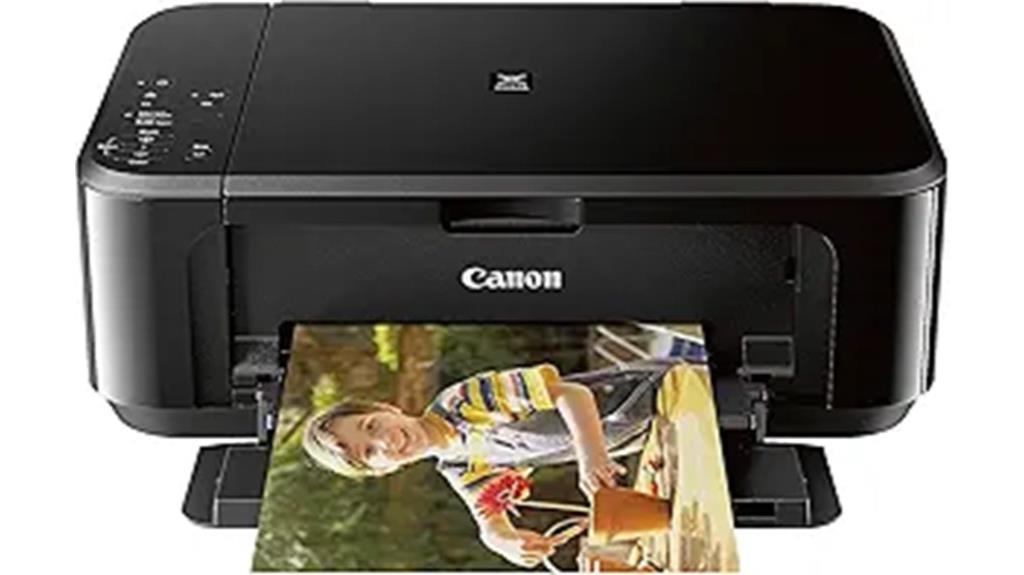
If you’re looking for a reliable photo printer for home that combines versatility with ease of use, the Canon Pixma MG3620 is an excellent choice. This all-in-one wireless printer handles printing, copying, and scanning with impressive resolution—up to 4800 x 1200 dpi for color prints. It supports mobile and tablet printing via AirPrint and Google Cloud Print, making it convenient for any device. With a compact design, auto duplex printing, and a 100-sheet capacity, it’s perfect for busy households. Plus, its ENERGY STAR certification means it’s energy-efficient, all while delivering quality photos and documents effortlessly.
Best For: households and small offices seeking an affordable, versatile all-in-one printer for everyday printing, copying, and scanning needs with wireless convenience.
Pros:
- Wireless connectivity supports mobile printing via AirPrint and Google Cloud Print
- Compact design with auto duplex printing saves space and paper
- High-resolution color printing up to 4800 x 1200 dpi delivers quality photos and documents
Cons:
- Relatively slow print speed of 9.9 ppm may not suit high-volume environments
- Only one USB port limits direct wired connectivity options
- Customer ratings indicate mixed reviews, suggesting some users experience issues with durability or setup
HP DeskJet 2855e Wireless All-in-One Printer
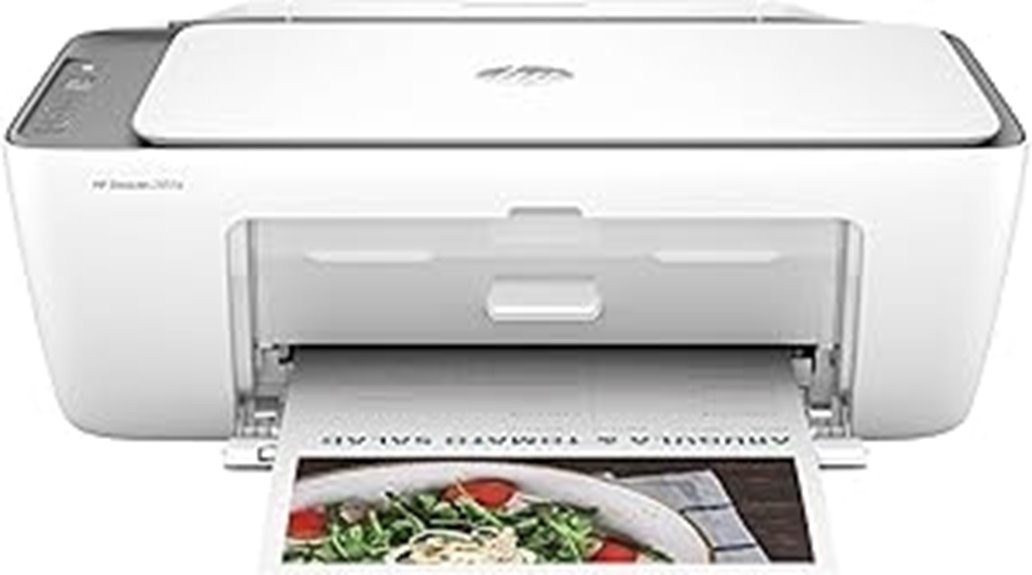
The HP DeskJet 2855e Wireless All-in-One Printer is an ideal choice for home users seeking a versatile, space-saving device that handles printing, copying, and scanning with ease. It features a compact design measuring just under 12 inches wide, making it perfect for small spaces. With a 60-sheet input tray and support for media sizes up to 8.5×14 inches, it’s great for various projects. Its print speeds reach 7.5 ppm black and 5.5 ppm color, with high resolutions for quality photos. Wireless connectivity via Wi-Fi and mobile printing support make it easy to use from anywhere around the house.
Best For: home users seeking an affordable, compact all-in-one printer for everyday printing, copying, and scanning needs.
Pros:
- Space-saving design ideal for small home offices or living spaces
- Wireless connectivity supports easy printing from mobile devices and tablets
- Supports various media types, including envelopes and photo paper, for versatile use
Cons:
- Print speeds are relatively slow compared to larger office printers
- Manual duplex printing requires user intervention, which can be less convenient
- Limited input tray capacity may necessitate frequent refilling for high-volume tasks
Canon TS202 Inkjet Photo Printer, Black (USB Required, not Included)
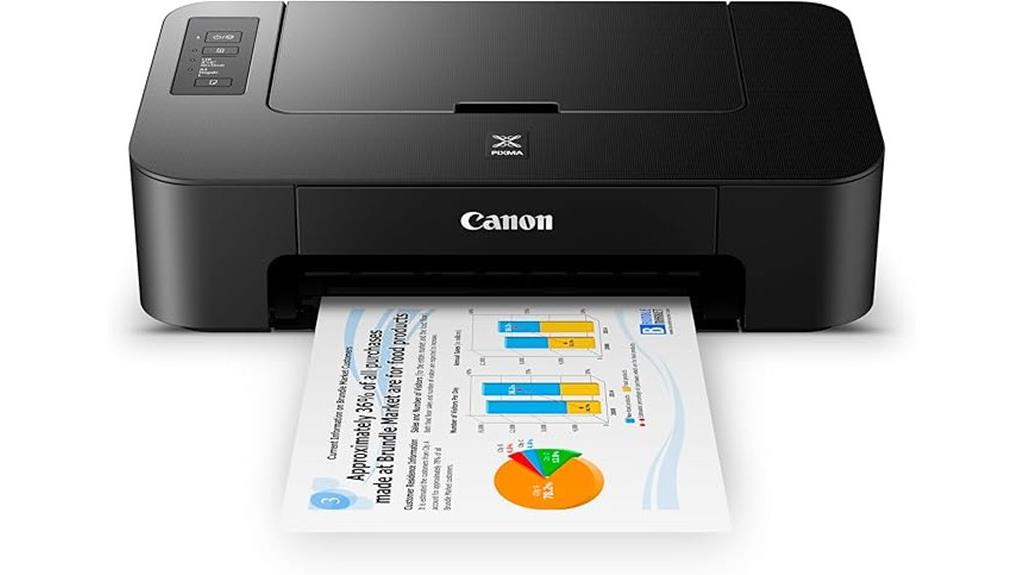
The Canon TS202 Inkjet Photo Printer is ideal for home users who need a compact, affordable device to print both photos and documents with high detail. Its small size (8.5×16.8×4.9 inches) and lightweight design make it easy to place anywhere. It features a rear paper tray that holds up to 60 sheets and supports media sizes up to 8.5×11 inches, perfect for detailed prints. With a maximum resolution of 4800 x 1200 dpi, it produces sharp photos and crisp documents. The printer uses a hybrid ink system, includes full cartridges, and supports XL options for economical printing. Note that a USB cable is required, but not included.
Best For: home users and small offices seeking an affordable, compact printer capable of producing high-quality photos and detailed documents.
Pros:
- Compact and lightweight design for easy placement and portability
- High-resolution printing up to 4800 x 1200 dpi for sharp photos and crisp text
- Supports XL ink cartridges for cost-effective and extended printing
Cons:
- USB cable not included, requiring an additional purchase for setup
- Limited media capacity with 60-sheet input and output trays
- No wireless or Ethernet connectivity options, restricting wireless printing
KODAK Dock Plus 4PASS Instant Photo Printer, 4×6 inches, 90 Sheets Bundle
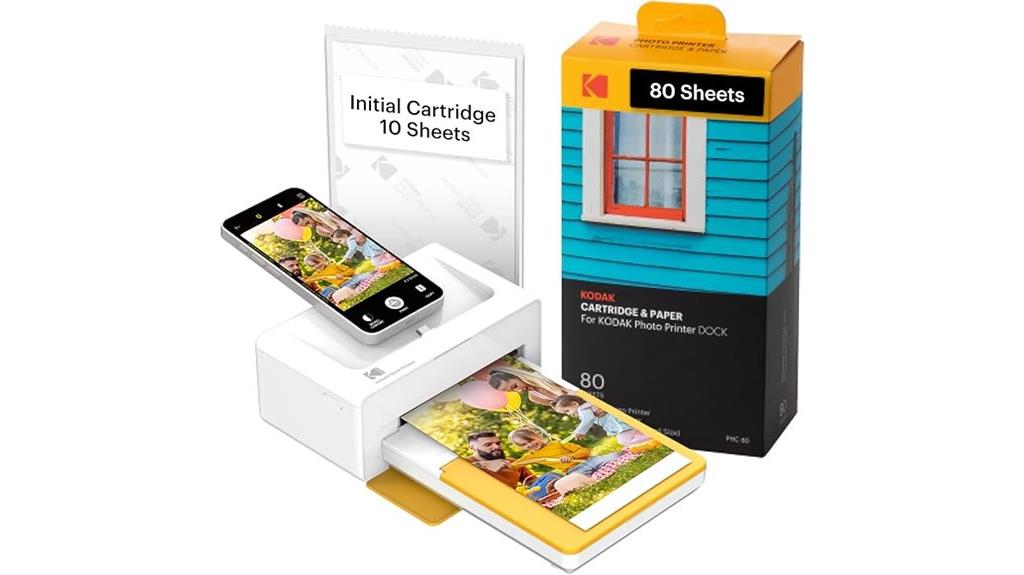
For anyone looking to effortlessly print high-quality photos at home, the KODAK Dock Plus 4PASS Instant Photo Printer is an excellent choice. It’s simple to use, compatible with iPhones, iPads, and Android devices, and supports wireless Bluetooth for easy connection. This compact printer produces stunning 4×6 inch photos with Kodak’s 4PASS technology, layering colors for vibrant, water-resistant, and fingerprint-proof images that last generations. The bundle includes 90 sheets, making it an affordable way to print memories instantly. Whether at home, school, or on the go, it combines convenience, quality, and portability, perfect for capturing and sharing your favorite moments effortlessly.
Best For: those seeking an easy, portable, and high-quality photo printing solution at home, school, or on the go.
Pros:
- Compatible with iPhone, iPad, and Android devices, offering versatile connectivity.
- Produces durable, water-resistant, fingerprint-proof 4×6 inch photos with vibrant color layering.
- Compact and multifunctional, combining photo printing with device charging for convenience.
Cons:
- Limited to 4×6 inch photo sizes, which may not suit all printing needs.
- Requires purchasing additional photo paper after the included 90 sheets are used.
- Wireless Bluetooth connection may occasionally experience pairing or connectivity issues.
Canon PIXMA TS6420a Wireless Inkjet Printer (All-in-One)
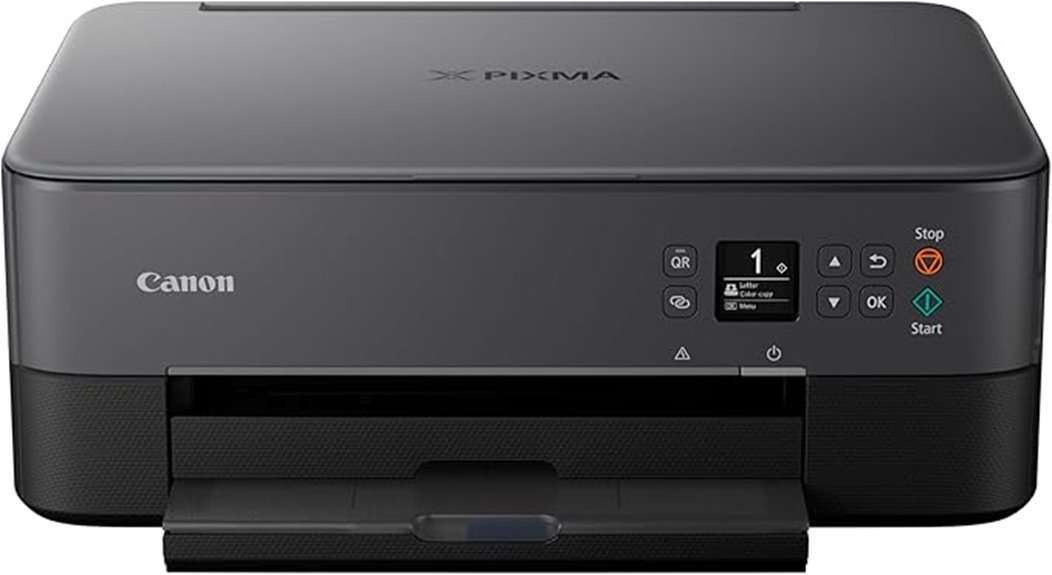
If you’re looking for a versatile photo printer that fits seamlessly into a home office setup, the Canon PIXMA TS6420a stands out with its all-in-one capabilities. It prints, copies, and scans with high quality, thanks to a maximum resolution of 4800 x 1200 dpi. Wireless connectivity, including Alexa support, makes printing convenient from any device. It supports media sizes up to 8.5 x 14 inches and has a sheet capacity of 100. Compact and lightweight at 13.8 pounds, it’s perfect for home use. The included features, like duplex printing and media versatility, make it a reliable choice for both photos and documents.
Best For: home office users and families seeking a reliable, all-in-one wireless printer for high-quality photo and document printing.
Pros:
- Supports wireless connectivity with Alexa compatibility for convenient printing from any device
- Offers high-resolution printing up to 4800 x 1200 dpi for sharp photos and documents
- Compact and lightweight design makes it ideal for home environments
Cons:
- Only utilizes black ink, which may limit color printing options for some users
- Slightly lower customer ratings (3.9 out of 5) suggest occasional usability issues
- Limited input sheet capacity of 100 sheets may require frequent refilling for heavy printing needs
Epson EcoTank ET-2800 Wireless Color All-in-One Printer
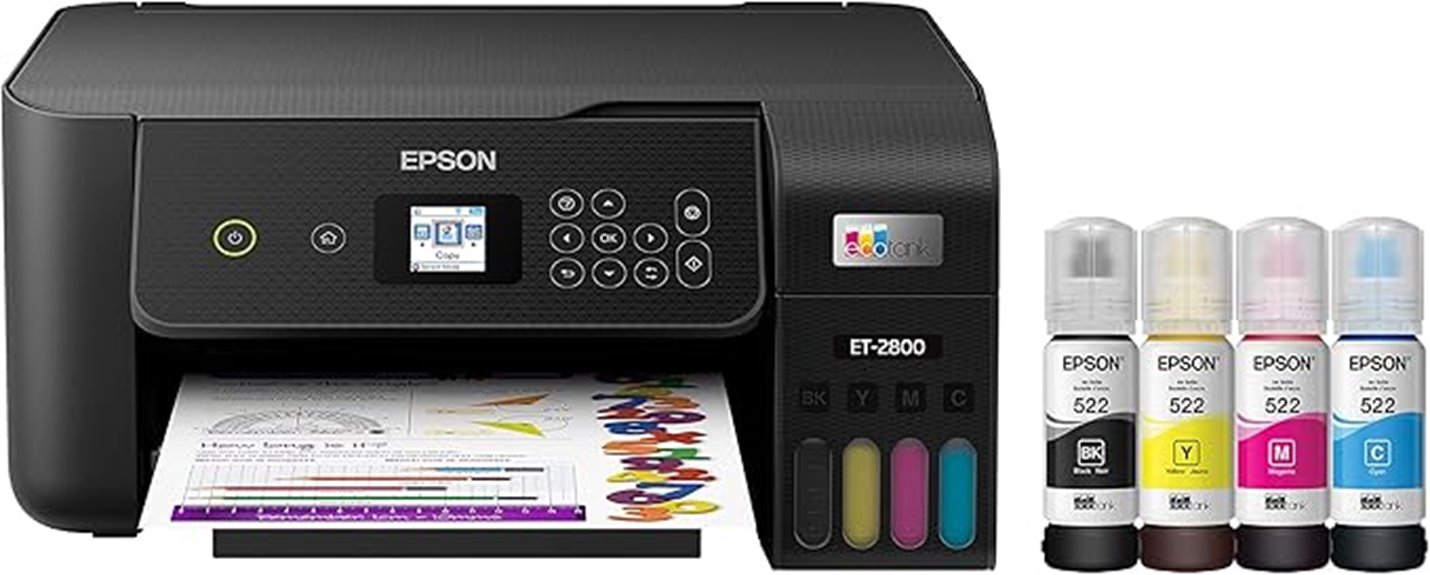
Epson EcoTank ET-2800 stands out as an ideal choice for families and casual users who want affordable, high-quality color printing at home. Its wireless, all-in-one design includes scanning and copying, with support for media up to 8.5 x 14 inches. The high-resolution flatbed scanner and vivid print quality make it great for photos and documents. Thanks to refillable ink tanks, it offers significant savings—up to 90%—and reduces waste. Setup is simple via app or network, though some users find the small display challenging. While not perfect, its cost efficiency and eco-friendly ink system make it a solid pick for everyday home printing needs.
Best For: families and casual users seeking affordable, high-quality, wireless color printing at home with scanning and copying capabilities.
Pros:
- Cost-effective with refillable ink tanks offering significant savings and eco-friendly benefits
- High-resolution color and black-and-white printing with vivid photo quality
- Easy setup via app or network, with reliable wireless connectivity
Cons:
- Small control display can be difficult to read and navigate
- Hardware concerns such as plastic build quality and noise during operation
- Some users experience print quality issues like shadowing or lines even after minimal use
HP OfficeJet Pro 8125e Wireless All-in-One Color Inkjet Printer
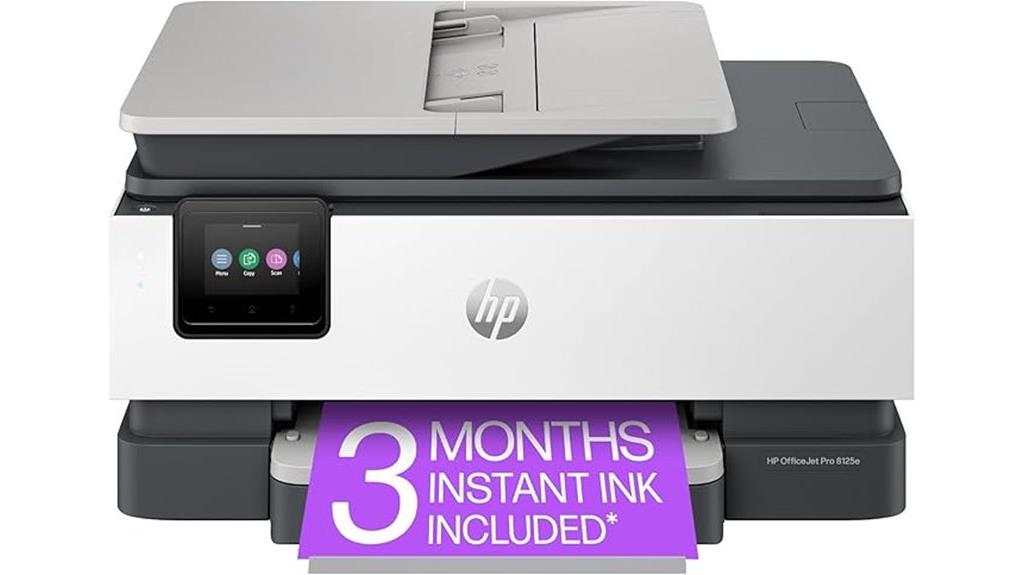
The HP OfficeJet Pro 8125e stands out as an excellent choice for home users who need a versatile all-in-one printer that combines fast color printing with reliable scanning and copying. It delivers up to 10 ppm in color and 20 ppm in black, with sharp 4800 x 1200 dpi resolution. The device supports print, scan, copy, and fax functions, featuring duplex printing and a 225-sheet input tray. Its dual-band Wi-Fi, Ethernet, and USB connectivity make it easy to connect, while the 2.7-inch touchscreen simplifies operation. With strong security features and an efficient ink system, it’s a reliable, multi-functional printer suitable for both home and small office needs.
Best For: home users and small offices seeking a versatile, reliable all-in-one color inkjet printer with fast printing, secure connectivity, and comprehensive functionality.
Pros:
- Fast color printing up to 10 ppm and black printing at 20 ppm with high-resolution output of 4800 x 1200 dpi
- Supports multiple functions including print, scan, copy, and fax with duplex printing and a 225-sheet input tray
- Equipped with dual-band Wi-Fi, Ethernet, USB connectivity, and a user-friendly 2.7-inch touchscreen for easy operation
Cons:
- Ink cartridges are dye-based and may require frequent replacement, especially without the optional EvoMore cartridges planned for April 2024
- The device weighs 17.6 pounds and has dimensions of 13.29″ x 18.11″ x 9.17″, which may be bulky for limited space
- The model’s first available date is listed as June 2, 2025, which may affect immediate availability or planning
Epson PictureMate PM-400 Wireless Compact Color Photo Printer, white
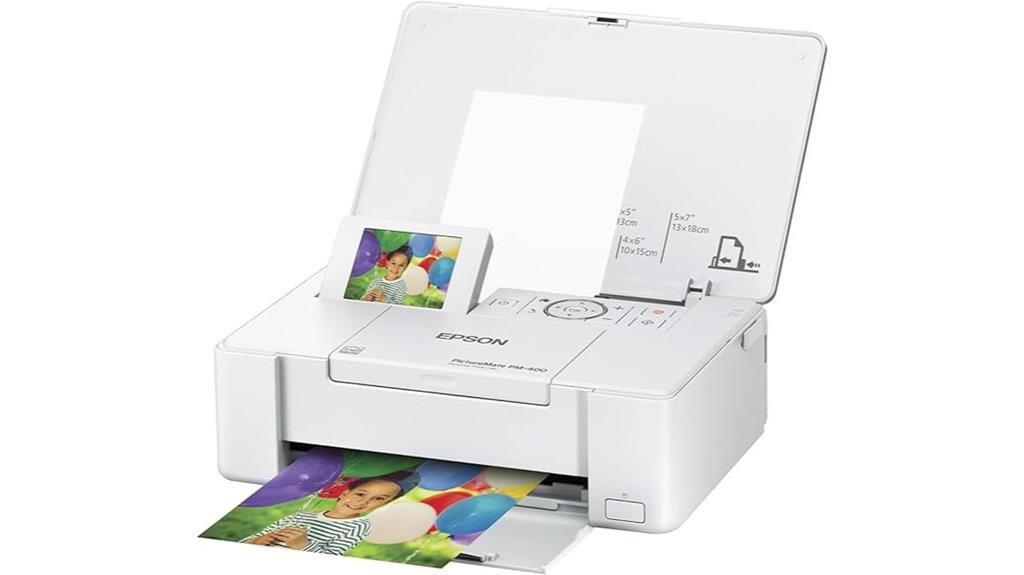
Looking for a compact, wireless photo printer that fits seamlessly into your home? The Epson PictureMate PM-400 is a lightweight, white device designed for high-quality borderless 4×6 and 5×7 prints. It supports printing from smartphones, tablets, and iOS devices via Wi-Fi, with a quick 36-second turnaround for 4×6 photos. Weighing just 6 pounds, it’s portable and space-efficient. It delivers sharp, vibrant images with a resolution of 5760 x 1440 dpi and lasts up to 200 years. With a simple app control and capacity of 50 sheets, it’s perfect for on-the-go printing and home photo projects.
Best For: home users and on-the-go photographers seeking a compact, wireless printer for high-quality borderless 4×6 and 5×7 photos.
Pros:
- Compact, lightweight design makes it highly portable and space-efficient.
- Fast printing speed of approximately 36 seconds for 4×6 photos.
- High-resolution output of up to 5760 x 1440 dpi with photos lasting up to 200 years.
Cons:
- Limited to print-only functions; no scanning or copying capabilities.
- Requires genuine Epson ink cartridges, which can be more costly and incompatible with third-party options.
- Supports only media up to 5×7 inches, restricting larger print sizes.
HP ENVY Inspire 7955e Wireless Color Inkjet Printer
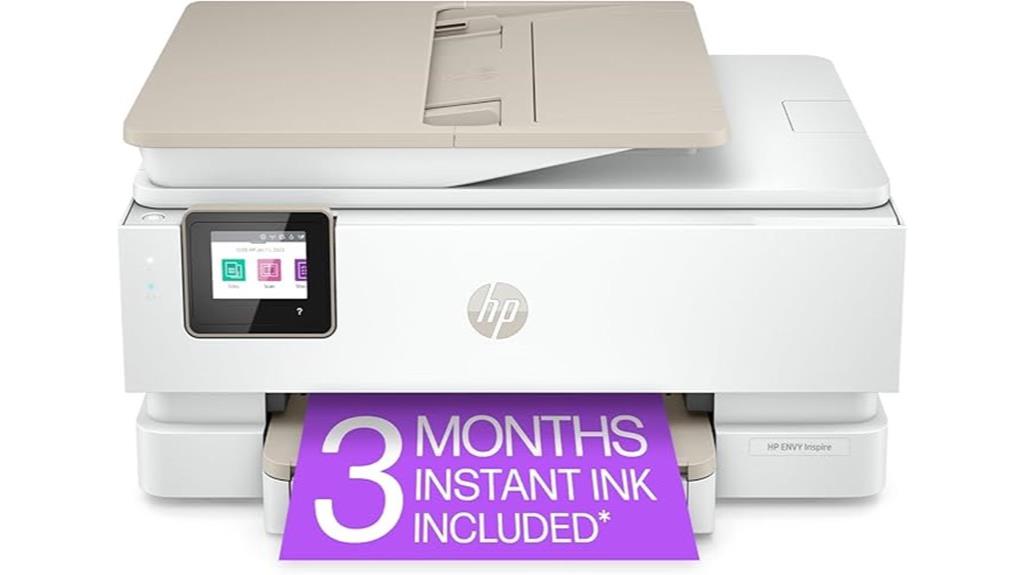
If you’re searching for a versatile home printer that can handle both everyday documents and high-quality photos, the HP ENVY Inspire 7955e is an excellent choice. This all-in-one wireless inkjet offers fast printing with speeds up to 10 ppm color and 15 ppm black, and stunning 4800 x 1200 dpi resolution for vibrant photos. Its dual trays, automatic duplex printing, and auto document feeder make multi-tasking easy. Plus, with a customizable touchscreen and compatibility with smartphones, tablets, and voice assistants like Alexa, it’s simple to operate. The HP Smart app allows you to print, scan, and copy effortlessly from any device.
Best For: home users seeking a versatile all-in-one printer capable of high-quality photo printing, document handling, and easy wireless connectivity.
Pros:
- Supports fast printing speeds up to 15 ppm black and 10 ppm color, ideal for efficient home use.
- Features automatic duplex printing, dual trays, and an auto document feeder for versatile multitasking.
- Compatible with multiple devices including smartphones, tablets, laptops, and voice assistants like Alexa, with a user-friendly touchscreen interface.
Cons:
- Uses standard ink cartridges that may require frequent replacements depending on usage.
- Supports media sizes up to 8.5 x 14 inches, which may be limiting for larger print jobs.
- Requires an internet connection and HP account for HP+ features, which might not appeal to users seeking offline-only operation.
Canon PIXMA TR160 Wireless Portable Printer
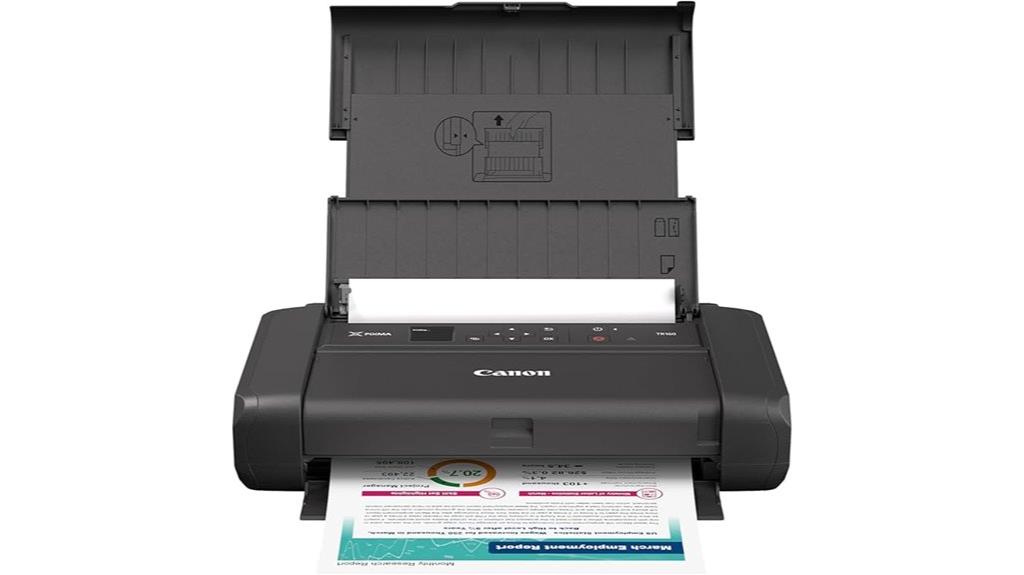
Ever wanted to print high-quality photos or documents on the go without sacrificing portability? The Canon PIXMA TR160 is perfect for that. It’s lightweight and fits easily into bags, so you can print anywhere. It handles up to 8.5” x 11” paper, producing sharp text and vibrant photos using its 5-Color Hybrid Ink System. You can connect wirelessly via the Canon PRINT app, Apple AirPrint, or cloud services, and even print directly without a router using Wireless Direct Mode. The 1.44” OLED display makes managing ink levels and settings simple. Plus, its 50-sheet tray keeps your printing efficient and hassle-free.
Best For: those seeking a portable, high-quality printer for on-the-go printing of documents and photos without sacrificing convenience or print quality.
Pros:
- Compact and lightweight design easily fits into bags for portability
- Supports high-quality, vibrant color and sharp black-and-white printing up to 8.5” x 11”
- Wireless connectivity options including app, AirPrint, Mopria, and cloud, plus direct printing without a router
Cons:
- Limited paper capacity with a 50-sheet tray may require frequent refills during heavy use
- Printing speed may be slower compared to larger, desktop printers
- May have higher cost per print due to specialized hybrid ink system
Liene M100 4×6 Photo Printer, Wi-Fi Portable Photo Printer for Smartphone
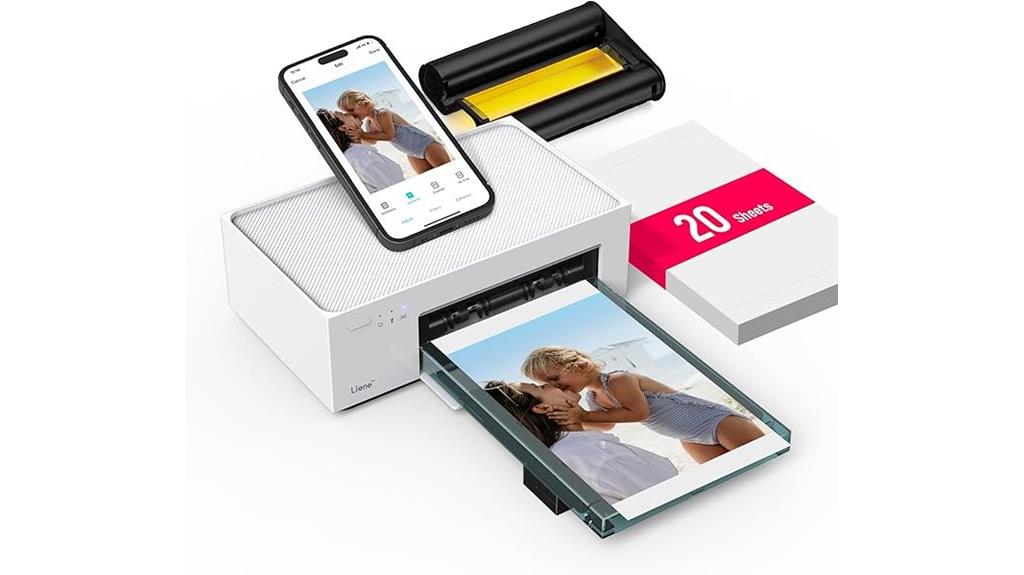
The Liene M100 4×6 Photo Printer is an excellent choice for anyone wanting quick, high-quality prints directly from their smartphone at home. It uses thermal dye sublimation to produce vibrant, durable photos with a water, scratch, and fade-resistant coating. Compact and lightweight, it supports Wi-Fi connectivity, allowing up to five devices to print simultaneously from iPhones, Androids, laptops, or PCs. With a 4×6 inch maximum media size and a resolution of 300 dpi, it creates sharp, vivid images effortlessly. The package includes everything needed—printer, ink, paper, and adapter—making it a convenient, user-friendly option for instant photo printing.
Best For: users seeking a portable, high-quality instant photo printer compatible with smartphones and multiple devices for home use.
Pros:
- Produces vibrant, durable 4×6 inch photos with water, scratch, and fade resistance
- Supports Wi-Fi connectivity for up to five devices simultaneously, ensuring versatile printing options
- Compact and lightweight design makes it easy to carry and set up anywhere
Cons:
- Limited to printing 4×6 inch photos; not suitable for larger formats
- Prints only via thermal dye sublimation, which may require specific ink and paper replacements
- Manual duplex printing may require extra effort for double-sided prints
Canon PIXMA TR7020a Wireless Color Inkjet Printer
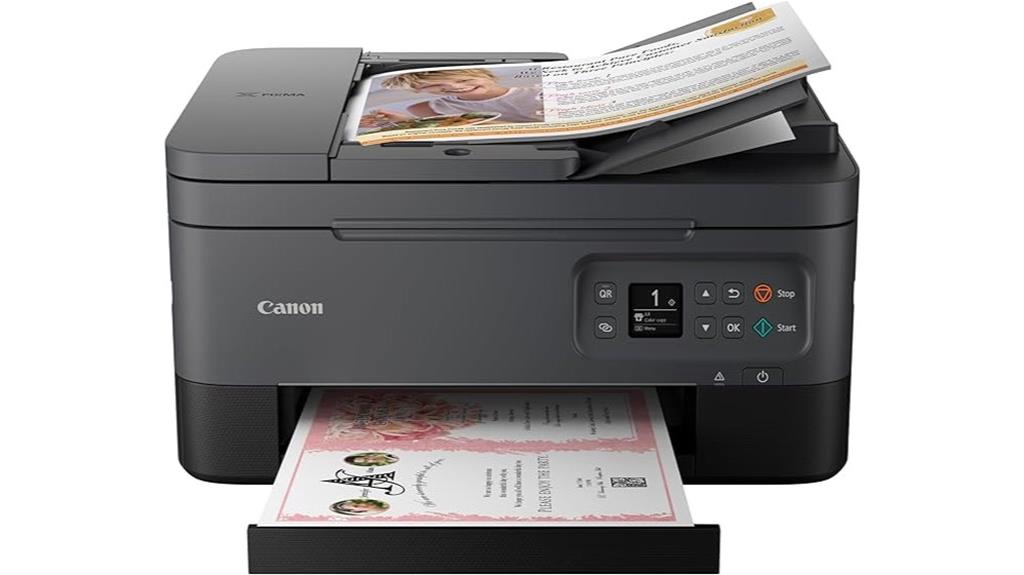
The Canon PIXMA TR7020a stands out as an ideal choice for home users who need a versatile printer that combines quality, convenience, and compactness. It offers print, copy, and scan functions in a sleek design, with a 1.44-inch OLED display for easy navigation. Weighing just 18.1 pounds, it fits comfortably in any space and supports media up to 8.5 x 14 inches. Thanks to high-resolution printing up to 4800 x 1200 dpi and fast speeds, it produces sharp photos and documents. With wireless connectivity options like Wi-Fi and Bluetooth, I can print from my phone or tablet effortlessly. It’s a reliable, energy-efficient choice for home use.
Best For: home users and small offices seeking a compact, versatile all-in-one printer with high-quality photo and document printing.
Pros:
- Supports high-resolution printing up to 4800 x 1200 dpi, ensuring sharp images and documents
- Offers wireless connectivity options including Wi-Fi and Bluetooth for easy printing from multiple devices
- Compact and lightweight design fits well in home or small office spaces
Cons:
- Customer ratings are moderate at 3.9 out of 5 stars, indicating mixed reviews on performance or reliability
- Print speeds, while adequate, may be slower compared to higher-end models for large-volume tasks
- Limited to a 1-year warranty, which may be a concern for long-term use
Canon PIXMA TR4720 Wireless All-in-One Printer
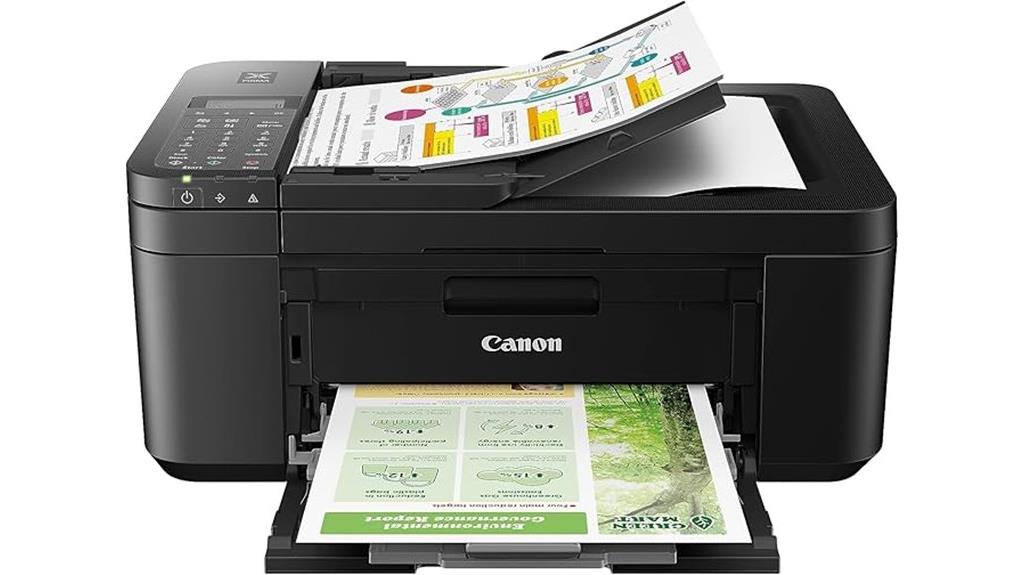
If you’re looking for a compact, versatile printer that handles all your home printing needs, the Canon PIXMA TR4720 is an excellent choice. It’s a wireless all-in-one that combines print, copy, scan, and fax functions in a sleek, lightweight design. With auto duplex printing and a 100-sheet paper capacity, it’s efficient for everyday use. It supports borderless printing up to 8.5 x 11 inches and offers high-resolution output at 4800 x 1200 dpi. Compatible with smartphones via app control, it’s easy to set up and operate. Plus, its energy-efficient design earns an Energy Star rating, making it a smart, space-saving addition to any home.
Best For: home users seeking a compact, versatile all-in-one printer with wireless connectivity and efficient printing capabilities.
Pros:
- Wireless printing, scanning, copying, and faxing for convenience
- Compact and lightweight design ideal for small spaces
- Supports auto duplex printing and borderless photos for versatile use
Cons:
- Limited to 8.5 x 11 inches media size, not suitable for larger formats
- Only one USB port, which may limit wired connectivity options
- Slightly slower color printing speed at 4.4 ppm compared to higher-end models
Canon MegaTank G3270 All-in-One Wireless Inkjet Printer
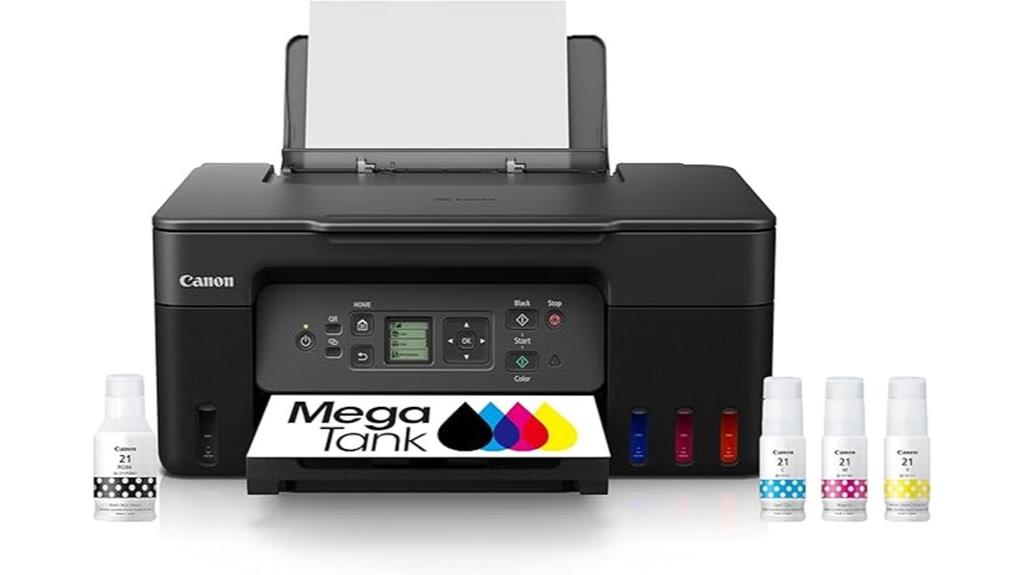
For anyone seeking an affordable, all-in-one solution for home printing, the Canon MegaTank G3270 stands out with its impressive ink efficiency and wireless capabilities. It offers printing, scanning, and copying with ease, and can print up to 6,000 black-and-white and 7,700 color pages per ink set. The included two-year ink supply saves you up to $1,000 in ongoing costs. Its simple 1.35-inch LCD display makes operation straightforward, and single-sided printing is standard. Designed for high-volume home use, this printer combines affordability with functionality, making it a smart choice for families and casual photographers alike.
Best For: families and casual photographers seeking an affordable, high-volume all-in-one printer with wireless capabilities.
Pros:
- Exceptional ink efficiency with up to 6,000 black-and-white and 7,700 color pages per ink set
- Includes 2 years of ink, significantly reducing ongoing printing costs
- Easy-to-use 1.35-inch LCD display simplifies operation and navigation
Cons:
- Supports only single-sided printing, lacking duplex functionality
- Designed primarily for home use, may not meet high-volume or professional office needs
- Limited features beyond basic printing, scanning, and copying without advanced options
Kodak Mini 2 Retro Portable Photo Printer (38 Sheets Bundle)
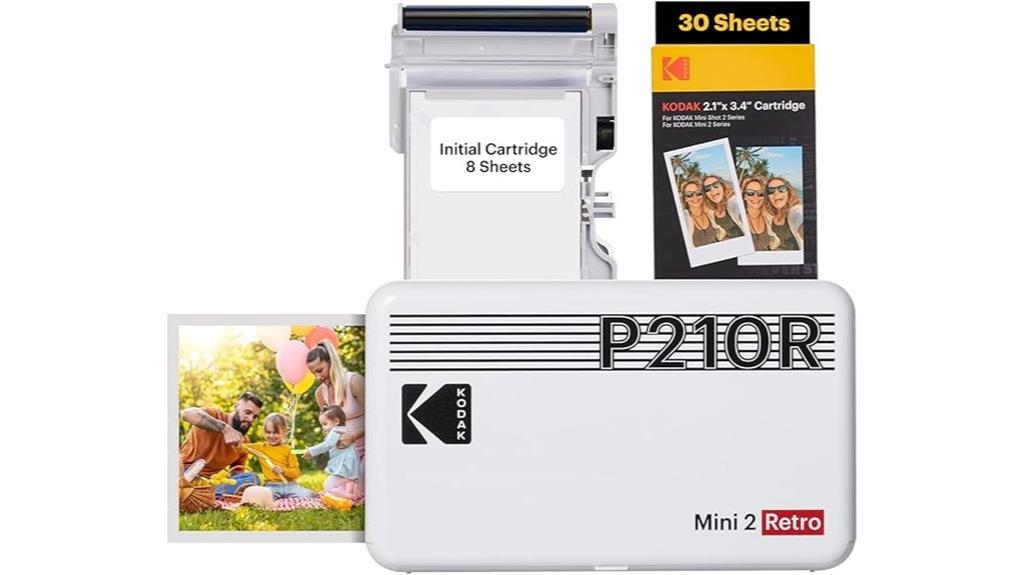
Compact and lightweight, the Kodak Mini 2 Retro Portable Photo Printer is perfect for anyone who wants high-quality prints on the go. Weighing only 0.4 pounds and measuring just 2.1×3.4 inches, it easily fits in your pocket or bag. Connecting via Bluetooth to your smartphone using the Kodak Photo Printer app makes printing quick and effortless. It uses Kodak’s 4PASS technology to produce vibrant, layered, water-resistant photos that last generations. With 38 sheets included, you can customize your images with various frames, borders, or borderless options. Whether at a school event, travel, or personal projects, this portable printer delivers professional-quality photos anytime, anywhere.
Best For: anyone seeking a compact, portable, and high-quality photo printer for on-the-go printing at events, travel, or personal projects.
Pros:
- Compact and lightweight design for easy portability
- Uses Kodak 4PASS technology for durable, water-resistant photos
- Easy Bluetooth connectivity with user-friendly app for quick printing and customization
Cons:
- Limited to 38 sheets per bundle, which may require frequent reprints for larger projects
- Prints are constrained to 2.1×3.4 inches, limiting size options
- Requires smartphone app and Bluetooth connection, which may be less convenient in low-signal environments
Factors to Consider When Choosing Photo Printers for Home
When choosing a home photo printer, I consider several key factors to guarantee it meets my needs. I look at print quality, connectivity options, and how compatible it is with different ink systems and media types. Cost of consumables also plays a big role in making a smart, long-term decision.
Print Quality Standards
Choosing a photo printer for home use means paying close attention to print quality standards that guarantee your photos look sharp and vibrant. Look for printers with high maximum resolutions, like 5760 x 1440 dpi, to capture fine details and produce crisp images. Advanced ink systems, such as dye-sublimation or hybrid inks, deliver vivid colors and smooth gradations, ensuring your photos pop. It’s also essential to consider color accuracy and calibration options, so your prints match your original images perfectly. Support for borderless printing and various media sizes offers flexibility for different projects. In conclusion, check customer reviews and sample prints to verify real-world quality and consistency. These factors help you select a printer that consistently produces stunning, true-to-life photos at home.
Connectivity Options Available
Connectivity options play a crucial role in how easily you can print your photos at home. Many photo printers support wireless features like Wi-Fi and Bluetooth, making it simple to print directly from smartphones, tablets, or laptops. Some models also include mobile app integration, allowing you to send prints without connecting via USB or using a computer. Dual connectivity options, such as Wi-Fi and USB, give you flexibility depending on your setup and preferences. Features like wireless Direct Mode enable on-the-go printing without needing a network, which is perfect for quick, casual prints. Additionally, compatibility with cloud services like Apple AirPrint or Google Cloud Print broadens device support, making printing more convenient and seamless no matter where you are.
Ink System Compatibility
The ink system in a photo printer considerably influences print quality, durability, and ongoing costs. Choosing between dye-based, pigment-based, or thermal dye sublimation inks impacts how vibrant, durable, and color-accurate your prints are. Some printers support refillable or refill cartridges, which can lower long-term expenses and simplify maintenance. Compatibility with proprietary versus third-party inks also matters; third-party options might reduce costs but could risk quality or void warranties. The type of ink system—whether ink tanks or cartridges—affects capacity, how often you need to refill, and overall efficiency. Ensuring the ink system supports your desired media types and print quality is essential for achieving professional-looking photos and documents at home.
Media Handling Capabilities
When selecting a photo printer for home use, understanding its media handling capabilities helps guarantee it meets your specific needs. I look at the maximum input media capacity to confirm it can handle my typical volume without frequent refilling, usually between 20 to 100 sheets. Checking supported media types is essential—whether I want to print on plain paper, glossy photo paper, or specialty media for creative projects. I also verify media size compatibility, often up to 8.5 x 14 inches, to match my preferred photo sizes. Duplex printing is a bonus, making double-sided prints easier and more efficient. Finally, I consider how simple it is to load and refill media, focusing on tray design and accessibility to minimize jams and streamline workflow.
Cost of Consumables
Choosing a photo printer involves more than just initial purchase price; understanding the cost of consumables like ink cartridges is essential for long-term affordability. Ink costs can vary widely, with some models offering refillable tanks or high-capacity cartridges that lower the cost per print. While these options might have higher upfront costs, they save money over time. Refillable systems or continuous ink supply solutions can lead to significant savings but may require more maintenance and careful handling. The price of replacement consumables also varies among brands and models, affecting total ownership costs. It’s important to contemplate the availability and price stability of these supplies, as fluctuating costs or limited distribution channels can impact your ongoing expenses and overall value.
Size and Portability
Opting for a compact and lightweight photo printer can make a big difference in how easily you manage your space and printing needs. Portable models under 3 pounds are ideal for effortless storage and transport, especially if you like printing on the go or have limited space. Check the printer’s dimensions to guarantee it fits comfortably on your desk or shelf. Foldable or retractable paper trays can help save space when the printer isn’t in use. Wireless connectivity options like Wi-Fi or Bluetooth make printing from various devices quick and convenient, whether you’re at home or elsewhere. Just remember, smaller printers often have limited input capacity, so consider your typical printing volume to find the right balance between size and functionality.
Frequently Asked Questions
What Is the Average Cost of Replacement Ink or Toner Cartridges?
The average cost of replacement ink cartridges ranges from $15 to $50, depending on the printer model and brand. Toner cartridges for laser printers tend to be a bit more expensive, often between $40 and $100. I find that budgeting around $30 to $50 annually for ink or toner covers most needs. It’s worth comparing prices and page yields to get the best value for your printing habits.
How Does Print Quality Differ Between Matte and Glossy Photo Papers?
Print quality varies markedly between matte and glossy photo papers. I find glossy papers give my photos vibrant colors and sharp details, perfect for lively images. Matte papers, on the other hand, offer a softer, more muted look with less glare, ideal for fine art or portraits. Your choice depends on your style—glossy for vivid, eye-catching prints and matte for a subtle, elegant finish.
Can These Printers Print Directly From Social Media Platforms?
A picture is worth a thousand words, and yes, many of these printers can print directly from social media platforms. I love how some models connect seamlessly via Wi-Fi or apps, making it easy to select and print images straight from Instagram or Facebook. Just make certain your printer supports the specific social media integration, and you’ll be able to turn your favorite digital moments into tangible prints effortlessly.
What Is the Typical Print Speed for High-Resolution Photos?
High-resolution photo printers typically print around 4×6 inches in about 10-15 seconds, but larger, detailed prints can take 30 seconds to a minute. I’ve found that premium models balance speed and quality well, ensuring my photos look sharp without long waits. If you’re printing lots of pictures quickly, look for a printer with faster processing speeds, but don’t forget to take into account print quality alongside speed for the best results.
Are These Photo Printers Compatible With Mobile Operating Systems?
Yes, most modern photo printers are compatible with mobile operating systems like iOS and Android. I’ve found that they typically support wireless connections through Wi-Fi or Bluetooth, making it easy to print directly from your smartphone or tablet. Just make certain your printer has the right app or driver, and you’ll enjoy seamless printing from your mobile devices without hassle. This flexibility is a real game-changer for home photography.
Conclusion
Choosing the right photo printer for your home is like finding the perfect brush for a masterpiece—each one offers unique strokes. Whether you prefer sleek wireless convenience or portable ease, there’s a printer here to bring your memories to life with clarity and color. Remember, the right choice transforms your photos from pixels into timeless keepsakes, turning your home into a gallery of your favorite moments. Happy printing!