
To build a reliable two-computer study setup, choose a desk that accommodates both machines comfortably and promotes good posture. Position your primary monitor at eye level to avoid neck strain and use a dual monitor stand for efficiency. Invest in quality peripherals, like a mechanical keyboard and responsive mouse, to boost productivity. Keep your workspace organized with cable management and personal touches for inspiration. Stick around to uncover more tips for optimizing your study environment.

Get business pricing on monitors, keyboards and dev gear
- Business-only prices and quantity discounts
- Tax-exempt purchasing
- Multiple users, one account, clear invoices
Key Takeaways
- Choose a spacious, ergonomic desk that comfortably accommodates both computers and allows for flexible sitting and standing positions.
- Position the primary monitor at eye level and the secondary monitor for easy, seamless access to reduce neck strain.
- Use quality peripherals like a mechanical keyboard and responsive mouse to enhance typing speed and task maneuverability.
- Implement effective cable management to maintain a tidy workspace, which helps boost focus and productivity.
- Personalize your study area with inspiring decor to create a comfortable environment that fosters creativity and motivation.
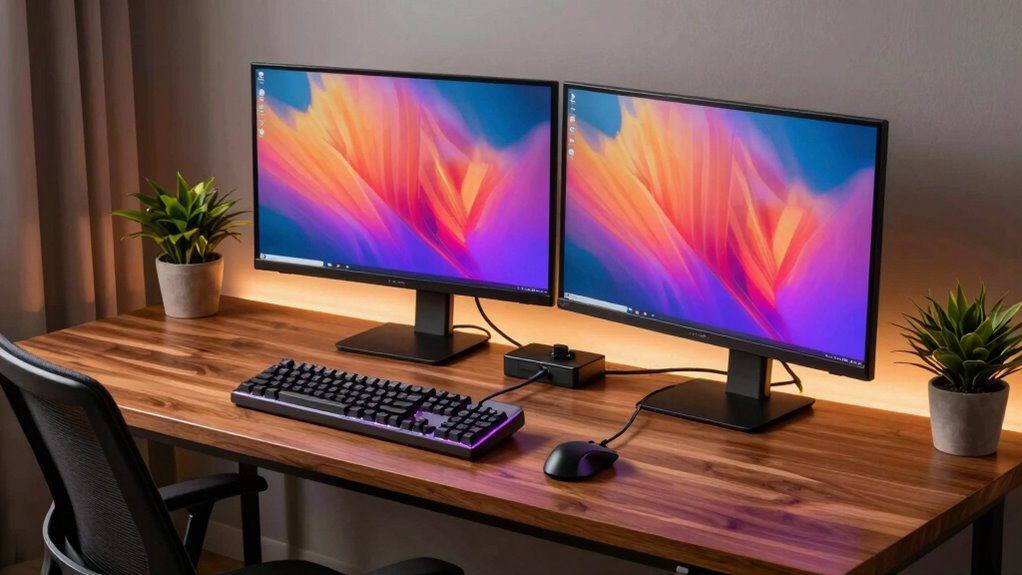
When you’re juggling multiple tasks or subjects, setting up a two-computer study space can greatly boost your productivity. Imagine having one computer dedicated to research and another for writing or coding; it can streamline your workflow. A dual monitor setup allows you to view documents side by side, minimizing the time you spend switching between tabs. With this arrangement, you can focus on what truly matters without the constant interruptions of maneuvering your desktop.
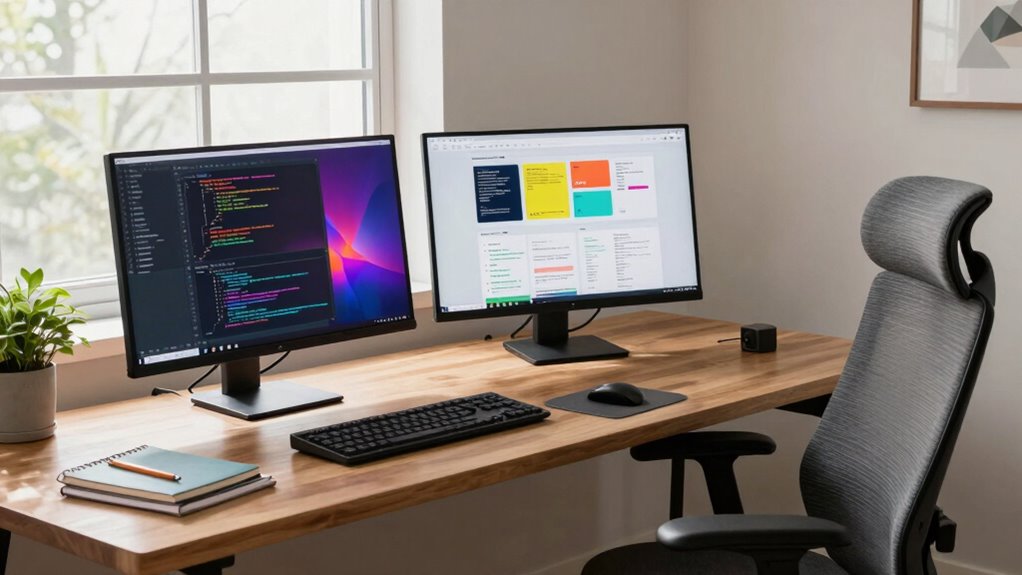
To start, you’ll want to choose a desk that accommodates both computers comfortably. An ergonomic workspace is essential for maintaining good posture and reducing fatigue during long study sessions. Look for a desk with adjustable height options, so you can alternate between sitting and standing. This flexibility will keep you energized and more engaged with your work. Confirm that your chair provides proper support, too—investing in a good chair pays off in the long run.
Choosing an ergonomic desk and chair can transform your study sessions, keeping you comfortable and focused for longer periods.
Next, consider the positioning of your monitors. Place the primary monitor at eye level to avoid straining your neck. The secondary monitor can be slightly lower or to the side, depending on your preferences and workflow. The goal is to create a seamless shift between screens. Use a dual monitor stand if needed; this can help you achieve the right height and save desk space.
Don’t forget about peripherals. A mechanical keyboard and a responsive mouse can make a world of difference. They enhance your typing speed and overall control, allowing you to maneuver easily between tasks. If you’re typing a lot, consider a keyboard with ergonomic features to prevent wrist strain. Quality speakers or headphones can also improve your experience, especially if you’re listening to lectures or music while you work.
Cable management is another aspect you shouldn’t overlook. Use cable ties or clips to keep cords organized and out of sight. A tidy workspace not only looks better but also helps you stay focused. Your brain works better in a clean environment, so take a few extra minutes to set it up right. Additionally, incorporating ergonomic principles into your setup can help maintain comfort and reduce strain during long hours of study.
Finally, personalize your space. Add a few items that inspire you, whether it’s a plant, artwork, or motivating quotes. When you create a space that reflects your personality, you’ll feel more comfortable and productive. With a well-thought-out two-computer setup, you’ll find that your efficiency and creativity soar, making studying less of a chore and more of an enjoyable experience.
dual monitor stand for ergonomic setup
As an affiliate, we earn on qualifying purchases.
As an affiliate, we earn on qualifying purchases.
Frequently Asked Questions
What Software Is Essential for a Two-Computer Study Setup?
For a two-computer study setup, essential software includes collaboration tools like Slack or Microsoft Teams for communication, and productivity tools such as Trello or Asana to manage tasks. You’ll also want cloud storage options like Google Drive or Dropbox for easy file sharing. Consider using virtual desktop software for seamless access between computers, ensuring you stay organized and connected. With these tools, you’ll boost your efficiency and streamline your study sessions.
How Can I Optimize My Internet Connection for Two Computers?
To optimize your internet connection for two computers, think of your bandwidth like a busy highway. First, verify your router’s firmware is up to date. Use Ethernet cables for a stable connection, and prioritize tasks with bandwidth management settings. Limit background applications that consume network speed, like updates and streaming. You might also consider upgrading your internet plan if you frequently experience slowdowns. With these steps, you’ll cruise smoothly online!
Is a Dual-Monitor Setup Necessary for Effective Studying?
A dual-monitor setup isn’t strictly necessary for effective studying, but it can provide a significant productivity boost. With extra screen space, you can easily reference notes on one monitor while working on assignments on the other. This setup minimizes the time spent switching between tabs and helps keep you organized. If you often juggle multiple tasks, investing in dual monitors might enhance your study experience and efficiency.
What Ergonomic Considerations Should I Keep in Mind?
When setting up your study space, focus on chair height and screen distance for ideal ergonomics. Your chair should allow your feet to rest flat on the floor, promoting good posture. Position your screens about an arm’s length away, ensuring you don’t strain your neck. Adjust the screen height so your eyes align with the top third of the display. These adjustments will help reduce fatigue and keep you comfortable during long study sessions.
How Can I Ensure Data Security Across Both Computers?
You might think data security’s too complex, but it’s manageable. Start by implementing data encryption on both computers to protect sensitive files. Regularly create secure backups, ideally using an external drive or cloud service, ensuring you can recover your information if anything goes wrong. Keep your software updated to guard against vulnerabilities, and consider using a VPN when accessing the internet for added security. These steps will help you maintain data integrity across both devices.
mechanical keyboard for productivity
As an affiliate, we earn on qualifying purchases.
As an affiliate, we earn on qualifying purchases.
Conclusion
By creating a two-computer study setup, you’re enhancing your productivity, streamlining your workflow, and maximizing your learning potential. You’ll find it easier to multitask, easier to access resources, and easier to stay organized. With the right equipment and a well-thought-out layout, you’ll foster an environment that promotes focus and efficiency. So, set up your space, connect your devices, and watch your study experience transform into a more effective and enjoyable journey.
ergonomic adjustable standing desk
As an affiliate, we earn on qualifying purchases.
As an affiliate, we earn on qualifying purchases.
As an affiliate, we earn on qualifying purchases.
Halloween Picks
halloween
As an affiliate, we earn on qualifying purchases.