
With Tableau Public, you can build a variety of free interactive visualizations like bar charts, line graphs, maps, and dashboards to tell compelling data stories. It’s perfect for class projects, research, or showcasing your skills to potential employers. The platform offers easy-to-use tools, tutorials, and community support to help you improve your data storytelling skills. Keep exploring to discover how you can maximize this powerful tool for your needs.

Get business pricing on monitors, keyboards and dev gear
- Business-only prices and quantity discounts
- Tax-exempt purchasing
- Multiple users, one account, clear invoices
Key Takeaways
- Create and share interactive data visualizations like bar charts, line graphs, and maps at no cost.
- Develop a professional portfolio showcasing your data analysis and presentation skills.
- Access tutorials and community resources to learn and experiment with advanced visualization techniques.
- Upload your projects to your profile for exposure to classmates, professors, and potential employers.
- Use the platform to enhance your understanding of data storytelling and visualization as a key communication skill.
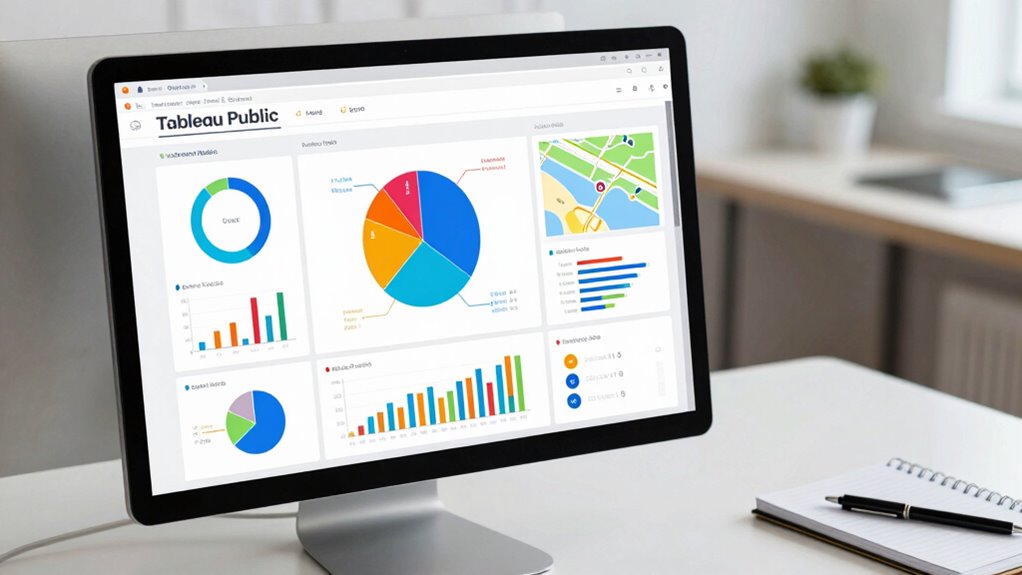
If you’re a student looking to enhance your data visualization skills, Tableau Public offers an excellent platform to get started. This free tool allows you to craft compelling, interactive visualizations without the need for expensive software or advanced coding knowledge. As you explore Tableau Public, you’ll find it’s a powerful way to develop your understanding of data visualization, an essential skill across many fields. Whether you’re working on a class project, a research presentation, or just experimenting with data, Tableau Public provides the perfect space to bring your ideas to life. Its intuitive interface makes it easy to learn, and the large community of users offers abundant learning resources to guide you along the way.
One of the biggest advantages of Tableau Public is that it’s entirely free, giving you the chance to build a portfolio of professional-looking visualizations without any financial investment. You can upload your work to your profile and share it with classmates, professors, or potential employers. This exposure can be invaluable, helping you demonstrate your skills and stand out in competitive environments. Plus, since Tableau Public is widely used in industry and academia, learning to navigate the platform can prepare you for real-world data analysis tasks. Additionally, becoming familiar with platforms like Tableau Public can help you understand data visualization, an essential component of effective data communication.
Tableau Public is free, enabling students to build and share professional visualizations that showcase their skills and boost their careers.
As you explore creating visualizations, you’ll discover a wealth of learning resources available within the Tableau community. The platform offers tutorials, sample dashboards, and step-by-step guides that help you grasp core concepts quickly. You can watch videos, participate in forums, or follow blogs that detail best practices for data visualization. These resources are designed to help you progress from basic charts to more complex, interactive dashboards, sharpening your analytical skills along the way. Engaging with the community also allows you to learn about project design, which enhances your ability to craft meaningful visual stories from data. Moreover, understanding regional or cultural context can make your visualizations more relevant and impactful, especially when working with diverse datasets or audiences.
Using Tableau Public, you can experiment with different types of visualizations—bar charts, line graphs, maps, and more—improving your ability to communicate data insights clearly. It’s a hands-on learning experience that allows you to apply what you read or watch about data visualization in real time. As you build more projects, you’ll develop a portfolio that showcases your ability to analyze and present data effectively, which can be a valuable asset for internships, jobs, or academic pursuits. Overall, Tableau Public is a versatile, accessible platform that empowers students to learn, create, and share their data stories confidently.
Popular right now

Dyson Airwrap i.d. Multi-Styler for Straight and Wavy Hair

De'Longhi Dinamica Plus Fully Automatic Espresso Machine

Dyson Ball Animal 3 Upright Vacuum
As an affiliate, we earn on qualifying purchases.
Frequently Asked Questions
Can Students Upgrade to Tableau Desktop Afterward?
Yes, students can upgrade to Tableau Desktop after using Tableau Public, but they need to purchase a student license. This license removes software limitations found in Tableau Public, like limited data sources and privacy restrictions. By upgrading, you gain access to full features and capabilities of Tableau Desktop, allowing you to work on more complex projects and explore advanced data analysis for your academic or personal growth.
Are There Any Limitations on Data Size in Tableau Public?
Yes, there are limitations on data size in Tableau Public. You can only upload workbooks with a maximum of 10 million rows, which affects your data storage options. Keep in mind, since your workbooks are public, privacy concerns arise, so avoid uploading sensitive or private data. If your datasets grow beyond these limits, consider upgrading to Tableau Desktop for more control over data size and privacy.
How Secure Is the Data Shared on Tableau Public?
Data shared on Tableau Public isn’t highly secure due to its open nature. You should prioritize data privacy, avoiding sensitive information since it’s accessible to everyone. While Tableau implements security protocols for platform integrity, it’s not designed for confidential data. If privacy matters, consider using Tableau Server or Tableau Online, which offer better security controls. Always make certain you’re aware of the risks before sharing any data publicly.
Can Students Collaborate on Tableau Public Projects?
They say two heads are better than one, and that’s true for student collaboration on Tableau Public projects. You can share your dashboards easily and work together by allowing others to view or comment on your visualizations. While real-time editing isn’t possible, you can still collaborate through project sharing, feedback, and updates. This makes teamwork seamless, helping you learn from peers and improve your projects collectively.
Is Tableau Public Suitable for Advanced Data Analysis?
Tableau Public isn’t ideal for advanced data analysis because it prioritizes ease of use and data sharing over analytical depth. You should be cautious about data privacy, as everything you publish is public. If you’re aiming for complex, secure insights, consider Tableau Desktop or other tools that offer more sophisticated analytical features and better control over data privacy. This way, you get both depth and confidentiality in your analysis.
Conclusion
So, there you have it—your golden ticket to becoming a data wizard without spending a dime. With Tableau Public, you can wow your friends, impress your teachers, and maybe even dazzle future employers. Who knew that free could be this powerful? So go ahead, jump in, create, share, and pretend you’re the next data genius. Just don’t forget us when you’re famous—after all, we helped you start this epic journey!