
You’ll find that SPSS offers a broader range of advanced features and a more user-friendly interface, making it ideal for complex analyses and beginners alike. It supports various file formats and software integrations, simplifying data sharing. PSPP, on the other hand, is free and open-source, but has fewer features and limited support, which may affect its usability for detailed research. Keep exploring to discover more about the key differences and which tool suits your needs best.
Key Takeaways
- SPSS supports more advanced features and complex analyses, while PSPP focuses on core functionalities.
- SPSS is a commercial, paid software; PSPP is free and open-source.
- SPSS offers a more user-friendly, intuitive interface compared to PSPP’s less polished UI.
- SPSS provides extensive support, resources, and faster issue resolution; PSPP has limited support.
- Both support data import/export, but SPSS integrates more seamlessly with other professional tools.
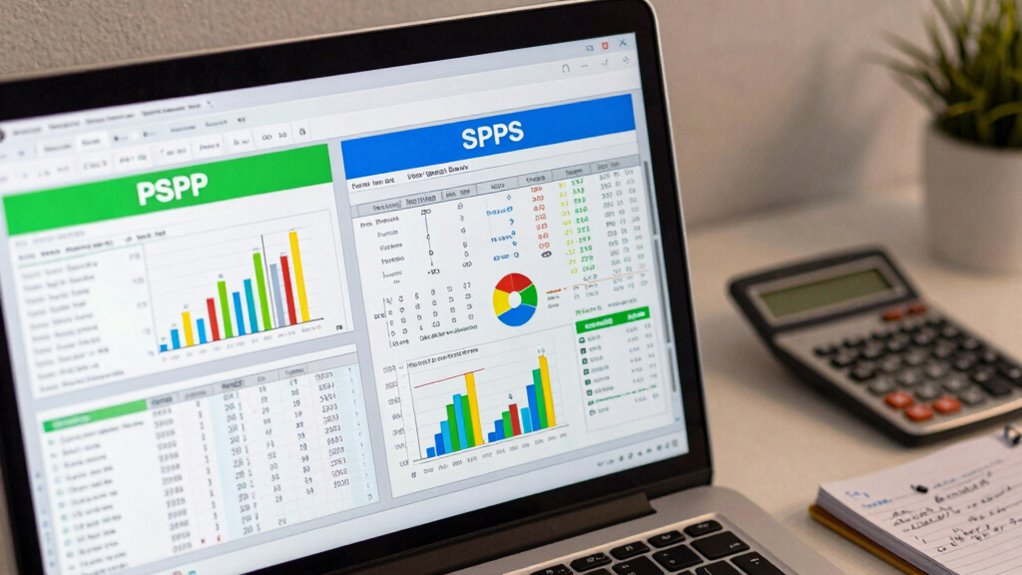
Ever wondered how PSPP compares to SPSS for your data analysis needs? Both tools are widely used in research and data analysis, but they serve different purposes and cater to different user needs. When it comes to data compatibility, SPSS has a clear advantage. It supports a broad range of file formats, including its own proprietary formats, making it easy to import and export data from various sources. SPSS seamlessly integrates with other software like Excel, SAS, and R, which means you can transfer data effortlessly without worrying about format issues. If your workflow involves frequent data sharing or collaboration with colleagues who use different software, SPSS’s superior data compatibility might save you time and frustration. Additionally, PSPP’s open-source nature means it is continually being improved by a community of developers, although it may lag behind SPSS in advanced features, which are often essential for complex analyses. Moreover, software licensing considerations can influence your choice, as PSPP is free and open-source, whereas SPSS requires a commercial license, which can be a significant factor for organizations with limited budgets. Also, SPSS’s extensive support resources and user community can help resolve issues faster compared to the more limited support available for PSPP. A user interface that is more intuitive and user-friendly can also be a deciding factor for beginners, further favoring SPSS.
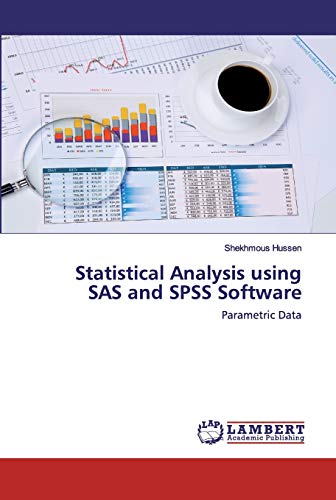
Statistical Analysis using SAS and SPSS Software: Parametric Data
As an affiliate, we earn on qualifying purchases.
As an affiliate, we earn on qualifying purchases.
Frequently Asked Questions
Can PSPP Perform All SPSS Statistical Tests?
You’ll find that PSPP can perform many common statistical tests found in SPSS, but it doesn’t cover every advanced analysis. Its open source advantages mean it’s freely accessible and customizable, but the user interface isn’t as polished or intuitive as SPSS. If you need basic tests and want a free tool, PSPP works well. However, for complex, specialized analyses, SPSS still offers broader capabilities.
Is PSPP Suitable for Professional Research Projects?
Is PSPP suitable for professional research projects? Absolutely, if you prioritize data compatibility and a straightforward user interface. While it may lack some advanced features of SPSS, PSPP handles essential statistical tests reliably. For rigorous research requiring complex analyses or extensive support, SPSS might be better. But for most standard projects, PSPP offers a cost-effective, user-friendly option that meets professional research needs effectively.
How Does Data Security Compare Between PSPP and SPSS?
You’ll find that data security in PSPP and SPSS differs mainly in features like data encryption and user authentication. SPSS offers robust data encryption and advanced user authentication options, making it more secure for sensitive research data. PSPP, being open-source, lacks these built-in security features, so you might need to implement additional security measures. If data security is your priority, SPSS provides a more extensive approach out of the box.
Are There Any Limitations in Pspp’s Data Handling?
You might find limitations in PSPP’s data handling, especially with file compatibility. It struggles with some advanced file formats, which can make importing or exporting data tricky. Additionally, its user interface isn’t as polished or intuitive as SPSS, so maneuvering complex datasets may take more effort. These constraints can impact your analysis workflow, especially if you’re working with diverse or large datasets regularly.
Which Software Offers Better Customer Support?
You’ll find SPSS offers superior customer support, with dedicated technical assistance that’s quick and reliable, especially if you encounter complex issues. Imagine having a knowledgeable team guiding you through troubleshooting, providing detailed solutions, and ensuring your work stays on track. In contrast, PSPP’s community forums and online resources may lack the promptness and depth you need. For peace of mind and expert help, SPSS clearly stands out.
free open-source PSPP software
As an affiliate, we earn on qualifying purchases.
As an affiliate, we earn on qualifying purchases.
Conclusion
Ultimately, PSPP offers a free, open-source alternative to SPSS, appealing to budget-conscious users enthusiastic for essential statistical tools. While PSPP provides basic functionalities, SPSS delivers advanced features, seamless integration, and dedicated support, catering to professional needs. The choice hinges on your priorities: affordability and accessibility versus extensive capabilities. In the end, your decision reflects whether you value cost savings or cutting-edge sophistication—each option shaping your data analysis journey differently.
SPSS data import export tools
As an affiliate, we earn on qualifying purchases.
As an affiliate, we earn on qualifying purchases.
SPSS and PSPP comparison
As an affiliate, we earn on qualifying purchases.
As an affiliate, we earn on qualifying purchases.