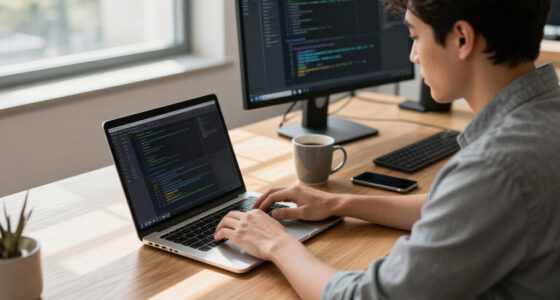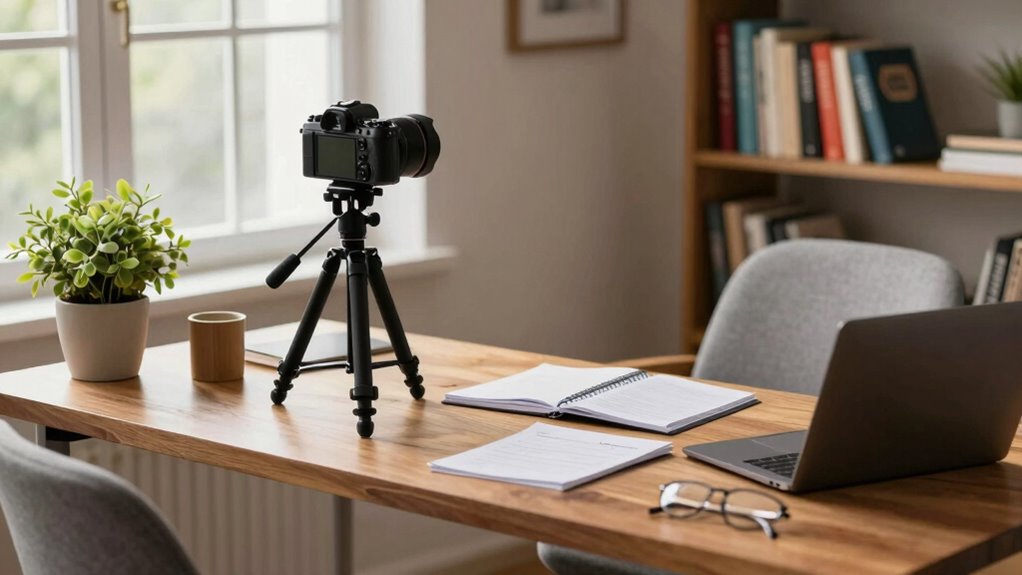

To record better lecture videos from home, start by investing in a good camera and microphone for clear audio and visuals. Choose a clean, organized space with natural or soft lighting to enhance your backdrop. Speak clearly, use gestures for emphasis, and keep your segments short to maintain interest. Don’t forget to edit your videos for a polished finish, and always seek feedback for continuous improvement. If you want more detailed tips, keep exploring!

Get business pricing on monitors, keyboards and dev gear
- Business-only prices and quantity discounts
- Tax-exempt purchasing
- Multiple users, one account, clear invoices
Key Takeaways
- Invest in quality camera and microphone to enhance video and audio clarity, ensuring student engagement throughout your lectures.
- Optimize lighting by using natural light or softbox lights to create a well-lit, professional appearance without harsh shadows.
- Choose a clean and organized background to minimize distractions, focusing viewers’ attention on your lecture content.
- Speak clearly and use gestures for emphasis, while breaking longer lectures into shorter segments for better comprehension.
- Edit videos for polish, adding text overlays and visual aids, and seek student feedback to continually improve your presentation techniques.
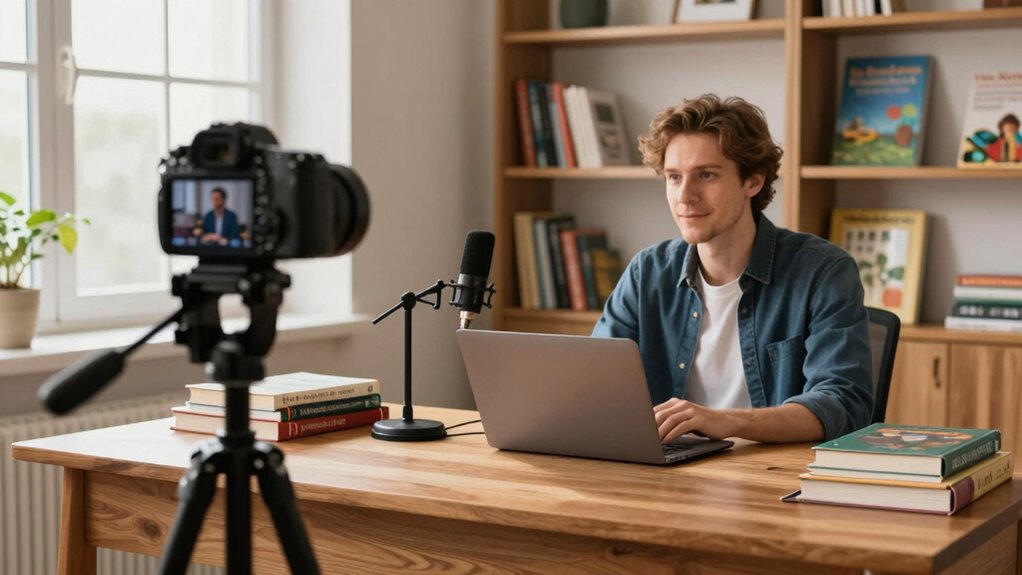
Recording lecture videos can be a game-changer for both you and your students, especially when you want to enhance engagement and understanding. To get started, you’ll want to focus on a few essential elements that can greatly improve the quality of your recordings. First, think about your equipment setup. You don’t need to break the bank, but investing in a decent camera and microphone can elevate your video quality tremendously. Good audio quality is vital; if your students can’t hear you clearly, they’ll quickly lose interest.
Next, consider your video lighting. Natural light can be your best friend, so try to position yourself near a window. If that’s not an option, invest in some softbox lights or ring lights to guarantee your face is well-lit without harsh shadows. Proper lighting not only makes you look professional but also keeps your viewers engaged. Incorporating adaptive lighting can further help you adjust your environment’s brightness according to the time of day and your needs. Additionally, experimenting with different lighting setups can help you find what feels most natural and flattering on camera.
Proper lighting is essential; natural light works wonders, but softbox or ring lights can ensure you look professional and keep viewers engaged.
When it comes to background choice, aim for a clean, uncluttered space. A simple bookshelf or a neutral wall can work wonders. Avoid distractions that might pull your students’ focus away from you. This is where script preparation comes into play. Having a well-prepared script helps you stay on track and guarantees you cover all important points. You don’t have to read word-for-word, but having an outline will keep your thoughts organized and fluid.
Presentation tips are invaluable, too. Make sure you’re speaking clearly and at a steady pace. Use gestures to emphasize points, and don’t forget to smile! Your enthusiasm can be contagious, drawing viewers in and keeping them engaged. Consider breaking up longer lectures into shorter segments. This keeps the content digestible and allows for better viewer engagement.
After recording, take advantage of editing software to polish your video. Basic edits like cutting out mistakes or adding text overlays can improve the overall quality. You can also include visual aids or slides that reinforce your points and keep your audience visually stimulated. Additionally, paying attention to camera positioning can help you appear more confident and connected with your viewers. Remember, the way you present yourself on camera can influence how your message is received, so practicing your camera presence can make a significant difference.
Finally, don’t forget to seek feedback from your students. They can provide insights into what works and what doesn’t, allowing you to refine your technique. Recording lecture videos is an evolving process, and each time you do it, you’ll learn something new that can help you connect better with your students. So grab your equipment, plan your content, and start recording—your students will thank you!
HD webcam for recording lectures
As an affiliate, we earn on qualifying purchases.
As an affiliate, we earn on qualifying purchases.
Frequently Asked Questions
What Equipment Do I Need to Start Recording Lectures?
To start recording lectures, you’ll need a good camera, like a DSLR or a smartphone with a high-resolution option. For audio quality, invest in a decent external microphone—this can make a huge difference in clarity. A tripod can help stabilize your shots, and good lighting is essential, so consider using softbox lights or natural light from a window. With this equipment, you’re set to create engaging lecture videos!
How Can I Improve My Speaking Skills for Video?
Think of your voice as a painter’s brush, capable of bringing your words to life. To improve your speaking skills, practice voice modulation—vary your pitch and tone to keep your audience engaged. Pay attention to your body language; it should complement your message, not distract from it. Stand tall, use gestures, and maintain eye contact with the camera. With these techniques, you’ll transform your lectures into engaging performances that resonate with viewers.
What Software Is Best for Video Editing?
For video editing, you’ll find software like Adobe Premiere Pro, Final Cut Pro, and DaVinci Resolve to be top choices. They handle various video formats and offer powerful features for screen recording and editing. If you’re looking for something simpler, try iMovie or Shotcut. Each program lets you enhance your lectures effectively, ensuring smooth shifts and clear audio, making your content engaging and professional. Choose one that fits your editing style best!
How Do I Engage Students During Online Lectures?
To engage students during online lectures, incorporate interactive activities; studies show that 70% of learners prefer lessons that include participation. Use polls, quizzes, and breakout discussions to keep their attention. Encourage audience feedback throughout your session to make them feel involved. Ask questions and invite comments to foster a two-way dialogue. By making your lectures interactive and responsive, you’ll create a more dynamic learning environment that keeps students invested and engaged.
What Platform Should I Use to Share My Videos?
You should consider using platforms like YouTube, Vimeo, or Google Drive for video hosting. These options not only allow you to share your videos easily but also enable audience feedback through comments or reactions. By choosing the right platform, you can engage with your students more effectively, making it easier for them to ask questions and share insights. This interaction can enhance their learning experience and keep them motivated throughout your lectures.
USB microphone for online teaching
As an affiliate, we earn on qualifying purchases.
As an affiliate, we earn on qualifying purchases.
Conclusion
In the world of online learning, your lecture videos are like a lighthouse guiding students through the fog of information. By enhancing your recording setup and delivery, you’ll illuminate their path, making complex topics clearer and more engaging. Remember, each video is a chance to spark curiosity and foster understanding. So, embrace the journey, refine your skills, and watch as your students navigate with confidence, inspired by the brilliance you bring to their screens.
As an affiliate, we earn on qualifying purchases.
video editing software for educators
As an affiliate, we earn on qualifying purchases.
As an affiliate, we earn on qualifying purchases.
Halloween Picks
halloween
As an affiliate, we earn on qualifying purchases.