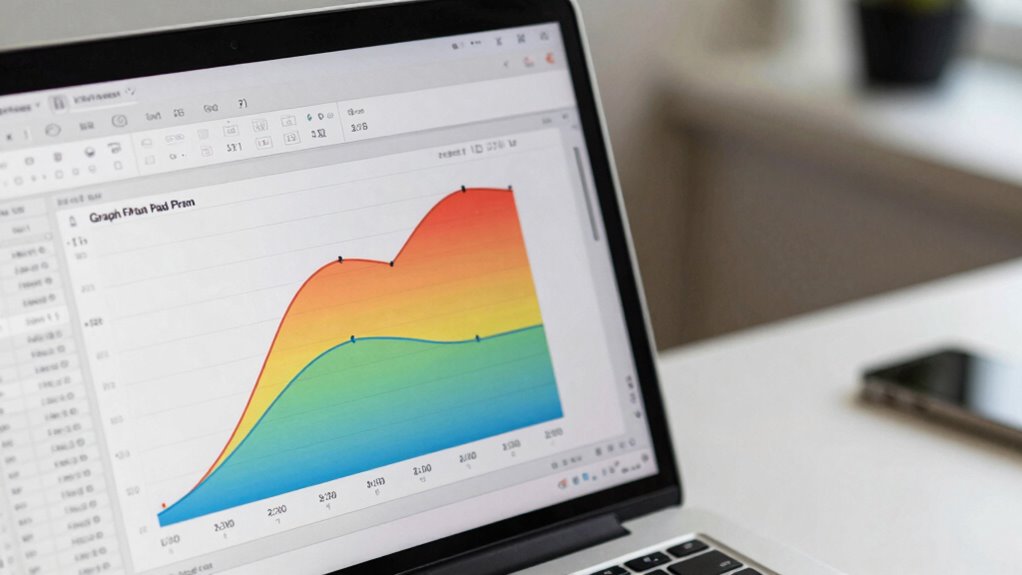

You should choose GraphPad Prism over Excel when you need specialized data visualization and accurate statistical analysis tailored for scientific research. Prism offers high-quality, publication-ready graphs, guides you through complex tests like t-tests and ANOVA, and simplifies data management. Its intuitive interface streamlines your workflow by linking analysis directly with visualization. If you want professional results without hassle, there’s more to discover about how Prism can boost your research efforts.
Key Takeaways
- GraphPad Prism offers specialized scientific data visualization features for publication-ready, customizable graphs, unlike Excel’s general chart options.
- It simplifies complex statistical analyses with guided procedures and automation, ensuring accuracy and reproducibility.
- The intuitive interface streamlines data import, transformation, and analysis, reducing manual errors common in Excel.
- Direct integration of analysis and visualization allows immediate, professional visual feedback of statistical results.
- Designed for scientists, Prism provides tailored tools that enhance clarity and precision beyond Excel’s broader spreadsheet capabilities.
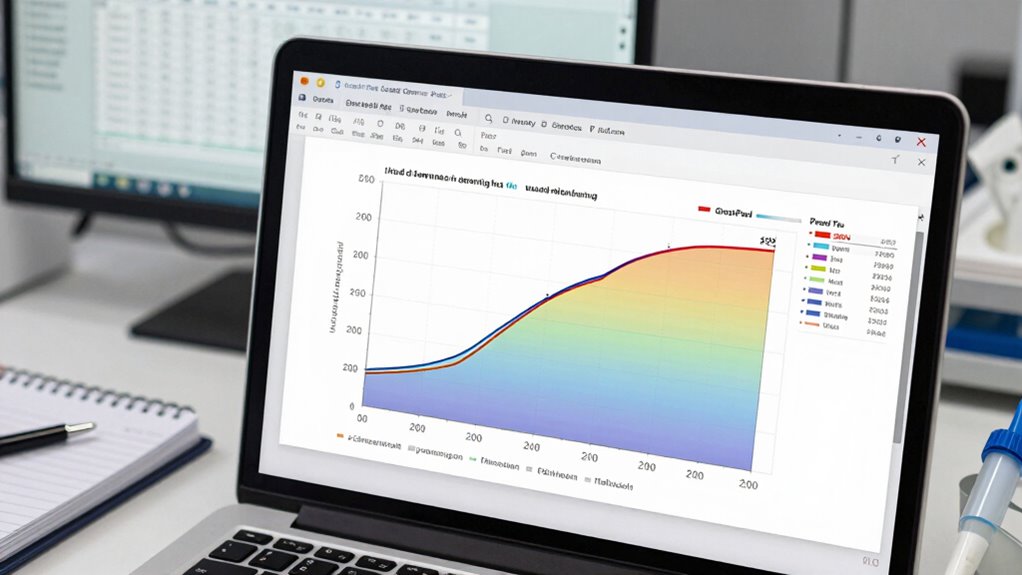
While Excel is a versatile tool widely used for data management, GraphPad Prism is specifically designed to meet the needs of scientists and researchers. When it comes to data visualization, Prism offers specialized features that make presenting complex data clearer and more impactful. You can generate high-quality graphs tailored for scientific publications, with options for customizing axes, labels, and data points to accurately reflect your findings. Unlike Excel, which relies on basic charting tools, Prism provides a variety of graph types optimized for illustrating statistical results, making your data easier to interpret at a glance.
Statistical analysis is another area where Prism outperforms Excel. While Excel provides basic statistical functions, it lacks the depth needed for rigorous scientific research. Prism simplifies complex statistical procedures such as t-tests, ANOVA, regression analysis, and non-parametric tests, guiding you through each step with user-friendly interfaces. It automates calculations and reduces errors, so you can trust the results without extensive manual input. This focus on statistical rigor guarantees your analyses are accurate and reproducible, which is vital in scientific research. Additionally, Prism’s specialized statistical tools are tailored specifically for scientific data, ensuring more precise and relevant results compared to general spreadsheet functions.
You’ll find that Prism’s interface is designed with scientists in mind—intuitive, streamlined, and focused on the specific tasks involved in data analysis. Instead of steering through countless menus and options like in Excel, you get dedicated tools that streamline your workflow. You can easily import data from various formats, organize it effectively, and perform complex analyses without needing advanced spreadsheet skills. The software also offers built-in options for data transformation and normalization, which are common in research workflows. Additionally, the ability to leverage contrast ratio and color accuracy in visualizations further enhances the clarity and professionalism of your graphs.
Another advantage is Prism’s ability to link data analysis directly with visualization, so you can see the immediate effects of your statistical tests on your graphs. This integrated approach saves time and helps you communicate your findings more efficiently. With Prism, you’re not just crunching numbers—you’re creating professional, publication-ready visuals that clearly convey your results.
GraphPad Prism scientific data visualization software
As an affiliate, we earn on qualifying purchases.
As an affiliate, we earn on qualifying purchases.
Frequently Asked Questions
Can Graphpad Prism Handle Large Datasets More Efficiently Than Excel?
Yes, GraphPad Prism handles large datasets more efficiently than Excel. Its optimized data visualization tools allow you to analyze and plot extensive data seamlessly. The user interface is designed for ease of use, making complex statistical analysis straightforward. Unlike Excel, which can slow down with massive datasets, Prism maintains performance and accuracy, helping you focus on interpreting results rather than managing data. This makes it ideal for large-scale scientific and research projects.
Does Graphpad Prism Support Advanced Statistical Analyses Not Available in Excel?
Like a modern-day Sherlock wielding a magnifying glass, you’ll find GraphPad Prism supports advanced statistical analyses beyond Excel’s capabilities. It offers greater statistical depth and analytical flexibility, including nonlinear regression, survival analysis, and dose-response modeling. While Excel’s tools are basic, Prism’s specialized functions help you perform complex analyses efficiently, making it ideal for scientific research where precision and depth matter.
Is Graphpad Prism Suitable for Creating Publication-Ready Scientific Graphs?
Yes, GraphPad Prism is suitable for creating publication-ready scientific graphs. Its user interface is intuitive, making it easy to customize designs with precise control over elements like labels, axes, and colors. You can craft professional, polished figures that meet journal standards, thanks to its advanced design customization options. This software streamlines the process, ensuring your graphs are both visually appealing and scientifically accurate for publication purposes.
How Does Data Security Compare Between Graphpad Prism and Excel?
You’ll find that GraphPad Prism offers robust data security, with features like data encryption and user access controls, making it more secure than Excel in many ways. For example, Prism allows you to set permissions, ensuring only authorized users can view or modify data. In contrast, Excel’s security relies heavily on password protection, which can be less reliable. Overall, Prism provides a more secure environment for sensitive scientific data.
Can Graphpad Prism Integrate With Other Data Analysis Tools Easily?
GraphPad Prism offers limited data integration capabilities compared to Excel, making it less seamless for combining data from various sources. However, it supports workflow automation through its scripting features and import/export options, helping you streamline analysis processes. If you need smooth data integration with other tools, Excel might be better. But for focused statistical analysis and automation within its environment, Prism can still be quite effective.
GraphPad Prism statistical analysis software
As an affiliate, we earn on qualifying purchases.
As an affiliate, we earn on qualifying purchases.
Conclusion
So, next time you’re crunching data, ask yourself: do I need a tool designed for scientific analysis or just basic spreadsheets? GraphPad Prism offers specialized features that make complex statistical work easier and more accurate than Excel. Why settle for less when you can streamline your research with a software tailored for scientists? Embrace the right tools and see your data insights grow—after all, isn’t your research worth the best?
publication-ready scientific graph software
As an affiliate, we earn on qualifying purchases.
As an affiliate, we earn on qualifying purchases.
GraphPad Prism data analysis tool
As an affiliate, we earn on qualifying purchases.
As an affiliate, we earn on qualifying purchases.