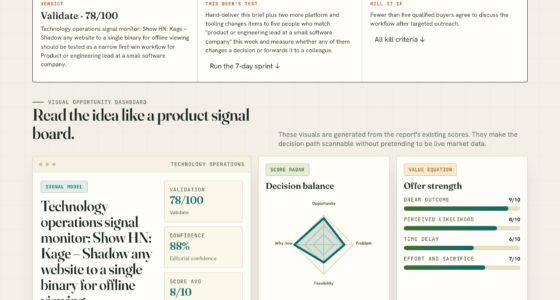

📊 Full opportunity report: Build vs Buy a Prebuilt AI Workstation on ThorstenMeyerAI.com — validation score, market gap, and execution plan.

Get business pricing on monitors, keyboards and dev gear
- Business-only prices and quantity discounts
- Tax-exempt purchasing
- Multiple users, one account, clear invoices
TL;DR
In 2026, prebuilt AI workstations often match or beat DIY costs due to supply shortages and bulk buying. The decision depends on speed, control, and long-term needs, with hybrid options gaining popularity.
In 2026, the landscape for acquiring AI workstations has shifted significantly, with prebuilt systems often matching or surpassing the cost-effectiveness of DIY builds due to supply chain disruptions and price spikes. This shift is discussed in the original analysis. This change influences whether organizations opt for ready-made solutions or custom-built hardware, impacting deployment speed, control, and long-term ownership.
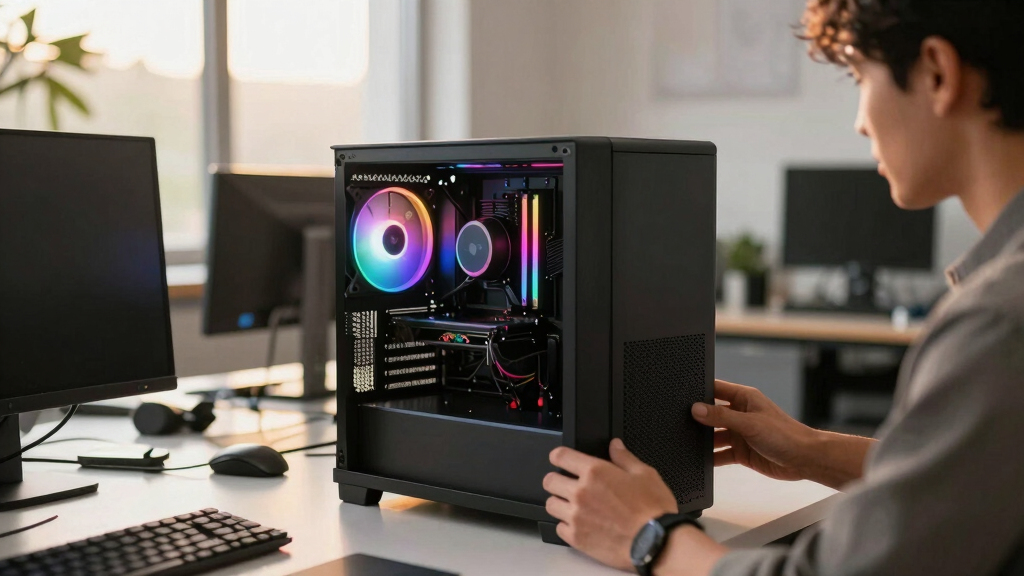
Prebuilt AI workstations arrive fully assembled, tested, and optimized for performance, often including high-end GPUs, cooling, and pre-installed software like CUDA and TensorFlow. Vendors such as Lambda and Puget offer systems with validated thermals, warranties, and support, reducing setup time and operational risks.
Conversely, building your own AI workstation involves sourcing components, assembling, BIOS tuning, and troubleshooting, which can extend deployment from weeks to over a month. While DIY offers maximum customization and control over hardware, it requires technical expertise and ongoing maintenance.
Cost comparisons reveal that in 2026, due to global chip shortages and rising component prices, DIY setups are often more expensive — around $1,250 or more — than prebuilt systems, which leverage bulk purchasing to keep prices competitive. Hidden costs such as engineering time, troubleshooting, and support contracts further influence total ownership costs.
Deployment speed is a critical factor; prebuilt systems typically deliver within 1–2 weeks, enabling rapid project initiation, whereas DIY builds can delay start times significantly, risking missed deadlines and lost opportunities.
Build vs buy
an AI workstation.
The real question behind this whole series: do you pull the five heat-and-noise levers yourself, or buy a prebuilt where the vendor pulled them for you? And in 2026, the old “building is cheaper” rule has broken. Match your situation in Part 3.
Impact of Market Conditions on AI Workstation Choices
The shift in pricing and supply chain stability in 2026 makes prebuilt AI workstations more attractive for many organizations, especially those needing quick deployment and reliable performance. This trend influences enterprise planning, operational risk management, and hardware investment strategies, emphasizing the importance of total cost of ownership and speed in decision-making.
prebuilt AI workstation with high-end GPU
As an affiliate, we earn on qualifying purchases.
As an affiliate, we earn on qualifying purchases.
2026 Market Dynamics Affecting Hardware Choices
Global chip shortages and recent price spikes have disrupted traditional build cost advantages, pushing up component prices and availability issues. For a detailed overview, see the original analysis. Vendors like Lambda and Puget have responded by offering preconfigured, validated systems that reduce setup complexity and operational risk. Learn more about build vs buy options. Previously, DIY builds were favored for control and lower initial costs, but market conditions now favor prebuilt solutions for many users.
"Our prebuilt AI workstations undergo rigorous thermal and stability testing, ensuring consistent performance right out of the box."
— A representative from Lambda
customizable AI workstation build kit
As an affiliate, we earn on qualifying purchases.
As an affiliate, we earn on qualifying purchases.
Uncertainties in Long-term Cost and Performance
It remains unclear how ongoing supply chain issues and component price fluctuations will evolve over the next year, potentially affecting both DIY and prebuilt options. Additionally, the long-term performance and upgradeability of prebuilt systems compared to custom builds are still being evaluated, especially as AI workloads grow more demanding.
As an affiliate, we earn on qualifying purchases.
Upcoming Trends and Market Developments in 2026
Manufacturers are expected to release new prebuilt models with enhanced cooling and scalability features, while DIY communities will continue to innovate with modular solutions. Market analysts predict that hybrid approaches combining prebuilt reliability with custom upgrades will gain popularity, and further price stabilization may influence future choices. Monitoring supply chain developments and vendor offerings will be critical for organizations planning their AI infrastructure.
As an affiliate, we earn on qualifying purchases.
Key Questions
Is it more cost-effective to build or buy an AI workstation in 2026?
Due to supply shortages and rising component prices, prebuilt systems often match or beat the cost of DIY builds in 2026, especially when factoring in support and operational risks.
How long does it typically take to deploy a prebuilt AI workstation?
Most prebuilt systems can be delivered and set up within 1–2 weeks, significantly faster than DIY builds, which may take a month or more.
What are the main advantages of building my own AI workstation?
Building offers maximum control over hardware, software, and security configurations, allowing for tailored upgrades and specific performance tuning.
Are there risks associated with buying prebuilt AI workstations?
While prebuilt systems are tested and validated, they may limit customization options and depend on vendor support for upgrades or repairs.
Will market supply chain issues improve soon, affecting build and buy options?
It is uncertain; ongoing shortages and geopolitical factors continue to influence component availability and prices through 2026, affecting both options.
Source: ThorstenMeyerAI.com
Fall Picks
fall essentials
As an affiliate, we earn on qualifying purchases.