For thesis writing and data analysis, a screen size of at least 24 inches is essential. It lets you view multiple documents side by side, enhancing your workflow and reducing the need to switch windows constantly. Plus, a larger screen minimizes eye strain and neck discomfort, making long sessions much more comfortable. With better ergonomics and resolution, you’ll find your productivity soaring. Interested in how to optimize your workspace further? There’s more to explore!
Key Takeaways
- A screen size of at least 24 inches is ideal for comfortable thesis writing and data analysis, allowing for better visibility and multitasking.
- Larger screens facilitate viewing multiple documents side by side, reducing the need to switch between windows and enhancing workflow efficiency.
- Higher resolution screens, such as Full HD or 4K, provide sharper text clarity and aid in interpreting complex data accurately.
- Dual-monitor setups can significantly boost productivity by enabling simultaneous access to multiple applications and data sets.
- Ergonomic positioning and setup enhance comfort during long writing sessions, preventing strain and improving overall focus.
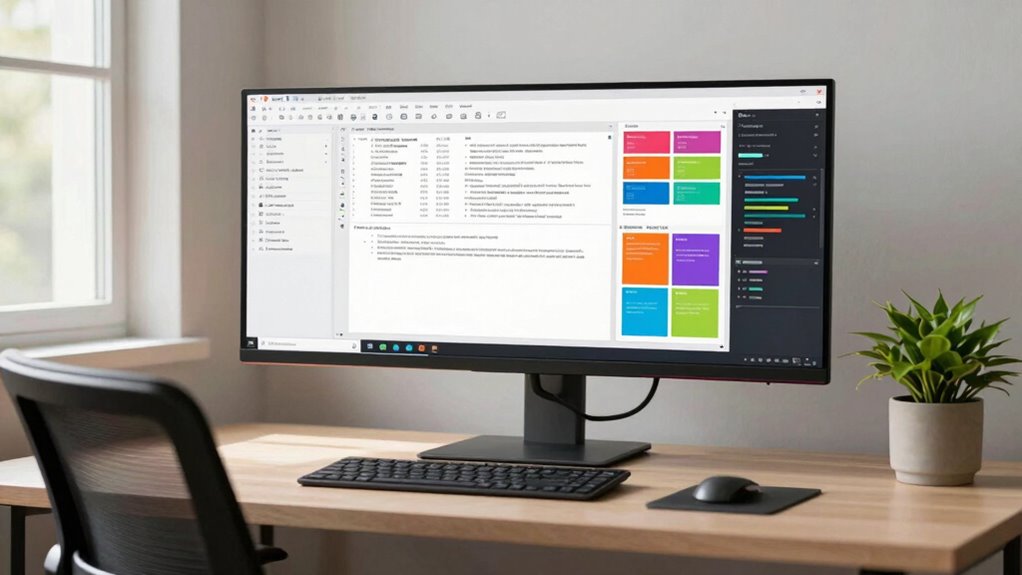
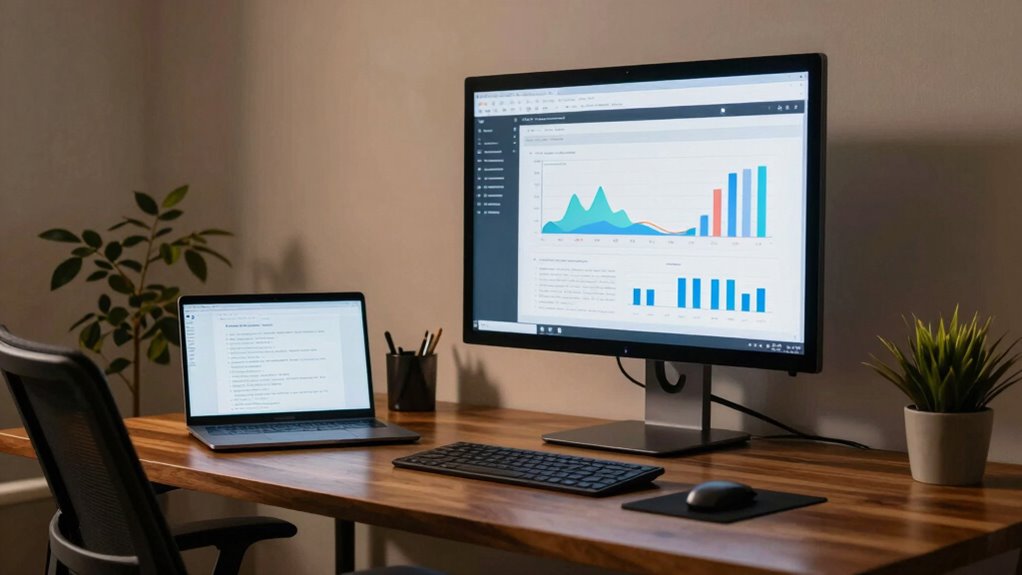
When it comes to writing your thesis, have you thought about how screen size impacts your productivity and comfort? The right screen size can make a significant difference in your writing experience, especially during those long hours of research and data analysis. A larger screen usually means more space to view documents side by side or analyze multiple data sets without constantly switching between windows. Imagine being able to see your thesis document, reference materials, and spreadsheets all at once. It’s not just about convenience; it’s about enhancing your workflow.
You might find that a screen size of at least 24 inches is ideal for most thesis writers. This size allows you to work comfortably without straining your eyes or neck. When you set up your workspace with an ergonomic setup, you’ll notice how your overall comfort improves. Positioning your monitor at eye level and at a distance of about an arm’s length helps reduce fatigue. Plus, having that extra screen real estate means you won’t have to squint or lean closer to read fine text, which can be a real game changer during those intense writing sessions.
A screen size of at least 24 inches enhances comfort and productivity, reducing eye strain during long writing sessions.
Let’s talk about optimal resolution. A higher resolution screen not only makes text sharper but also allows for better clarity when you’re working with detailed graphs or charts. If you’re analyzing data, you’ll want to verify you’re seeing all the details clearly. A full HD (1920×1080) screen is generally regarded as the minimum for clarity, but if you can, aim for a 4K display. These displays provide crisper visuals, making it easier to work with multiple data sources simultaneously. When you can clearly see what you’re working with, your productivity naturally increases. Additionally, screen resolution can significantly influence how much detail you can discern, especially when working with complex data visualizations. Choosing a display with high pixel density can further enhance your ability to interpret detailed information accurately.
Another aspect to reflect on is the type of work you’re doing. If you’re mostly writing, a mid-sized monitor may suffice. However, for data-heavy tasks, larger screens can drastically improve your efficiency. Additionally, dual-monitor setups are becoming increasingly popular among writers and researchers. This configuration lets you have multiple applications open at once, streamlining your workflow even further. Smart home technology concepts like cross-platform integration and automation routines can also be applied to optimize your workspace setup, making your thesis work more seamless and efficient.
Ultimately, finding the best screen size for your thesis writing is about balancing comfort and functionality. By investing time in creating an ergonomic setup and verifying you have an ideal resolution, you’ll not only improve your productivity but also enhance your overall writing experience. Incorporating ergonomic principles into your workspace can help prevent strain and boost your focus. So, think about how a better screen can elevate your thesis writing journey.
24 inch computer monitor for thesis writing
As an affiliate, we earn on qualifying purchases.
As an affiliate, we earn on qualifying purchases.
Frequently Asked Questions
What Types of Software Are Best for Thesis Writing?
For thesis writing, you’ll find software like Google Docs and Microsoft Word useful. They offer writing templates that simplify formatting. Incorporating cloud storage guarantees your work is accessible anywhere, while citation management tools like Zotero or EndNote help organize your references seamlessly. For research organization, tools like Evernote or Notion keep your notes and ideas structured. These resources will streamline your writing process and enhance your overall productivity.
How Can I Improve My Focus While Writing?
To improve your focus while writing, start by practicing distraction management. Turn off notifications on your devices and create a dedicated workspace. Use time blocking to set specific periods for writing, followed by breaks. This structure helps maintain your concentration and reduces the temptation to multitask. Experiment with different lengths for your writing sessions to find what works best for you, and don’t forget to reward yourself after completing each block.
What Ergonomic Considerations Should I Keep in Mind?
Did you know that 60% of office workers experience discomfort due to poor ergonomics? To improve your workspace, focus on screen positioning and chair height. Your computer screen should be at eye level, about an arm’s length away, to reduce neck strain. Adjust your chair so your feet rest flat on the ground, promoting better posture. These simple tweaks can boost your comfort and concentration while writing or analyzing data.
Is a Dual Monitor Setup Beneficial for Data Analysis?
Yes, a dual monitor setup is definitely beneficial for data analysis. It enhances data visualization by allowing you to view multiple datasets side by side, making comparisons easier. You’ll optimize your workspace, reducing the need to constantly switch between tabs or windows. This setup not only boosts your productivity but also minimizes eye strain, as you can organize your data efficiently. Overall, it’s a smart choice for anyone serious about data analysis.
How Often Should I Take Breaks During Writing Sessions?
During your writing sessions, aim for breaks every 25-30 minutes. Think of these intervals as a garden; just like plants need sunlight and water, your mind needs rest to flourish. Use productivity techniques like the Pomodoro Technique to structure your time effectively. These breaks rejuvenate your creativity and focus, preventing burnout. So, step away for a moment, breathe, and let your thoughts grow before diving back into your work.
4K desktop monitor for data analysis
As an affiliate, we earn on qualifying purchases.
As an affiliate, we earn on qualifying purchases.
Conclusion
So, you’ve got your perfect screen size all figured out, right? Whether it’s a compact laptop or a sprawling monitor, it’s all about what feels right for you. Ironically, while you’re immersed in your thesis, you might just find yourself distracted by all those tabs you’ve opened. In the end, it’s not just about the screen size; it’s about mastering the art of focus. Happy writing—just don’t let that big screen swallow you whole!
dual monitor setup for productivity
As an affiliate, we earn on qualifying purchases.
As an affiliate, we earn on qualifying purchases.
ergonomic monitor stand for long hours
As an affiliate, we earn on qualifying purchases.
As an affiliate, we earn on qualifying purchases.