
When it comes to calculator policies in statistics classes, you need to check your instructor’s specific guidelines. Some tests only allow certain calculators, while others may restrict their use entirely. Make sure you know how to operate your chosen calculator for inputting data and interpreting outputs. Don’t forget to verify its battery life before exams. Being well-prepared will reduce anxiety and help you manage your time effectively. Discover more about how to navigate these policies effectively!

Get business pricing on monitors, keyboards and dev gear
- Business-only prices and quantity discounts
- Tax-exempt purchasing
- Multiple users, one account, clear invoices
Key Takeaways
- Confirm the acceptable calculator type with your instructor to ensure compliance during exams.
- Review specific exam guidelines for calculator usage, including allowed sections.
- Practice using your calculator extensively to familiarize yourself with its functions and outputs.
- Check battery life and update software to avoid technical issues on exam day.
- Understand calculator policies to enhance time management and reduce exam anxiety.
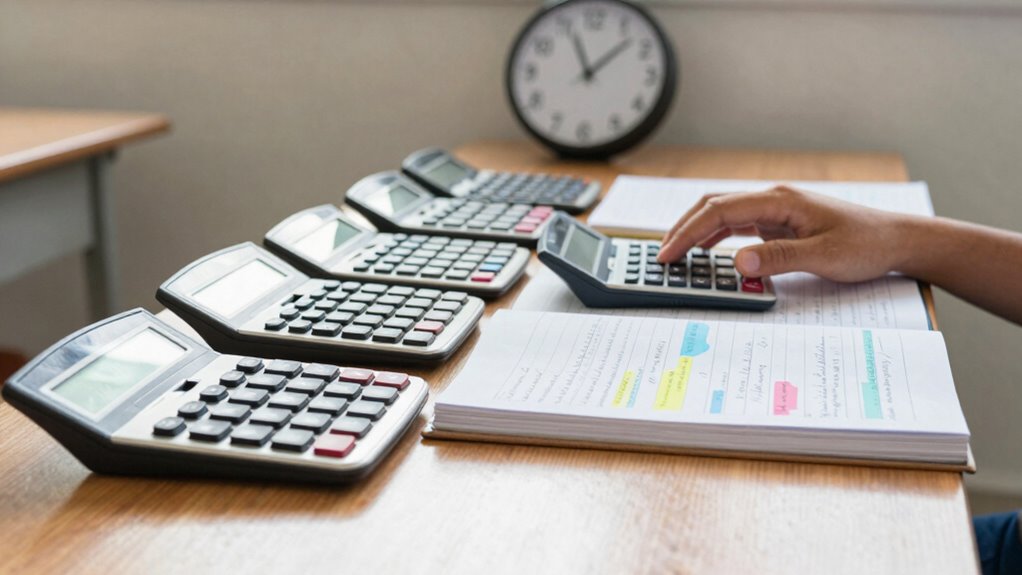
In statistics classes, understanding calculator policies is vital, especially since these tools can greatly impact your learning experience. You might think all calculators are created equal, but that’s not the case. Different calculator types serve various purposes, and knowing which one to use can save you time and frustration when tackling assignments or preparing for exams.
First off, you need to familiarize yourself with the calculator types that are acceptable in your class. Some instructors allow graphing calculators, while others may restrict you to scientific calculators. Graphing calculators can perform complex functions and display data visually, which can be incredibly useful for analyzing statistical information. However, if your instructor specifies a particular type, be sure to comply; using an unapproved type during exams can lead to unnecessary stress or worse, penalties.
Familiarize yourself with acceptable calculator types; compliance can prevent unnecessary stress during exams.
Next, check for any exam restrictions related to calculator usage. Many statistics courses have specific guidelines about when and how you can use your calculator during assessments. Some tests might allow calculators for certain sections but not others, so you’ll want to clarify this with your instructor beforehand. If you show up unprepared, you could find yourself unable to complete problems effectively, which can negatively affect your overall grade.
Moreover, understanding your calculator’s functionality is imperative. Spend some time practicing with it before big tests. If you’re using a graphing calculator, familiarize yourself with how to input data, generate graphs, and interpret outputs. The last thing you want is to waste precious time during an exam figuring out how to navigate your calculator.
Also, consider your calculator’s battery life. Make sure it’s charged and functioning properly before exams. A dead calculator in the middle of a test can be a real nightmare. If your calculator requires specific software or updates, take care of those ahead of time as well.
Popular right now

Vitamix 5200 Professional-Grade Blender, 64 oz. Container, Black

Shark Rotator Lift-Away Upright Vacuum with HEPA Filter (NV501)

Bose QuietComfort True Wireless Noise-Cancelling Earbuds, Black
As an affiliate, we earn on qualifying purchases.
Frequently Asked Questions
Can I Use My Smartphone as a Calculator in Class?
Yes, you can often use your smartphone as a calculator in class, but it depends on your school’s specific smartphone restrictions. Check if calculator apps are allowed, as some instructors may prefer traditional calculators to minimize distractions. Always clarify with your teacher before relying on your device. Staying informed about these policies guarantees you’re prepared and can focus on your studies without any worries about potential violations.
Are Graphing Calculators Allowed During Exams?
You might want to double-check your exam regulations, as graphing calculators are often the star players in statistics exams. However, policies can vary by course or instructor, so it’s essential to clarify which calculator types are allowed. Some exams embrace the advanced features of graphing calculators, while others might prefer simpler models. Just be sure to confirm ahead of time, so you’re not left in a bind when it’s time to test your knowledge.
What if My Calculator Malfunctions During a Test?
If your calculator malfunctions during a test, stay calm. First, try basic troubleshooting tips like resetting the device or replacing the batteries. Familiarize yourself with malfunction prevention strategies beforehand—always check your calculator before the exam. If it’s still not working, notify your instructor immediately. They might allow you to use a spare or provide alternative options. Preparing in advance can save you from panic during the test!
How Do I Choose the Right Calculator for Statistics?
Choosing a calculator can feel confusing, but focusing on features helps simplify the selection. Look for brands like TI or Casio that offer statistical functions, graphing capabilities, and easy-to-use interfaces. Make sure it can handle standard deviations, regressions, and probability distributions. Prioritize portability and battery life too, since you’ll want it ready for class or exams. Ultimately, pick a calculator that fits your needs and boosts your confidence in statistics.
Can I Share My Calculator With Classmates During Tests?
You typically can’t share your calculator with classmates during tests. Most schools have strict sharing policies to maintain fairness and integrity. It’s essential to understand the calculator etiquette expected in your class. If you’re unsure, check your syllabus or ask your instructor to clarify. Bringing your own calculator guarantees you’re prepared, and it keeps the testing environment fair for everyone. Always follow the specific guidelines set by your instructor.
Conclusion
When it comes to calculator policies in statistics classes, knowing the rules can make a big difference in your success. Remember, “An ounce of prevention is worth a pound of cure.” By checking your instructor’s guidelines, familiarizing yourself with allowed functions, and practicing with your device, you’ll set yourself up for a smoother learning experience. So, take the time to understand these policies and you’ll navigate your coursework like a pro.