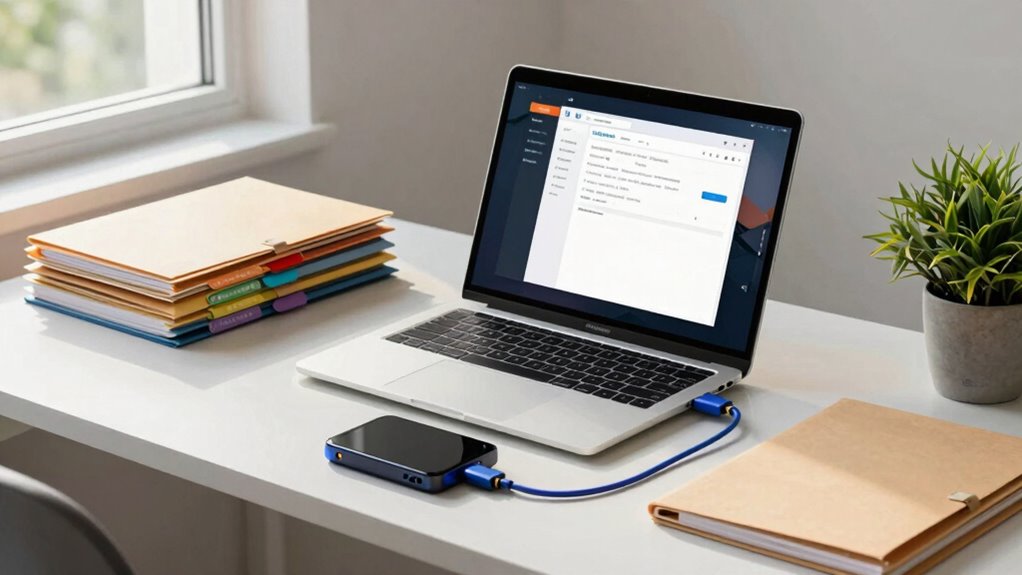

To back up sensitive student and research files effectively, start by using a secure cloud storage provider that complies with data protection regulations. Encrypt your files to guard against unauthorized access, ensuring both data at rest and in transit is protected. Set a regular backup schedule based on your project’s activity and keep your files organized with clear naming conventions. Finally, manage access controls tightly to prevent accidental deletions. You’ll find even more valuable strategies to enhance your backup process.
Key Takeaways
- Choose a compliant cloud storage provider to ensure data protection regulations are met for sensitive student and research files.
- Implement strong encryption methods for files, utilizing end-to-end encryption to secure data both in transit and at rest.
- Establish a regular backup schedule tailored to project activity, ensuring consistency and reducing the risk of data loss.
- Organize files with clear naming conventions and folder hierarchies to enhance backup efficiency and prevent overlooked documents.
- Limit access permissions to sensitive files, regularly reviewing access controls to minimize the risk of unauthorized alterations or deletions.
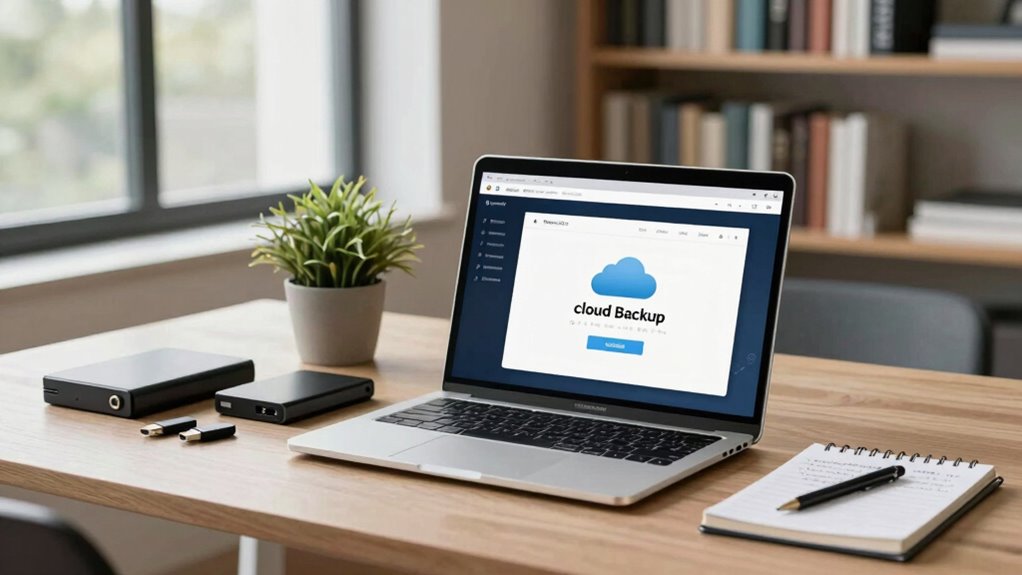
How can you guarantee your sensitive files are safe from loss or theft? In today’s digital world, safeguarding your important student and research files is essential. You need a solid backup strategy that combines cloud storage, encryption methods, and effective file organization. By doing so, you’ll not only protect your data but also guarantee easy access when you need it.
First, think about utilizing cloud storage. This offers you the convenience of accessing your files from any device, anywhere. However, don’t just choose any cloud service; look for one that complies with data protection regulations relevant to your field. Compliance regulations can vary, especially in academic and research environments, so you want to confirm your cloud provider meets those standards. Additionally, understanding data protection regulations can help ensure your backup practices are compliant and thorough. Incorporating security best practices into your backup routine can further enhance your data protection efforts. Implementing automated backup systems can also save you time and reduce the risk of forgetting to perform manual backups.
Next, implement strong encryption methods. Encrypting your files adds a layer of security, making it nearly impossible for unauthorized users to access your data. Even if someone gains access to your cloud storage, encryption keeps your files safe. Use end-to-end encryption whenever possible, which protects your data both in transit and at rest. Regularly updating your encryption keys is also important to maintain security and prevent unauthorized access.
Implementing strong encryption methods is crucial for securing your files, ensuring that unauthorized users cannot access your sensitive data.
Backup frequency is another important aspect to think about. Regularly backing up your files minimizes the risk of data loss. Determine a schedule that suits your needs; for instance, daily backups may work best for active projects, while weekly backups might suffice for less frequently accessed materials. Consistency is key, so set reminders if you need to. Additionally, testing your backups periodically ensures that you can successfully restore data in case of an emergency.
File organization also plays a significant role in data management. Develop a structured approach to how you name and store your files. This will not only make it easier to locate your files when needed but will also streamline your backup process. An organized system reduces the chances of overlooking important documents during backups. Clear naming conventions and folder hierarchies are essential components of an effective organization system.
You should also establish access controls. Limit who can view or edit your sensitive files. By setting permissions, you minimize the risk of accidental deletion or unauthorized alterations. This is especially important when collaborating with others, ensuring that only those who need access can interact with your documents. Regularly reviewing access permissions helps maintain control over sensitive information.
Lastly, think about remote backups as part of your strategy. These backups allow you to recover data easily in case of loss or theft. By combining these methods—cloud storage, encryption, regular backups, organized files, and strict access controls—you’re setting yourself up for success in protecting your sensitive information. Embrace these strategies, and you’ll have peace of mind knowing your files are secure.
encrypted cloud storage for research files
As an affiliate, we earn on qualifying purchases.
As an affiliate, we earn on qualifying purchases.
Frequently Asked Questions
What Encryption Methods Are Best for Securing Backup Files?
To secure your backup files, use both symmetric and asymmetric encryption methods. Symmetric encryption, like AES, offers speed for large data sets, while asymmetric encryption guarantees secure key exchange. Consider robust encryption algorithms that maintain data integrity, such as RSA for asymmetric encryption. By combining these methods, you can enhance security, confirming only authorized users access sensitive information. Always stay updated on the latest encryption standards to keep your data safe.
How Often Should I Back up My Files?
You should back up your files regularly, ideally daily or weekly, depending on your file frequency needs. If you’re working on critical projects, daily backups can save you from losing important data. For less frequently changed files, a weekly or bi-weekly strategy might suffice. Establish a routine that fits your workflow, and consider using automated backup tools to guarantee you don’t forget. Consistency is key to maintaining your data’s security and integrity.
Can I Back up Files From Multiple Devices?
Absolutely, you can back up files from multiple devices! Think of it like a digital safety net, catching everything you need. With cross-device synchronization, your files stay updated across all your gadgets. Using reliable backup solutions, you can guarantee your sensitive data is secure, whether it’s on your laptop, tablet, or smartphone. Just set up the sync feature, and watch your files dance seamlessly between devices, keeping everything safe and accessible!
What Happens if I Lose Access to My Backup Service?
If you lose access to your backup service, you’ll face potential data loss. However, you can explore data recovery options, like using recovery software or contacting the service provider for assistance. It’s also smart to have backup alternatives, such as external hard drives or cloud storage with different providers. Regularly updating your backup strategy guarantees you’re covered, so your important files remain safe no matter what happens to one service.
Are Cloud Backups Safe From Data Breaches?
Cloud backups can be safe from data breaches if you choose a provider with strong cloud security measures. They should guarantee data integrity and robust user authentication. Always check for regulatory compliance to protect your sensitive information. However, you need to perform regular risk assessments to identify potential vulnerabilities. Keep in mind that while backup accessibility is essential, prioritizing security will help safeguard your data against breaches effectively.
automatic backup software for Windows
As an affiliate, we earn on qualifying purchases.
As an affiliate, we earn on qualifying purchases.
Conclusion
In today’s digital age, backing up sensitive student and research files is essential. You wouldn’t want to lose your hard work like a floppy disk in a world of cloud storage, right? By using a combination of encrypted cloud services and external drives, you can guarantee your data stays safe and sound. Remember, the best backup strategy is one you actually stick to. So, make it a habit to back up regularly, and you’ll always be prepared!
end-to-end encrypted external hard drive
As an affiliate, we earn on qualifying purchases.
As an affiliate, we earn on qualifying purchases.
file organization and naming tools
As an affiliate, we earn on qualifying purchases.
As an affiliate, we earn on qualifying purchases.