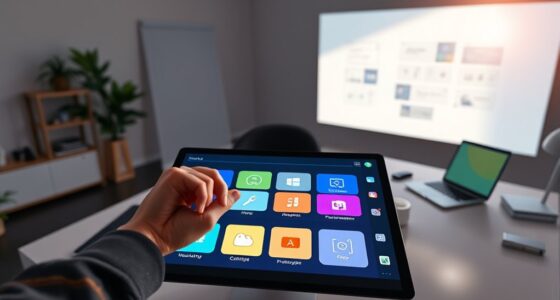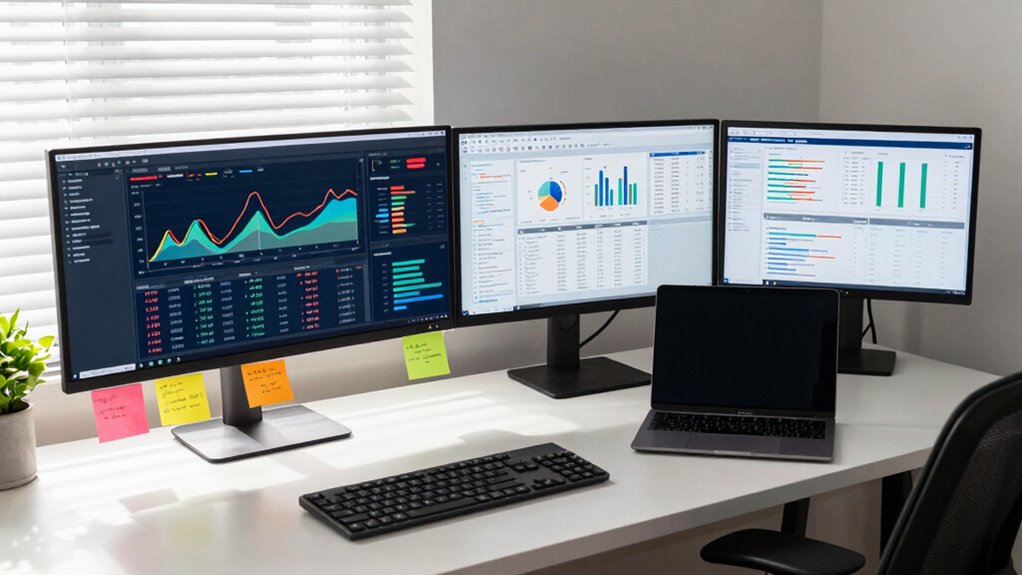
When deciding between ultrawide and dual monitors as a statistics student, consider your multitasking needs and comfort. Ultrawide monitors provide a seamless view, reducing neck strain and minimizing screen-switching, perfect for analyzing data. On the other hand, dual monitors offer flexibility for different tasks, but might require more space and setup. Think about how you study and work best; the right choice can boost your productivity and comfort considerably. There’s more to explore about each option’s benefits.
Key Takeaways
- Ultrawide monitors enhance multitasking, allowing statistics students to view large datasets without constant screen switching.
- Dual monitors offer flexibility for organizing different tasks but may lead to awkward head movements if misaligned.
- Ultrawide displays are particularly beneficial for software like R and Python, optimizing data visualization tasks for students.
- Ergonomically, ultrawide monitors reduce neck strain with a single viewing area, improving comfort during long study sessions.
- Cost-effectiveness varies; ultrawide monitors have higher initial costs but may save money on cables and mounts in the long run.
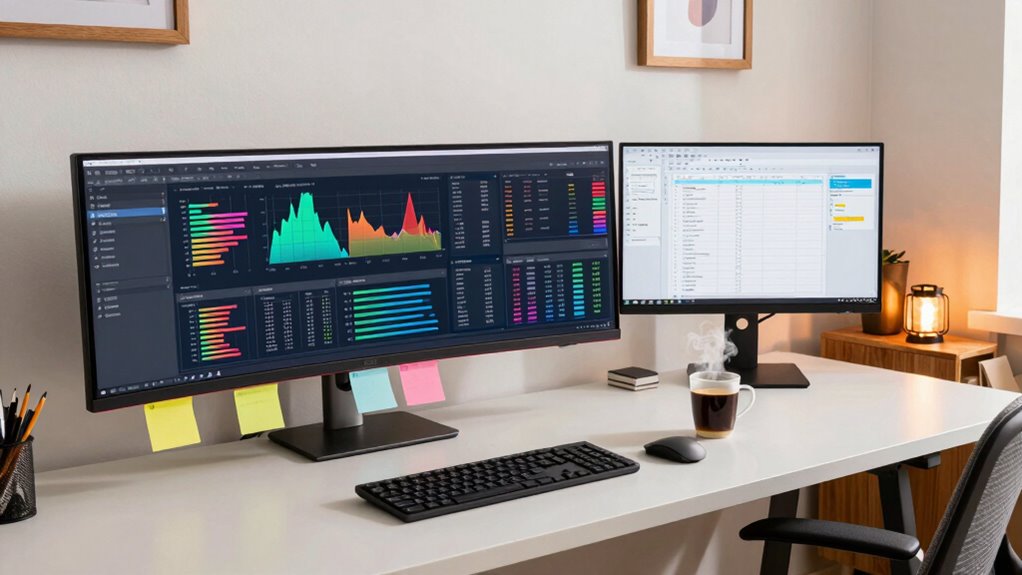
When you’re diving into complex statistical analysis, the choice between ultrawide and dual monitors can greatly impact your productivity. Each setup offers unique productivity benefits that cater to different work styles. An ultrawide monitor provides a seamless, expansive view, allowing you to work with multiple datasets side-by-side without the bezels found in dual monitor setups. This can enhance your workspace efficiency, as you won’t need to constantly switch between screens to analyze your data. Additionally, monitor arrangement can influence the overall ease of use and comfort, making setup considerations important. Proper monitor position can also help prevent strain and improve overall ergonomics. Considering ergonomics can help you avoid discomfort during long study sessions, enhancing your overall efficiency. When selecting your setup, it’s also worth noting that visual ergonomics can significantly reduce eye strain during extended periods of data analysis.
The choice between ultrawide and dual monitors can significantly enhance your productivity during complex statistical analysis.
When considering cost comparison, ultrawide monitors typically require a larger upfront investment. However, they can save you money in the long run if you factor in the need for fewer cables and mounting hardware. Dual monitors might seem cheaper initially, but you might end up spending more on additional stands or mounts, especially if you want to maintain a clean workspace. Software compatibility plays a significant role in making your decision. Some statistical software is optimized for wider screens, making ultrawide monitors a better fit for tasks that involve extensive data visualization. If you’re using tools like R, Python, or even Excel, an ultrawide display can help you view more of your data at once, minimizing the need for scrolling. Conversely, many applications are designed to work seamlessly across multiple monitors, so if you prefer a dual setup, you won’t face major issues. Ergonomics considerations shouldn’t be overlooked either. An ultrawide monitor can help reduce neck strain by providing a single, large viewing area, while dual monitors can sometimes lead to awkward head movements, especially if they’re not positioned correctly. Additionally, the monitor size and resolution can significantly influence your ergonomic comfort. Ultimately, your choice will boil down to personal preferences and how you plan to use your monitors. By weighing these factors against your specific needs, you’ll find the setup that maximizes your productivity and creates an efficient workspace tailored just for you.
ultrawide monitor for data analysis
As an affiliate, we earn on qualifying purchases.
As an affiliate, we earn on qualifying purchases.
Frequently Asked Questions
Are Ultrawide Monitors Better for Gaming Than Dual Monitors?
Yes, ultrawide monitors can be better for gaming than dual monitors. Their expansive screen offers an immersive experience that pulls you right into the action. With a single, seamless display, you won’t deal with bezels interrupting your view, enhancing gaming performance. Plus, the wider field of vision allows you to spot enemies or details more easily. If you’re after a more engaging setup, an ultrawide might be your best bet.
How Do Ultrawide and Dual Monitors Affect Eye Strain?
You might feel like your eyes are on fire after hours of staring at a monitor! Both ultrawide and dual monitors can impact eye strain, but it all comes down to monitor ergonomics and viewing comfort. Ultrawide monitors offer a seamless experience, reducing the need to shift focus. On the other hand, dual monitors let you adjust positioning. Choose wisely to keep your eyes comfortable and avoid that burning sensation!
Can I Use an Ultrawide Monitor for Programming Tasks?
Yes, you can use an ultrawide monitor for programming tasks. It can provide a significant productivity boost by allowing you to view multiple windows side by side. This setup enhances your coding efficiency, making it easier to reference documentation while coding. You’ll appreciate the extra screen real estate for debugging and testing, too. With fewer distractions and a streamlined workflow, you’ll find programming more enjoyable and efficient overall.
What Are the Best Brands for Ultrawide and Dual Monitors?
When you’re considering the best brands for ultrawide and dual monitors, Dell and LG often top the lists. They offer great monitor sizes and impressive resolution comparisons, ensuring clarity for your tasks. ASUS and Samsung also provide excellent options, focusing on color accuracy and performance. Don’t forget to check user reviews to see which features matter most for your needs, like refresh rates and connectivity options, before making a decision.
Do I Need a Powerful Graphics Card for Ultrawide Monitors?
Yes, you need a powerful graphics card for ultrawide monitors, especially if you’re aiming for high resolutions. Performance requirements increase with larger screens and higher pixel counts, meaning your graphics card must handle the extra load. If you’re gaming or using demanding software, opting for a robust GPU guarantees smooth visuals and reduces lag. Always consider your resolution considerations to match your card’s capabilities with the monitor for best performance.
dual monitor setup for statistics students
As an affiliate, we earn on qualifying purchases.
As an affiliate, we earn on qualifying purchases.
Conclusion
Ultimately, choosing between an ultrawide monitor and dual monitors comes down to your personal preference and workflow. If you crave seamless multitasking without the pesky bezels interrupting your view, the ultrawide might feel like a dream come true. On the flip side, dual monitors can make you feel like a statistics wizard, effortlessly juggling multiple data sets. Whichever setup you choose, you’ll access the potential to dive deep into your studies and conquer those complex analyses like never before!
ergonomic ultrawide monitor
As an affiliate, we earn on qualifying purchases.
As an affiliate, we earn on qualifying purchases.
best monitors for R and Python
As an affiliate, we earn on qualifying purchases.
As an affiliate, we earn on qualifying purchases.