
🔍 Read the full analysis: Turn AI Ideas Into Spooky Halloween Decorations on ThorstenMeyerAI.com

Get business pricing on monitors, keyboards and dev gear
- Business-only prices and quantity discounts
- Tax-exempt purchasing
- Multiple users, one account, clear invoices
TL;DR
AI-powered Halloween decorations combine generative art, speech tools, and connected lights to create custom spooky displays. Not every product labeled ‘AI’ actually uses it — many rely on motion sensors and prerecorded audio. Experts advise checking what runs locally versus online, and prioritizing timing over complexity.
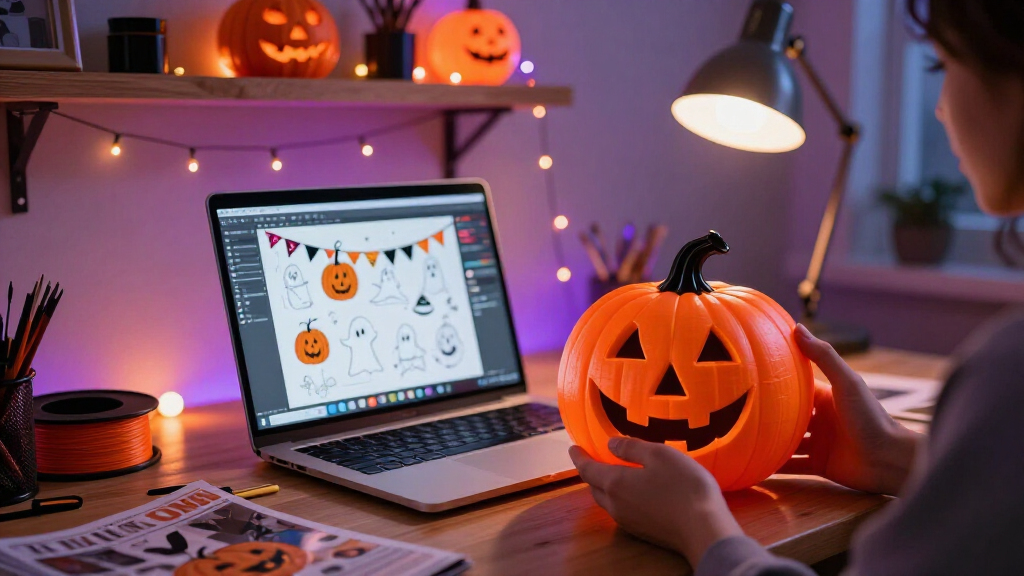
A new guide from ThorstenMeyerAI.com lays out how consumers can turn AI tools into spooky Halloween decorations — from generated haunted portraits to porch characters that answer visitors’ questions — while warning that many products marketed as “AI-powered” amount to little more than a motion sensor and a prerecorded shriek. The report arrives as smart-home decorations proliferate ahead of the Halloween season, and it urges buyers to verify what a device actually does, where its data goes, and whether it works when the internet does not.
The guide defines AI-powered spooky decor as decorations that use artificial intelligence for tasks such as creating media, recognizing speech, or adapting a character’s responses. A motion sensor that triggers a recorded sound can still deliver an effective scare, the report notes, but on its own it is ordinary automation. The distinction matters because it determines what a product can do after the first trigger: a recording repeats the same way every time, while an AI feature may interpret input or generate different content.
The report breaks the “AI” label into a toolbox of distinct capabilities. Generative AI can create a haunted portrait or draft a witch’s lines; voice recognition lets a prop respond to spoken phrases; and computer vision can analyze camera images. Each layer carries different costs, according to the guide: generated content needs review, speech recognition can fail in noisy environments, and image analysis may raise privacy concerns.
The guide also lays out four practical approaches in a comparison table: motion-triggered props for simple jump scares, generated media for themed backdrops or characters, responsive characters for short porch conversations, and connected effects that coordinate lights, speakers, and plugs across a room. It recommends matching the capability to the scene rather than paying for complexity guests will barely notice.
A motion-triggered recording is automation; AI usually means a system generates or interprets content.
Use generated art, voices, or dialogue to personalize a scene, then review the results and usage terms.
Plan one clear visitor moment before choosing sensors, lights, speakers, or controllers.
Test offline behavior, sensor timing, audio, cable placement, and outdoor protection before Halloween night.
Tell visitors when a display processes faces or voices, limit collection, and provide a way to pass without interacting.
Why the AI Label Matters at the Store
The report’s central warning is that marketing language rarely spells out which features a device uses, and products described as AI-powered can vary enormously in capability and price. A buyer who assumes a prop will hold a conversation may end up with a sensor-triggered loop — or pay for image analysis they never wanted. Checking whether a feature works locally or through an online service affects both reliability and what information leaves the home, the guide notes.
The advice also has practical stakes for the night itself. According to the report, a well-timed light and sound cue can feel more convincing than a complicated setup, because visitors need time to notice and understand a cue. Every online dependency adds a failure point: the guide describes a scenario where a smart bulb’s color cue stalls because Wi-Fi drops just as guests reach the door. A local recording or a simple fallback light cue can preserve the scene even when a cloud feature fails.
How to Build a Scene Step by Step
The guide recommends starting with one short visitor experience and adding tools only as needed, keeping the creative goal in charge of the technology. Its four-step process:
- Pick one moment. Decide what a guest should see or hear — for example, a silent scarecrow that turns its head and whispers at the gate. A single clear cue beats several competing cues.
- Create the content. Use an image or audio tool to draft a face, background, or line of dialogue, then edit it. Generated voices and visuals can need cleanup, and licenses may limit commercial use or sharing. Review also matters for tone and audience appropriateness.
- Choose the trigger and output. A motion detector can start a recording; a microphone and speech tool can support changing replies. A smart bulb, speaker, and controller can add coordinated light and sound.
- Test from the visitor’s point of view before the crowded evening arrives.
On local versus online features, the guide states that local playback offers less variation but is faster and more dependable, while online tools can adapt or generate more but rely on connectivity and sometimes transmit data. For a display that must work through a busy Halloween night, a simple local trigger can prove more reliable than a cloud feature.
“A motion sensor that triggers a prerecorded shriek can still make an excellent scare, but by itself it is ordinary automation.”
— ThorstenMeyerAI.com guide
Product Claims and Offline Risks
Several points remain unsettled. The guide itself cautions that marketing language does not always spell out which features a device uses and that product details can change, so any specific product claim should be re-verified at purchase time. The report does not name or test individual commercial products, so it does not confirm how common mislabeled “AI” decor actually is.
Questions of data privacy are also left open: the guide flags that speech and image features may send data to online services, but it does not detail how specific vendors handle that data. Reliability under real conditions — noisy streets, weak Wi-Fi, cold weather — is presented as a risk to plan for rather than a measured outcome.
Before Halloween Night Arrives
Readers planning an AI-assisted display should verify current product capabilities, pricing, and privacy settings before buying, and confirm whether each feature runs locally or through a cloud service. Builders following the guide’s process will test their chosen scene from the visitor’s perspective and prepare a fallback cue — such as a local recording or simple light change — in case connected features fail mid-evening. As AI-powered consumer decorations continue to reach the market, the gap between marketing claims and actual capability is likely to remain something buyers need to check product by product.
Key Questions
What counts as genuinely AI-powered Halloween decor?
According to the guide, true AI features perform tasks such as generating media, recognizing speech, or adapting a character’s response. A motion sensor that plays a prerecorded sound is ordinary automation, even if it is marketed as smart.
Is a more complex, more interactive display always better?
No. The guide states that one striking, well-timed moment often lands better than a yard full of competing sounds and lights, because visitors need time to register each cue. More effects also mean more delays, conflicting triggers, and troubleshooting.
Should my decorations run locally or online?
Local playback usually offers less variety but is faster and more dependable; online tools can generate and adapt more but depend on connectivity and may transmit data from your home. The guide suggests keeping a simple local fallback for a busy Halloween night.
What should I check before buying an AI decoration?
The guide recommends verifying current availability, capabilities, pricing, and privacy settings, and looking specifically at whether each feature works locally or sends data to an online service.
Are there limits on how I can use AI-generated decorations?
Yes, potentially. The guide notes that generated voices and visuals may carry licenses that limit commercial use or sharing, and that generated content should be reviewed for quality, tone, and audience appropriateness before use.
Source: ThorstenMeyerAI.com
Fall Picks
fall essentials
As an affiliate, we earn on qualifying purchases.