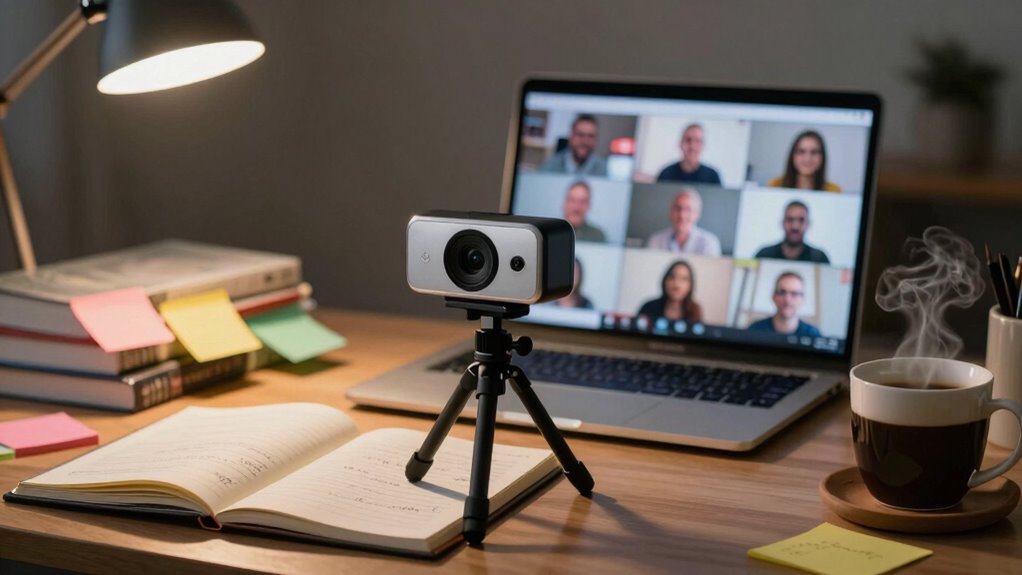

A good webcam isn’t enough for effective online tutoring. You need proper lighting to enhance visibility and engagement, clear audio to guarantee communication, and a clean background to minimize distractions. Each of these elements contributes to a professional atmosphere that fosters student focus. If you don’t optimize the entire setup, you risk losing student interest. Want to learn how to create the perfect tutoring environment? Stick around for more tips and insights!

Get business pricing on monitors, keyboards and dev gear
- Business-only prices and quantity discounts
- Tax-exempt purchasing
- Multiple users, one account, clear invoices
Key Takeaways
- A good webcam provides clear video, but poor lighting can reduce image quality and student engagement significantly.
- Clear audio is essential; even the best video is ineffective if students can’t hear instructions properly.
- A cluttered or distracting background can divert attention away from lessons, regardless of webcam quality.
- Software compatibility and functionality are crucial for interactive sessions; technical issues can disrupt learning experiences.
- A well-rounded setup, including lighting, audio, background, and software, enhances overall tutoring effectiveness beyond just the webcam.
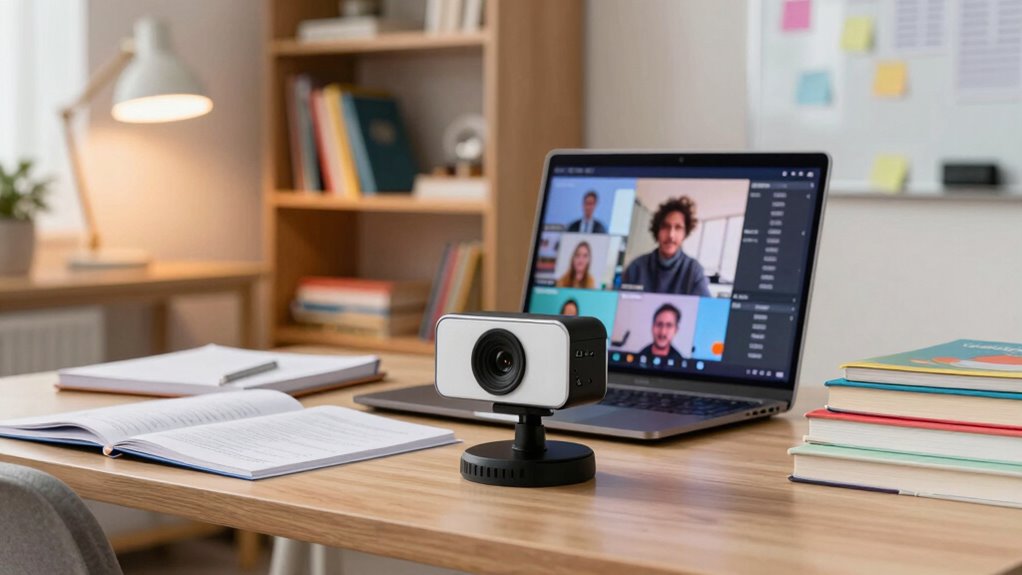
In an age where online learning is becoming the norm, having the right tools can make all the difference for tutors. While a good webcam is essential, it’s only one piece of the puzzle. You need to evaluate several factors to create an environment that fosters student engagement and enhances the learning experience. A high-quality webcam is great for capturing clear visuals, but if you don’t address other aspects, you might still struggle to connect with your students.
Firstly, think about your lighting setup. Poor lighting can make even the best webcam useless. If your face isn’t well-lit, students may find it hard to see you, which can lead to disengagement. Natural light is ideal, but if that’s not available, investing in softbox lights or ring lights can make a significant difference. Good lighting not only enhances your appearance but also helps convey your enthusiasm, making your lessons more engaging.
Good lighting is essential; it enhances visibility and conveys enthusiasm, making lessons more engaging for students.
Audio clarity is another vital element. A great webcam can’t compensate for poor sound quality. If your voice is muffled or filled with static, your students won’t be able to follow along. Consider using a dedicated microphone to guarantee crystal-clear audio. This step not only improves communication but also shows your commitment to providing a professional learning environment. Incorporating audio equipment knowledge can help you select the best microphone for your needs.
Background distraction is something you can’t ignore either. A cluttered or chaotic environment can divert your students’ attention away from the lesson. Try to set up your tutoring space in a way that minimizes distractions. A simple, clean background can help keep the focus on you and the material you’re presenting. It creates a more professional atmosphere, encouraging students to engage more fully. Incorporating home organization techniques can help you achieve this setup more easily. Additionally, understanding space planning fundamentals can guide you in creating an optimal environment that promotes focus and comfort. Being aware of telepresence principles can also enhance how effectively you communicate in your virtual space.
You also need to reflect on software compatibility. Even with the best webcam, if your software isn’t functioning well or isn’t compatible with your tools, you might run into issues. Test your setup regularly to verify everything works seamlessly. Familiarize yourself with the software features that can enhance your sessions, like screen sharing and interactive tools.
Ultimately, while webcam quality is important, it’s just one of several components that contribute to a successful online tutoring experience. By focusing on lighting, audio, background, and software, you create an environment that fosters student engagement and makes your lessons more effective. So, take the time to optimize each element, and watch your tutoring sessions thrive. Incorporating consumer tech & electronics knowledge can help you choose the best equipment and setup for your needs.
ring light for video conferencing
As an affiliate, we earn on qualifying purchases.
As an affiliate, we earn on qualifying purchases.
Frequently Asked Questions
How Can I Improve My Internet Connection for Online Tutoring?
To improve your internet connection for online tutoring, start by optimizing your bandwidth. Limit devices using Wi-Fi during sessions and close unnecessary applications. Next, check your router placement; it should be central and elevated for better signal distribution. If possible, switch to a wired connection for more stability. Regularly update your router’s firmware to enhance performance. These steps can greatly boost your connection quality, ensuring smoother tutoring sessions.
What Software Is Best for Virtual Tutoring Sessions?
When you’re in a bustling café, laptop open, it’s crucial to choose software that stands out like a lighthouse in a storm. Zoom and Microsoft Teams are excellent options for virtual tutoring sessions. They offer seamless screen sharing and interactive tools that keep your students engaged. With features like whiteboards and breakout rooms, you can transform a simple lesson into an exciting, collaborative experience, making learning feel dynamic and fun!
Are External Microphones Necessary for Tutors?
Yes, external microphones are essential for tutors. You’ll notice a significant difference in audio quality compared to built-in options. Consider microphone types like USB or condenser mics, which enhance clarity and reduce background noise. Good audio helps maintain student engagement and guarantees they grasp your lessons effectively. Without clear sound, even the best visuals can’t compensate. Investing in a quality microphone is a smart move for your virtual tutoring sessions.
How Do I Create an Engaging Online Learning Environment?
Creating an engaging online learning environment is like crafting a vibrant tapestry. You weave in interactive activities, sparking curiosity and connection. Incorporate polls or breakout discussions to keep the energy flowing. Don’t forget to encourage student feedback—it’s the lifeblood of improvement. By actively listening to your students and adapting your approach, you create a space where learning feels alive, inviting, and dynamic, transforming each session into an unforgettable journey.
What Lighting Setup Works Best for Video Calls?
For video calls, a combination of natural light and LED lights works best. Position yourself facing a window for soft, even lighting. If that’s not possible, consider using ring lights or soft boxes to diffuse harsh shadows. Aim for a color temperature around 5000K to mimic daylight. Experiment with different lighting angles to find what flatters you most, ensuring your face is well-lit and engaging for your audience.
USB microphone for online teaching
As an affiliate, we earn on qualifying purchases.
As an affiliate, we earn on qualifying purchases.
Conclusion
A good webcam’s like a sturdy bridge, but it won’t carry you across the river of effective teaching alone. Just as a bridge needs strong cables and firm foundations, you need quality sound, engaging visuals, and interactive tools to truly connect with your students. Embrace the full toolkit of technology, and you’ll transform your tutoring sessions into vibrant journeys. So, don’t settle for just a webcam; build the whole infrastructure for success.
background room divider for video calls
As an affiliate, we earn on qualifying purchases.
As an affiliate, we earn on qualifying purchases.
As an affiliate, we earn on qualifying purchases.
Halloween Picks
halloween
As an affiliate, we earn on qualifying purchases.