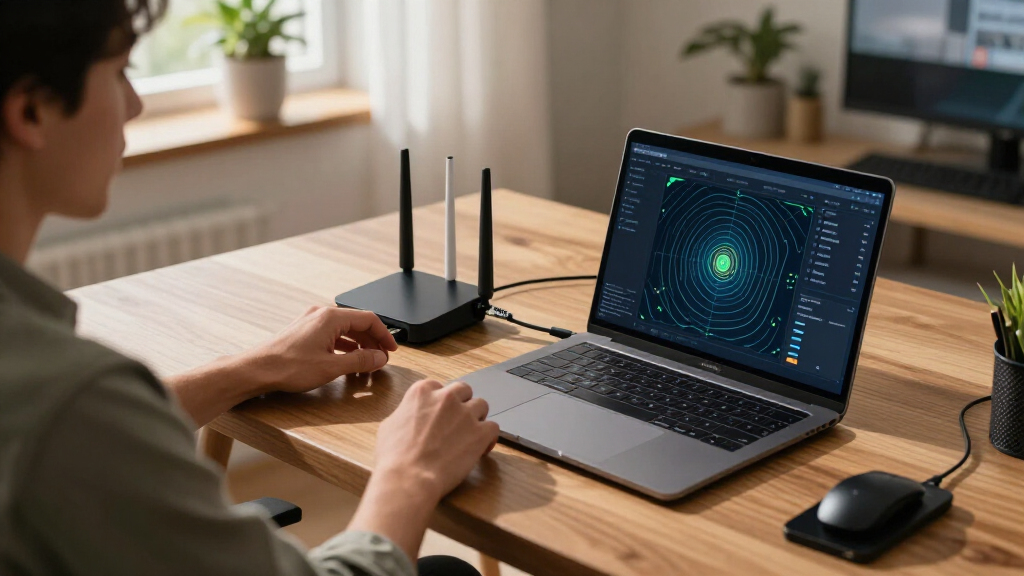

🔍 Read the full analysis: How These 9 Best WiFi 7 Routers Support AI Use And Coverage on ThorstenMeyerAI.com

Get business pricing on monitors, keyboards and dev gear
- Business-only prices and quantity discounts
- Tax-exempt purchasing
- Multiple users, one account, clear invoices
TL;DR
ThorstenMeyerAI.com compares nine WiFi 7 routers, ranking the TP-Link Archer BE600 as its pick for most households and highlighting mesh and gaming alternatives. The guide says WiFi 7 can support demanding connected-device use, but coverage, router ports and client-device compatibility shape the real benefit; it does not provide independently verified benchmark results or establish specific AI performance gains.
ThorstenMeyerAI.com has published a guide to nine WiFi 7 routers, recommending the TP-Link Archer BE600 for most households while pointing readers with larger homes or specialized needs toward mesh and gaming models. The comparison is relevant to people planning demanding connected-device use, including AI services, but the supplied material does not report direct tests of AI applications or independently verified speed results.
The guide says it assessed the routers on throughput consistency, coverage efficiency and ecosystem integration. It favors the Archer BE600 as a general-purpose choice for its stated balance of tri-band performance, footprint and app usability. The ASUS ROG Rapture GT-BE98 Pro is presented as a high-capacity option for enthusiasts, while the TP-Link Deco BE25 is recommended for extending coverage across larger or multi-story homes.
The other models named are the TP-Link Archer BE230 and Archer BE400, ASUS RT-BE82U, and NETGEAR Nighthawk RS700S and RS90. The supplied excerpt does not include the complete ranked list, detailed prices, or model-by-model test measurements, so it does not support a precise performance comparison across all nine. It also does not identify an AI-specific feature set or provide measurements from AI workloads.
The guide describes band configuration and Ethernet ports as practical buying factors, while mesh Wi-Fi systems offer another option for improving coverage in larger homes. It says dual-band models, such as the Archer BE230, do not include 6 GHz, whereas tri-band models add that band and the quad-band ROG model adds another 5 GHz band. It advises checking for 2.5-gigabit or 10-gigabit ports when a faster internet plan or wired devices make those connections relevant.
The 9 picks
- 1
 ASUS ROG Rapture GT-BE98 Pro Quad-Band WiFi 7 Gaming RouterView on Amazon →
 - 2
 NETGEAR Nighthawk WiFi 7 Router RS700S, Up to 3,500 sq ft, 19 GbpsView on Amazon →
 - 3
 NETGEAR Nighthawk WiFi 7 Router, Up to 2,500 sq ft, 9.3 GbpsView on Amazon →
 - 4
 Deco 7 Dual-Band BE5000 WiFi 7 Mesh Wi-Fi System 4-Stream 5 Gbps, 240 MHzView on Amazon →
 - 5
 TP-Link Tri-Band BE9700 WiFi 7 Router (Archer BE600)View on Amazon →
 - 6
 ASUS RT-BE82U Dual-Band Wi-Fi 7 RouterView on Amazon →
 - 7
 TP-Link BE6500 Dual-Band WiFi 7 Router (BE400)View on Amazon →
 - 8
 NETGEAR Nighthawk WiFi 7 Router RS90, Up to 2,000 sq ft, 3.6 GbpsView on Amazon →
 - 9
 TP-Link Dual-Band Wi-Fi 7 Router, Archer BE230View on Amazon →
Choosing a Router for AI Traffic
AI use in a home can involve cloud-based services accessed by phones and computers, alongside other traffic such as video calls, streaming and smart-home devices. A router’s coverage, capacity and wired connections can affect how reliably devices reach the internet, particularly when many devices are active. The guide frames WiFi 7 as an upgrade to consider for busy homes, but it does not show that any one router improves AI model quality or guarantees faster responses from an online AI service.
The selection matters because buyers face different constraints. A single router can be simpler for a compact layout; mesh nodes may address dead zones in larger homes, while adding equipment and potential wireless backhaul delays. A model with fast wireless specifications can also be limited by an internet connection, its Ethernet ports, placement, walls or the capabilities of connected devices.
WiFi 7 Features and Home Layout
The guide describes WiFi 7 features including Multi-Link Operation (MLO), 4096-QAM and 320 MHz channels in the 6 GHz band. The practical benefit depends on compatible client devices and local network conditions; older WiFi devices can connect, but the guide says they cannot use WiFi 7-specific features. It cautions that households with mostly WiFi 5 or WiFi 6 devices may see a more limited upgrade benefit.
Its recommendations distinguish between standalone routers and mesh systems. It identifies the NETGEAR Nighthawk RS700S as a possible fit for apartments or single-story homes under 2,500 square feet, while suggesting the Deco BE25 for larger or multi-story layouts. That size guidance is presented by the source; the excerpt does not describe a standardized coverage test or guarantee coverage in a particular home.
“My top pick for most households is the TP-Link Archer BE600.”
— ThorstenMeyerAI.com guide
Limits of the Router Comparison
The supplied source excerpt does not show the full nine-model ranking, purchase prices, test conditions or numerical throughput and coverage results. It describes an evaluation approach but does not provide enough detail to independently verify the comparative claims. Its discussion of routers supporting AI use is best read as a discussion of general network capacity and coverage, not evidence of measured AI performance.
Actual results can vary with home construction, router placement, internet service, interference and client hardware. The source also does not specify which devices or applications it used to assess latency, stability or coverage, or whether the named models and configurations are current at publication.
Check Fit Before Buying
Readers can use the guide as a shortlist, then check each model’s current specifications, price and software support before purchasing. The next practical step is to map the home’s dead zones, count devices likely to use the network at once, and verify whether phones, laptops and other clients support WiFi 7. Buyers should also compare the router’s Ethernet ports with their internet plan and wired equipment.
No further testing, product announcement or update is specified in the supplied material. For an AI-heavy household, the guide’s suggestions remain general buying advice: compare coverage and capacity for the home rather than assuming that a WiFi 7 label alone will improve a particular AI service.
Key Questions
Which router does the guide recommend for most households?
ThorstenMeyerAI.com names the TP-Link Archer BE600 as its general pick, citing its stated balance of tri-band performance, footprint and app usability. The excerpt does not provide test data to independently confirm that ranking.
Which model does the source suggest for a larger home?
It points to the TP-Link Deco BE25 mesh system for larger or multi-story homes. Mesh can extend coverage, though the source notes potential cost and wireless backhaul tradeoffs.
Does a WiFi 7 router automatically make AI services faster?
No such result is established in the supplied guide. It discusses network features and coverage, but provides no direct AI workload tests; cloud service speed also depends on the internet connection and the service itself.
Do older phones and computers work with WiFi 7 routers?
The guide says WiFi 7 routers are backward compatible, so older devices can connect. They will not use features such as MLO or 320 MHz channels unless the client device supports WiFi 7.
What should buyers check besides the WiFi standard?
Consider the home layout, number of active devices, band configuration, and Ethernet port speeds. The guide recommends checking for 2.5-gigabit or 10-gigabit ports when multi-gigabit internet or fast wired devices are part of the setup.
Source: ThorstenMeyerAI.com
Halloween Picks
halloween
As an affiliate, we earn on qualifying purchases.