
Using a second camera in online tutoring boosts your teaching by offering real-time demonstrations and engaging visuals. You maintain eye contact while showcasing important materials, catering to diverse learning styles. This setup not only enhances retention but also creates a dynamic classroom environment that motivates students. Plus, it reflects your commitment to their success. Discover how these benefits can elevate your tutoring approach and transform your student’s learning experience further.
Key Takeaways
- A second camera enhances teaching by providing dual perspectives, maintaining eye contact while showcasing visual aids.
- Real-time demonstrations with a second camera captivate student attention and promote active participation in learning.
- Personalized visual aids through dual cameras cater to diverse learning styles, boosting student motivation and engagement.
- A well-organized workspace captured by a fixed camera improves professional appearance and creates a comfortable learning atmosphere.
- Engaging visuals from a second camera improve retention and understanding, fostering deeper comprehension of complex topics.
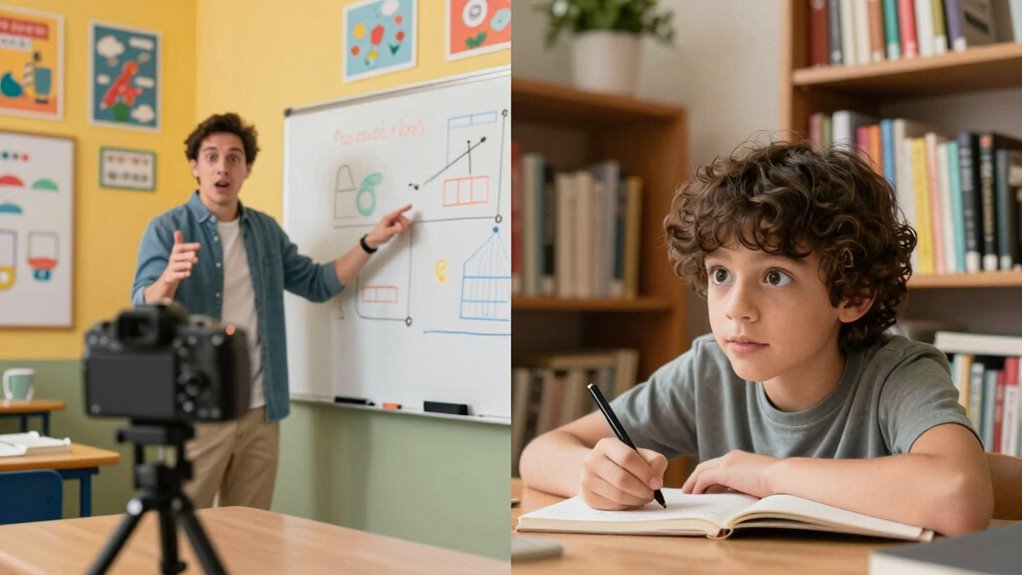
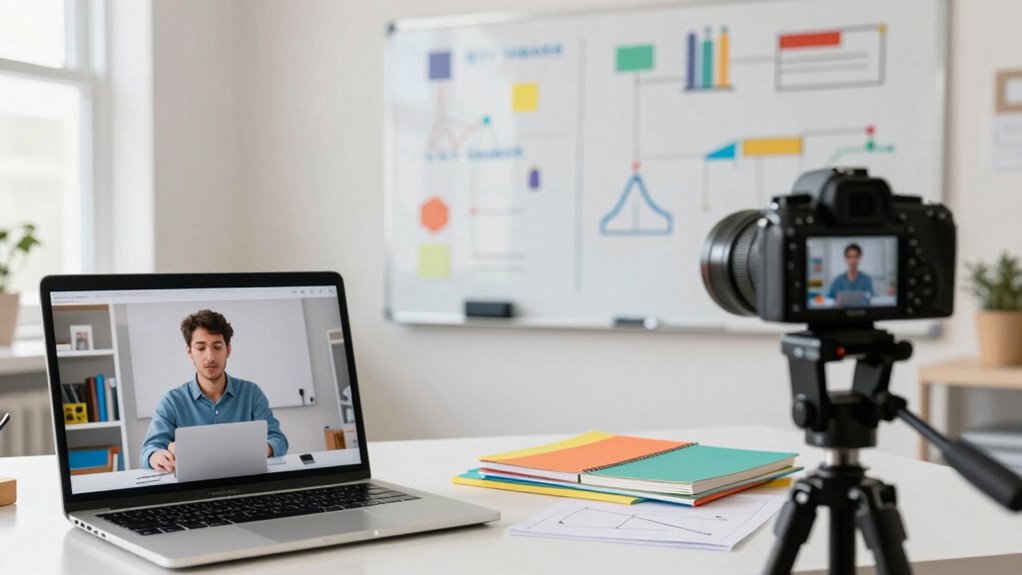
As online tutoring becomes increasingly popular, incorporating a second camera can markedly enhance your teaching experience. You might wonder how a second camera can make a difference, but the benefits are significant. By using one camera to focus on yourself and another to showcase visual aids, you can create a more dynamic and engaging environment for your students. This setup allows you to maintain eye contact while seamlessly switching to visual aids, making lessons more interactive.
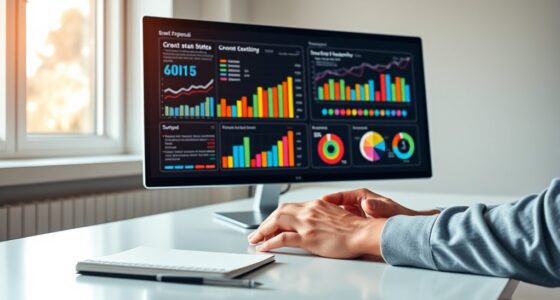
When you use two cameras, student engagement naturally improves. Your students can see you explain concepts while also viewing diagrams, charts, or other materials. This dual perspective caters to different learning styles, ensuring that visual learners grasp the material more effectively. Engaging your students in this way can lead to better retention and understanding of complex topics. You’ll notice that they’re more likely to participate actively when they can see both you and the visual aids simultaneously.
Moreover, having a second camera means you can easily demonstrate tasks or experiments. Imagine teaching a science lesson where you can show a live experiment on one camera while discussing it on the other. This real-time demonstration captivates your students’ attention and makes the learning experience more memorable. They’re not just passively listening; they’re actively engaged in the learning process. Incorporating visual fidelity into your setup can further improve how clearly your visual aids are perceived, making the lesson more impactful.
Using a second camera can also help you incorporate home‑care techniques into your lessons, such as demonstrating proper setup or organization of your workspace to create a more professional appearance.
Additionally, you can personalize your teaching approach. If a student struggles with a particular concept, you can switch to a visual aid that targets that specific issue. This adaptability shows your students that you care about their understanding, fostering a positive learning environment. When students know you’re committed to helping them succeed, they’re more likely to stay engaged and motivated.
Using a second camera can also help you maintain a professional appearance. You can set up one camera as a fixed shot of your workspace, ensuring that everything’s organized and visually appealing. The other camera can focus on your teaching style, allowing you to showcase your personality and connect with your students on a deeper level. Incorporating wellness technology into your setup—like adjustable lighting—can further enhance your presence and create a comfortable learning atmosphere. Paying attention to ergonomics ensures that you stay comfortable during long teaching sessions, which can positively impact your overall presentation and well-being. Additionally, considering ergonomic setup can prevent fatigue and discomfort during extended lessons, ensuring you remain energetic and effective throughout your teaching.
dual webcam setup for online teaching
As an affiliate, we earn on qualifying purchases.
As an affiliate, we earn on qualifying purchases.
Frequently Asked Questions
How Does a Second Camera Improve Student Engagement?
A second camera boosts student engagement by enhancing interaction and using visual aids effectively. You can show your teaching materials and yourself simultaneously, making lessons more dynamic. This setup encourages students to participate, as they can see both you and the content clearly. When students feel more connected and engaged, they’re likely to ask questions and contribute, leading to a richer learning experience. It’s all about creating a more interactive environment!
What Are the Technical Requirements for Using a Second Camera?
To set up a second camera, think of it as adding a new brush to your artistic palette. First, verify your camera compatibility with your computer and software setup; most USB webcams work seamlessly. Next, install any necessary drivers and adjust your video settings to recognize both cameras. With a little tweaking, you’ll create a dynamic visual experience that enhances your online tutoring sessions, making learning more engaging for your students.
Can a Second Camera Be Used for Recording Sessions?
Yes, you can use a second camera for recording sessions. This setup enhances your recording quality by capturing different angles or focusing on specific materials. During session playback, it offers a richer experience, allowing you to review interactions and resources more effectively. By utilizing both cameras, you can create thorough recordings that benefit both you and your students, making it easier to reflect on teaching methods and improve future sessions.
How Do I Position the Second Camera Effectively?
To position your second camera effectively, aim for a 45-degree angle to your main camera. Studies show that 70% of viewers engage more with varied camera angles. Use framing techniques to capture both your face and any materials you’re displaying. This not only enhances engagement but also allows students to see your expressions and the content simultaneously. Experiment with height and distance to find the most dynamic setup for your sessions.
What Types of Activities Benefit Most From a Second Camera?
Hands-on demonstrations and visual aids benefit most from a second camera. You can showcase experiments, art projects, or complex problem-solving techniques up close, making the learning experience more engaging. By positioning one camera on you and the second focused on your materials, you provide clarity and enhance understanding. This approach not only captures attention but also helps students follow along more easily, making your sessions more interactive and effective.
USB camera for online tutoring
As an affiliate, we earn on qualifying purchases.
As an affiliate, we earn on qualifying purchases.
Conclusion
Incorporating a second camera in online tutoring can truly enhance the learning experience. Did you know that studies show students retain 60% more information when they engage with visual aids? By adding a second angle, you not only capture the tutor’s expressions but also showcase materials and demonstrations more effectively. This innovative approach fosters a deeper connection and understanding, making lessons more interactive. So, consider this upgrade—it could make all the difference in your tutoring sessions!
best second camera for live streaming
As an affiliate, we earn on qualifying purchases.
As an affiliate, we earn on qualifying purchases.
camera tripod for online classes
As an affiliate, we earn on qualifying purchases.
As an affiliate, we earn on qualifying purchases.