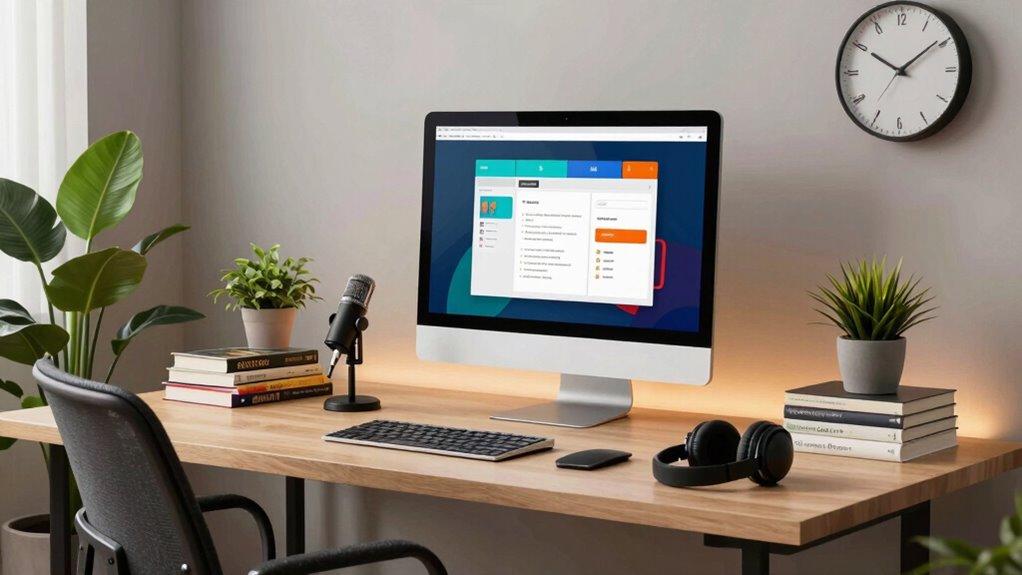

To make your remote tutoring smoother, you need a reliable internet connection and user-friendly platforms like Zoom or Google Meet. Invest in quality audio and visual equipment to enhance communication and engagement. Interactive tools like Jamboard keep students involved, while collaboration platforms like Google Docs foster teamwork. With the right setup, you can greatly improve your students’ learning experiences. Stick around to discover more tips for optimizing your tech environment and making each session effective.
Key Takeaways
- Ensure a strong, stable internet connection to prevent disruptions and maintain student engagement during sessions.
- Choose reliable virtual classroom tools like Zoom or Google Meet for effective communication and collaboration.
- Utilize interactive tools such as Jamboard or Miro to foster student participation and reduce distractions.
- Invest in quality audio and visual equipment to enhance lesson clarity and establish personal connections with students.
- Leverage digital collaboration platforms like Google Docs for interactive learning experiences and community building among students.
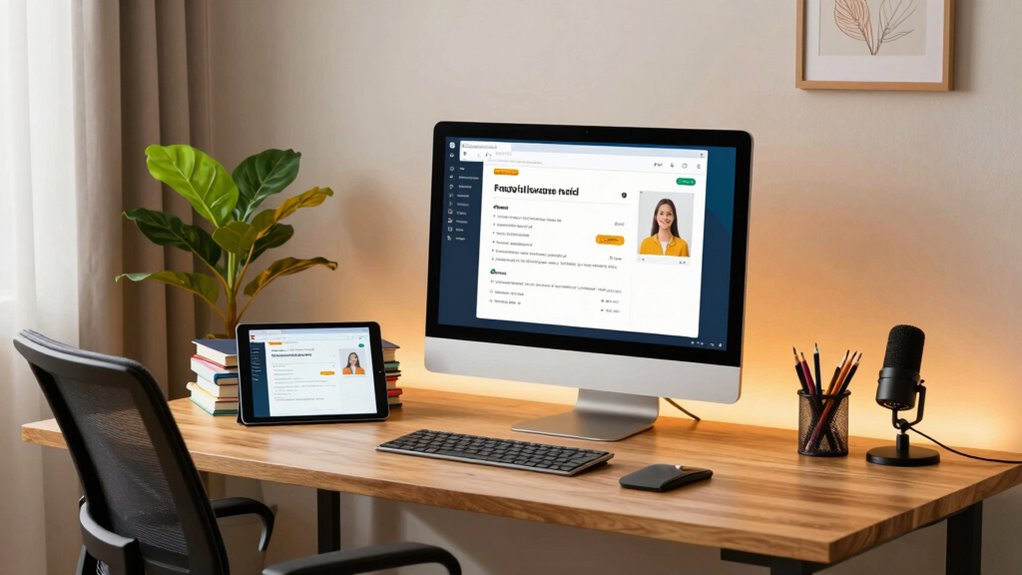
As you begin your remote tutoring journey, setting up the right tech can make all the difference. The tools you choose will directly impact how effectively you communicate and connect with your students. Start by confirming you have a reliable internet connection. A strong, stable connection is vital for smooth video calls and file sharing. If you’re experiencing lag or interruptions, your students may become frustrated, leading to disengagement.
Next, consider the virtual classroom tools you’ll be using. Platforms like Zoom, Google Meet, or Microsoft Teams offer excellent features for real-time collaboration. You can share your screen, which allows you to walk students through problems or presentations seamlessly. Don’t forget to familiarize yourself with the breakout room feature, which can be invaluable for group activities. This way, you can promote collaboration and encourage discussions, enhancing the overall learning experience.
Consider using platforms like Zoom and Google Meet for effective real-time collaboration, enhancing discussions and group activities with features like screen sharing and breakout rooms.
In addition to your chosen platform, you’ll want to integrate other tools that can boost student engagement strategies. For instance, interactive whiteboards like Jamboard or Miro allow you to create a dynamic learning environment. You can jot down notes, draw diagrams, or even have students contribute in real-time. This interactivity keeps students involved and active during sessions, reducing the chance of distractions. Additionally, ensuring your audio and visual equipment are of good quality can significantly improve the clarity of your lessons and help maintain student attention.
Another important tech setup is a good-quality microphone and webcam. Clear audio is essential; if your students can’t hear you well, they may miss out on important information. Similarly, a decent webcam guarantees that your students can see you, which helps establish a personal connection. Students are more likely to engage when they feel like they’re having a face-to-face conversation, even in a virtual setting. To optimize your setup, you might also consider wellness tech that can help reduce fatigue or improve focus during long sessions. Incorporating ergonomic tools can also help prevent physical discomfort during extended periods of screen time. Moreover, selecting reliable backup options such as secondary internet sources or power supplies can prevent disruptions during critical lessons.
Finally, leveraging digital collaboration platforms can foster a more interactive and connected learning environment. These tools, like Google Docs or Padlet, serve as excellent platforms for collaborative projects or brainstorming sessions. They allow students to contribute ideas and feedback, fostering a sense of community. Always remember to encourage questions and discussions; this not only aids comprehension but also makes learning more enjoyable.
high quality webcam for remote tutoring
As an affiliate, we earn on qualifying purchases.
As an affiliate, we earn on qualifying purchases.
Frequently Asked Questions
What Technical Skills Do I Need for Remote Tutoring?
For remote tutoring, you’ll need strong technical skills in video conferencing platforms like Zoom or Skype. Familiarize yourself with digital resources such as online whiteboards and educational tools. It’s essential to troubleshoot common tech issues, ensuring smooth sessions. You should also know how to share screens and utilize interactive features to engage your students effectively. With these skills, you can create an enriching learning environment that keeps students focused and motivated.
How Do I Promote My Tutoring Services Online?
They say, “A picture’s worth a thousand words.” To promote your tutoring services online, leverage social media platforms like Instagram and Facebook. Share engaging content, like tips and success stories, to attract potential clients. Use content marketing strategies, such as blog posts or videos, to showcase your expertise. Engage with your audience through comments and messages, building a community around your services. Consistency and creativity are key to making your tutoring stand out!
What Platforms Are Best for Finding Students?
To find students, focus on popular student platforms like Wyzant, Tutor.com, and Chegg Tutors. These online marketplaces connect you directly with learners seeking help. You can create a profile highlighting your expertise, which makes you more visible to potential students. Social media platforms, like Facebook and Instagram, also help promote your services. By leveraging these options, you’ll increase your chances of attracting students and growing your tutoring business effectively.
How Can I Ensure Student Engagement During Sessions?
To guarantee student engagement during sessions, incorporate interactive activities and feedback techniques. Start with a fun, focused icebreaker to spark interest. Use quizzes, polls, or games to keep energy high and minds active. Encourage participation by asking questions and inviting students to share their thoughts. Regularly check for understanding, offering constructive feedback to boost confidence. By blending learning with lively interactions, you’ll create an engaging environment that keeps students coming back for more.
What Equipment Is Essential for a Professional Setup?
To create a professional setup, you need a high-quality webcam for clear visuals and a microphone that guarantees clarity in your voice. Invest in good lighting to enhance your appearance, and organize your background to minimize distractions. Use reliable software tools for seamless interaction and check your internet stability to avoid disruptions. These essentials will help you engage students effectively during your remote sessions.
noise cancelling microphone for online teaching
As an affiliate, we earn on qualifying purchases.
As an affiliate, we earn on qualifying purchases.
Conclusion
Incorporating the right tech setup for remote tutoring can truly elevate your teaching experience. By investing in quality tools and creating a distraction-free environment, you’ll foster better engagement and learning outcomes. Isn’t it amazing how a few adjustments can make such a big difference? So, take the time to refine your setup—your students will appreciate it, and you’ll feel more confident in your teaching. Let’s make remote tutoring as smooth as possible together!
interactive whiteboard for virtual classrooms
As an affiliate, we earn on qualifying purchases.
As an affiliate, we earn on qualifying purchases.
reliable Wi-Fi router for remote learning
As an affiliate, we earn on qualifying purchases.
As an affiliate, we earn on qualifying purchases.