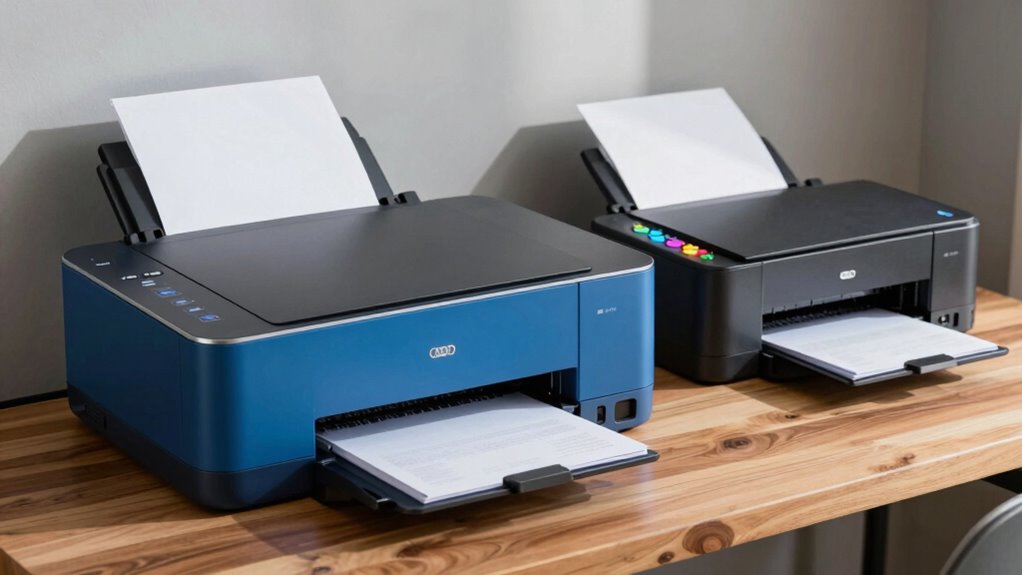

If you’re in graduate school, a laser printer is often the smarter pick. It offers lower printing costs for high volumes, faster printing speeds, and requires less maintenance compared to inkjet models. You’ll get sharp text for academic papers and consistent print quality, making it reliable during crunch times. Plus, the durability of laser printers means they’ll last longer through your studies. Curious about the specifics that could sway your decision even more? Stick around!
Prime for Young Adults — start your free trial
Fast free delivery, streaming and member deals for eligible 18–24 year olds.
As an affiliate, we earn on qualifying purchases.
Key Takeaways
- Laser printers offer lower long-term printing costs, making them ideal for high-volume graduate school use.
- Inkjet printers excel in color accuracy, beneficial for projects requiring vibrant graphics and high-quality images.
- Maintenance is simpler with laser printers, reducing downtime and ensuring consistent print quality for academic papers.
- Speed is a crucial factor; laser printers typically print faster, helping meet tight deadlines during busy study periods.
- Laser printers generally have a longer lifespan, providing durability and cost-effectiveness throughout your graduate studies.
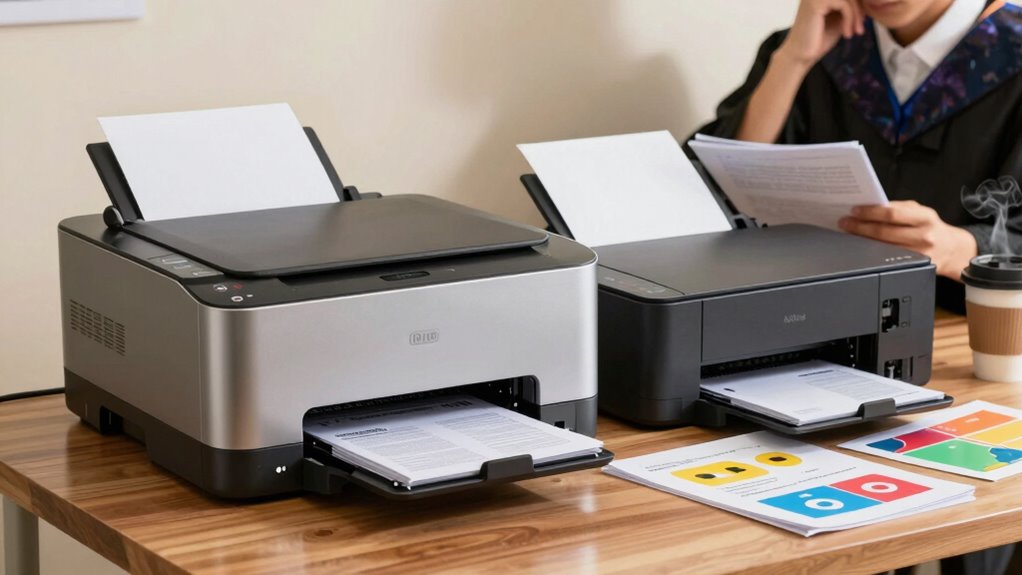
When you’re diving into graduate school, choosing the right printer can make a world of difference. You’ll likely be printing countless documents, research papers, and notes, so understanding whether a laser or inkjet printer suits your needs is essential. Both have their advantages, but knowing how they compare regarding printing costs, document quality, maintenance requirements, speed comparison, color accuracy, and long-term durability will help you make an informed choice.
Laser printers tend to excel in printing costs, especially for high-volume use. If you’re churning out pages regularly, the cost per page for a laser printer is generally lower than that of an inkjet. On the other hand, inkjet printers can be more economical for occasional printing but might drain your wallet with frequent ink replacements. So, if you plan on printing a lot, laser printers might save you money in the long run. Additionally, printing efficiency can influence your productivity, especially during busy periods in graduate school.
When it comes to document quality, laser printers shine for text-heavy documents. They produce sharp, clear text that’s perfect for academic papers and reports. Inkjet printers, however, can outperform lasers in color accuracy and vibrant graphics, making them ideal for presentations or projects that require high-quality images. If your work involves lots of color, consider how vital that aspect is for your studies.
Maintenance requirements also differ. Laser printers typically require less maintenance and have fewer issues with clogged nozzles compared to inkjet printers. Inkjet models often need regular cleaning and may struggle if left unused for long periods, which can be a hassle when you’re busy with grad school. If you want a hassle-free experience, a laser printer might be the way to go. Additionally, print quality consistency can be more reliable with laser printers, ensuring your documents look professional every time. Moreover, understanding the different types of printers can help you choose the best option based on your specific needs. It’s also worth noting that laser printers generally have a more robust build, making them better suited to frequent use and demanding environments.
Speed comparison is another important factor. Laser printers usually print faster, which can be a boon during crunch time when you need to print a stack of papers quickly. Inkjet printers, while improving, can lag behind, especially if you’re printing high-resolution images. If speed is essential for your workflow, a laser printer could help you stay on top of your deadlines.
Finally, consider long-term durability. Laser printers often outlast inkjets, making them a solid investment if you plan to use your printer throughout your studies and beyond. They also tend to have a longer lifespan, which can be cost-effective over time. So, when you’re weighing your options, keep these factors in mind to choose the printer that best fits your graduate school journey.
laser printer for graduate students
As an affiliate, we earn on qualifying purchases.
As an affiliate, we earn on qualifying purchases.
Frequently Asked Questions
Can I Use Photo Paper With a Laser Printer?
Yes, you can use photo paper with a laser printer, but make sure it’s compatible. Not all photo papers work well with laser printers due to the heat involved in the printing process. Look for paper specifically labeled for laser use to achieve the best photo quality. If you choose the right type, you’ll get vibrant images, but avoid regular photo paper to prevent smudging or damage to your printer.
What Is the Lifespan of Toner Cartridges Versus Ink Cartridges?
Think of toner cartridges as marathon runners and ink cartridges as sprinters. Toner longevity can stretch to thousands of pages, while ink cartridges often cap out at a few hundred. You’ll find that ink cost adds up quickly, especially if you’re printing frequently. So, if you want to save time and money in the long run, opting for a laser printer with toner might be your best bet for those extensive projects.
Are There Eco-Friendly Options for Both Printer Types?
Yes, there are eco-friendly options for both printer types. You can look into sustainability practices like using remanufactured toner and ink cartridges, which reduce waste. Many manufacturers offer recycling options for their cartridges, making it easy for you to return them after use. Additionally, consider printers that support double-sided printing to save paper. By choosing these options, you’ll contribute to a more sustainable printing experience while minimizing your environmental impact.
How Loud Are Laser Printers Compared to Inkjet Printers?
Laser printers generally operate at lower noise levels compared to inkjet printers. When you print, you’ll notice that inkjets can be quite loud, especially during the initial phases of printing. In contrast, laser printers tend to hum along quietly while delivering high print quality. If you’re sensitive to sound, you might prefer a laser option, as it keeps the noise down while still producing crisp documents for your grad school needs.
Can I Print on Different Paper Sizes With Both Printers?
Absolutely, you can print on different paper sizes with both laser and inkjet printers. In fact, around 80% of laser printers support various paper formats, enhancing their printing versatility. While inkjet printers often excel in handling specialty papers, both types offer decent paper compatibility. Whether you need standard letter sizes or unique formats, you’ll find that both options cater to your diverse printing needs effectively. Just check your printer’s specifications for the best results!
high volume black and white laser printer
As an affiliate, we earn on qualifying purchases.
As an affiliate, we earn on qualifying purchases.
Conclusion
In the battle of laser vs. inkjet printers for graduate school, laser printers often take the lead with their speed and efficiency. Did you know that laser printers can produce up to 20 pages per minute, compared to inkjets, which average around 5? If you’re looking to save time and money on printing, going with a laser printer might just be the smarter choice. Make your decision wisely, and your studies will thank you!
color inkjet printer for presentations
As an affiliate, we earn on qualifying purchases.
As an affiliate, we earn on qualifying purchases.
As an affiliate, we earn on qualifying purchases.
NFL season / tailgating Picks
team gear
As an affiliate, we earn on qualifying purchases.