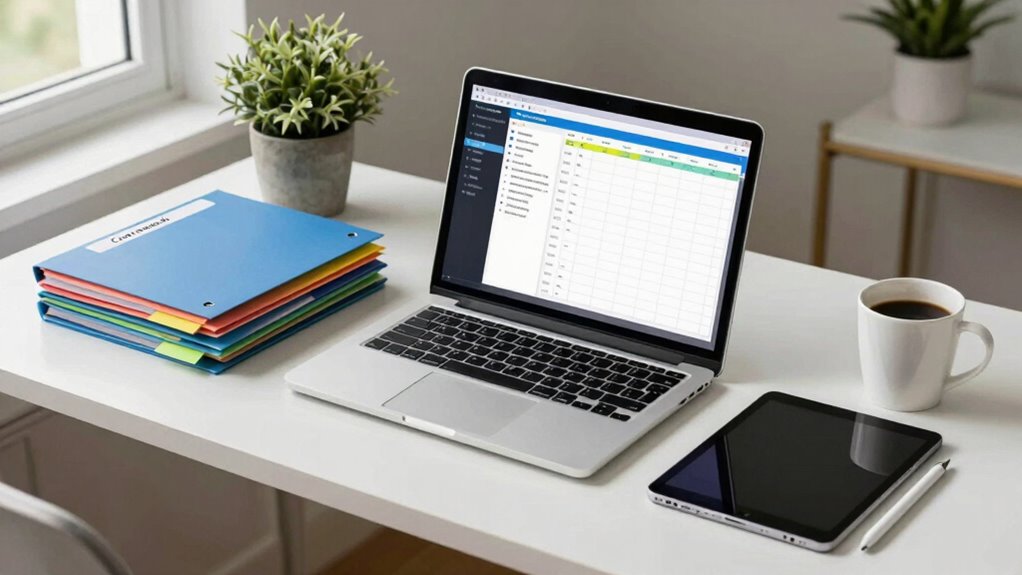
To build a paperless workflow for your coursework and research, start by using digital tools like Google Drive, Evernote, and Zotero. These apps help you organize files, manage citations, and store notes efficiently. Develop consistent naming conventions for easy retrieval of documents and scan important papers to keep everything digital. Regularly review your files to prevent clutter and maintain order. With these strategies, you’ll streamline your process, and there’s even more to explore for enhancing your workflow.
Key Takeaways
- Utilize digital tools like Google Drive and Notion to store and organize all coursework and research materials effectively.
- Develop a consistent naming convention for files to enhance easy retrieval and prevent misplaced documents.
- Implement reference management software such as Zotero or Mendeley to centralize research materials and simplify bibliography creation.
- Digitize important paper documents using scanning apps to reduce physical clutter and maintain easy access to necessary materials.
- Establish a routine for weekly reviews of digital files to ensure organization strategies remain effective and adapt as needed.
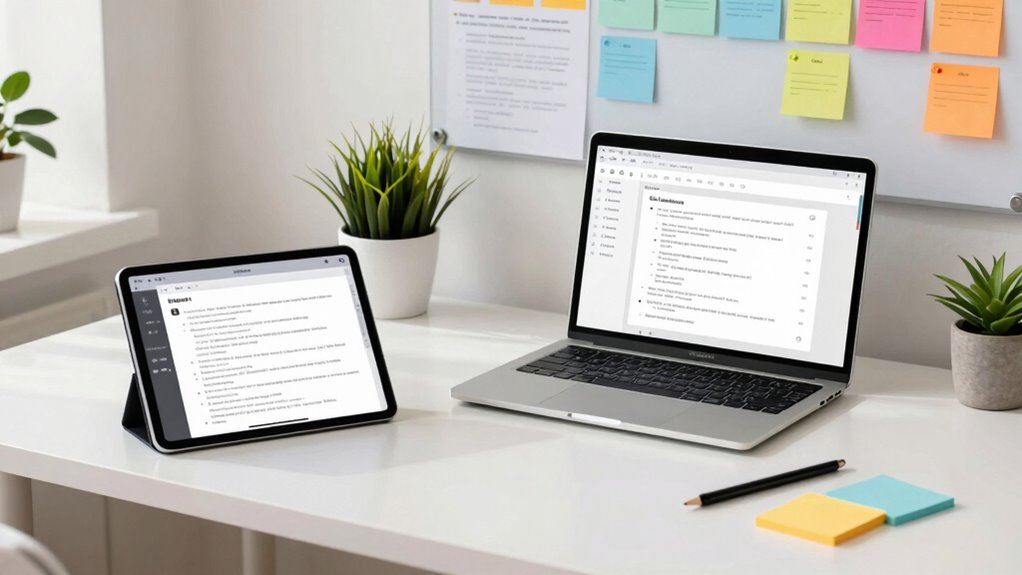
In a world where efficiency is key, building a paperless workflow can transform the way you manage tasks. By embracing digital tools, you can streamline your coursework and research, allowing you to focus on what truly matters: learning and creating. It starts with understanding how to leverage technology for better organization strategies that fit your needs.
First off, identify the digital tools that resonate with you. Applications like Google Drive, Evernote, or Notion are fantastic starting points. They not only store your files but also enable you to organize your notes, research articles, and assignments in a way that makes sense for you. By categorizing your work into folders or using tags, you can quickly locate what you need without sifting through piles of paper.
Identify digital tools that resonate with you, like Google Drive or Notion, to efficiently organize your notes and research.
Next, develop a consistent naming convention for your files. This simple yet effective organization strategy can save you from the frustration of searching for misplaced documents. Consider including the date, project name, or type of work in your file names. For instance, “2023-10-01_Research_Paper_Thesis” is much easier to find than “Document1.” This attention to detail will pay off when you’re in a time crunch. Incorporating digital organization strategies can further enhance your workflow by helping you structure your files more efficiently.
As you gather research materials, consider using reference management software like Zotero or Mendeley. These digital tools allow you to save citations, PDFs, and notes all in one place. Not only does this keep your research organized, but it also simplifies the process of creating bibliographies later. You’ll be amazed at how much time you can save when the software does the heavy lifting for you. Additionally, understanding the importance of Fact-checking & media literacy can help you verify the credibility of your sources and avoid misinformation in your research.
Moreover, think about how you can digitize any remaining paper documents. Scanning important papers using apps like CamScanner or Adobe Scan can help you eliminate clutter while guaranteeing you have access to all necessary materials. Once scanned, store these files in the same organized system you’ve set up for your digital notes. Incorporating AI-powered scanning can further enhance accuracy and efficiency by intelligently recognizing and organizing your documents.
Finally, establish a routine for maintaining your paperless workflow. Set aside time each week to review your digital files, update notes, and confirm your organization strategies are still working for you. This regular maintenance will keep your workflow efficient and prevent any digital clutter from accumulating.
Google Drive external hard drive
As an affiliate, we earn on qualifying purchases.
As an affiliate, we earn on qualifying purchases.
Frequently Asked Questions
What Tools Are Essential for a Paperless Workflow?
To create a paperless workflow, you’ll need essential tools like digital note-taking apps, such as Evernote or Notion, for organizing your thoughts and research. Cloud storage services, like Google Drive or Dropbox, are vital for safely storing and sharing your documents. These tools help you easily access your materials from anywhere, streamline collaboration, and reduce clutter. By leveraging these technologies, you’ll enhance your productivity and stay organized throughout your coursework and research.
How Can I Ensure Data Security in a Paperless Setup?
To guarantee data security in your paperless setup, think of it like locking your diary with a key. Use data encryption to keep your sensitive information safe, so only authorized users can access it. Implement strict access controls to limit who can view or edit your files. Regularly update your passwords and employ two-factor authentication for an added layer of protection. Staying vigilant and proactive will secure your data effectively.
What Are the Common Challenges in Going Paperless?
Shifting to a paperless system can pose several challenges. You might face resistance to change, as some team members prefer traditional methods. Ensuring workflow efficiency is vital; if your digital tools aren’t user-friendly, productivity can plummet. Data security is another concern, as you’ll need to safeguard sensitive information. Finally, keeping everything organized can be tricky, so implementing a robust filing system is essential for a smooth digital shift.
How Can I Organize Digital Files Effectively?
To organize your digital files effectively, start with a clear digital filing system. Create folders for each subject or project, then use consistent file naming conventions that include dates and keywords. For example, use “2023-10-15_ProjectName_DocumentType” to keep everything easily searchable. Regularly review and clean up your files to avoid clutter. This way, you’ll find what you need quickly, making your workflow smoother and more efficient.
Are There Any Cost-Effective Solutions for Paperless Systems?
Think of your budget as a garden; it thrives with the right tools. For a cost-effective paperless system, explore digital tools like Google Drive for cloud storage and collaboration software like Trello or Slack. These budget solutions not only save space but also enhance teamwork. By embracing these resources, you’ll cultivate a more efficient workflow, turning the chaos of paper into a streamlined digital oasis. Get started and watch your productivity bloom!
Zotero citation management software
As an affiliate, we earn on qualifying purchases.
As an affiliate, we earn on qualifying purchases.
Conclusion
By embracing a paperless workflow, you’re not just cutting down on clutter; you’re stepping into a more streamlined approach to your coursework and research. Think of it as giving your ideas the space to breathe, free from the weight of paper. As you shift, you’ll find that productivity flourishes in this digital garden. So, let go of the old ways and nurture your growth with modern tools—your future self will thank you for the clarity and ease.
scanning app for document digitization
As an affiliate, we earn on qualifying purchases.
As an affiliate, we earn on qualifying purchases.
note-taking app for students
As an affiliate, we earn on qualifying purchases.
As an affiliate, we earn on qualifying purchases.