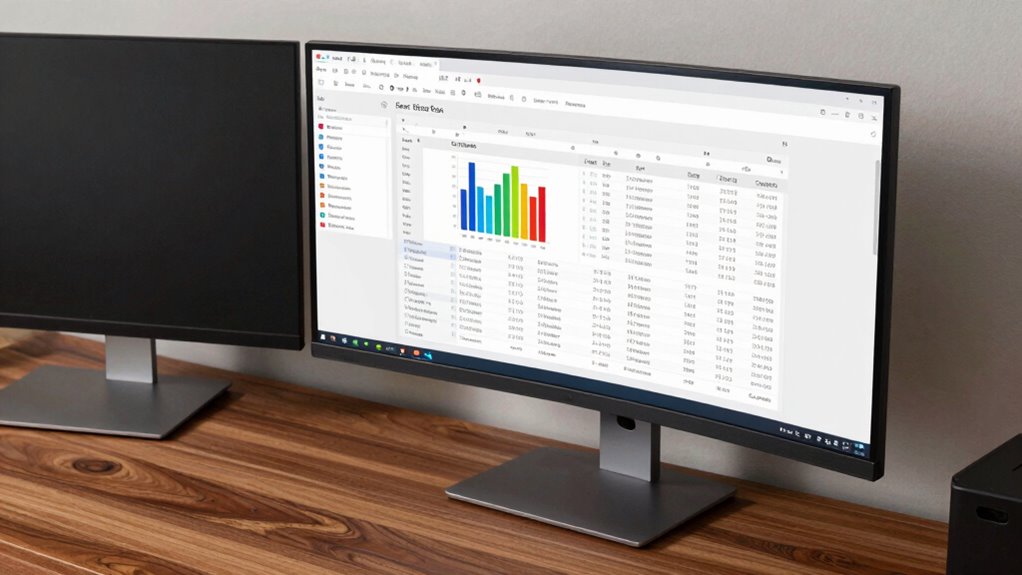

When deciding between a curved or flat monitor for spreadsheet work, it really comes down to your personal needs. Curved monitors can reduce eye strain and enhance comfort during long hours, while flat monitors are often more budget-friendly and easier to integrate. If you need immersive experiences, a curved screen might be worth it. However, if space and visual clarity matter, flat might be the way to go. Discover more insights on this choice ahead.
Key Takeaways
- Curved monitors reduce eye strain and enhance comfort during long hours of spreadsheet work.
- Flat monitors are generally more budget-friendly and offer a wider variety of sizes for different workspace needs.
- Curved screens provide an immersive experience, improving focus and workflow efficiency with simultaneous viewing of multiple applications.
- Flat monitors produce less visual distortion, making them ideal for maintaining data accuracy in detailed tasks.
- Consider your workspace size and personal preference to choose the monitor type that best fits your workflow requirements.
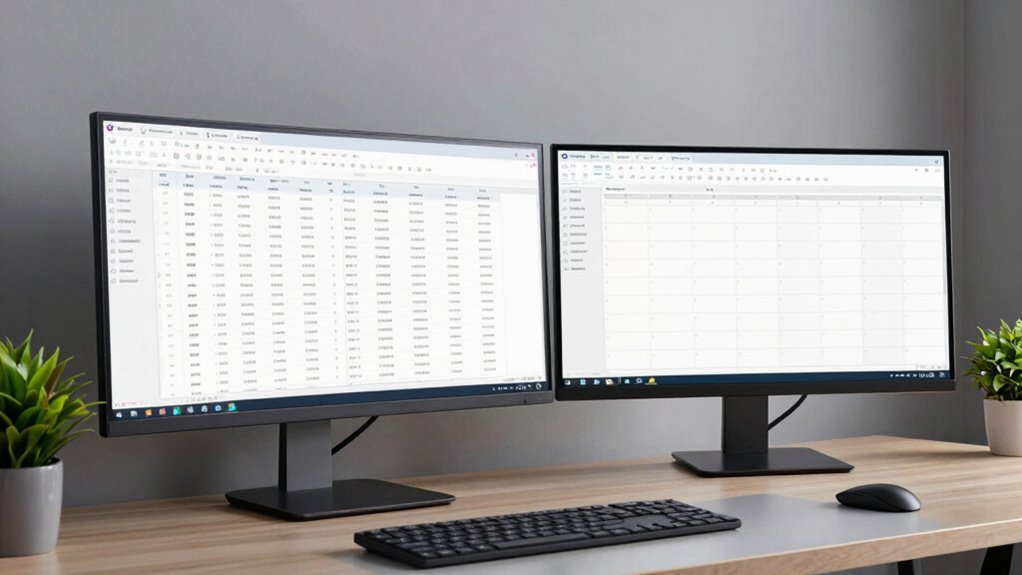
When you’re diving into spreadsheets, choosing between a curved or flat monitor can greatly impact your productivity. Each type has its own set of advantages, and understanding these can help you make an informed decision. If you often find yourself working long hours on data entry or analysis, the ergonomic benefits of a curved monitor might grab your attention. Curved monitors are designed to wrap around your field of vision, which can reduce eye strain and improve comfort over extended periods.
Choosing between a curved or flat monitor can significantly affect your productivity, especially during long hours of data entry or analysis.
You may also notice that a larger screen size can enhance your workflow. With a curved monitor, the immersive experience often feels more natural, allowing you to see more data at once without having to glance around. This can be particularly beneficial when you’re juggling multiple spreadsheets or applications simultaneously. The curvature helps minimize the distance your eyes have to travel, which can make it easier to focus on the information you need. Additionally, ergonomic design features in some curved monitors can further support your posture and comfort during long work sessions.
On the flip side, flat monitors have their own strengths. They’re often more budget-friendly and come in a variety of screen sizes. If you prefer a traditional setup, a flat monitor might suit you better. It’s straightforward and easy to integrate into your existing workspace without any adjustment. You won’t have to rethink your desk arrangement or how you position your monitor. Plus, for some, the visual clarity of a flat screen can feel more straightforward, especially for tasks that require precise detail, like creating charts or graphs. Moreover, flat screens tend to produce less visual distortion, which can be critical for accuracy in data presentation.
When considering screen size, think about how much space you have on your desk. A larger curved monitor can be enthralling, but it also requires ample real estate. If your workspace is limited, a flat monitor might be the more practical choice. You can easily find flat monitors that offer impressive screen sizes without taking over your desk. Additionally, display technology advancements have improved the clarity and color accuracy of flat screens, making them an excellent choice for detailed data work. Furthermore, the cost-effectiveness of flat monitors can be a significant factor for those on a budget.
Additionally, considering the ergonomic benefits of each type can help reduce fatigue during long work sessions. Ultimately, it comes down to your personal preference and specific needs. If you prioritize comfort and an immersive experience, a curved monitor could be worth the investment. But if you value simplicity and versatility, a flat monitor might serve you well. Whichever you choose, ensuring that it complements your workflow and space will lead to a more productive spreadsheet experience.
curved monitor for spreadsheet work
As an affiliate, we earn on qualifying purchases.
As an affiliate, we earn on qualifying purchases.
Frequently Asked Questions
Do Curved Monitors Reduce Eye Strain Compared to Flat Monitors?
Curved monitors can reduce eye strain compared to flat monitors, thanks to their ergonomic benefits. The curvature helps maintain a more natural line of sight, promoting visual comfort during long hours of work. You’ll notice less eye fatigue as the screen wraps around your field of vision, making it easier to focus on spreadsheets or other tasks. So, if you’re concerned about eye strain, a curved monitor might be a worthwhile investment for you.
Can Curved Monitors Improve Productivity for Multitasking?
Yes, curved monitors can boost your productivity for multitasking. Picture yourself juggling multiple spreadsheets, emails, and apps simultaneously. With their immersive design, they enhance multitasking efficiency and improve spatial awareness, letting you see more of your work at a glance. You’ll find it easier to focus on different tasks without losing track, reducing the need to constantly shift your gaze. In short, a curved monitor can transform how you manage your workload.
Are Curved Monitors More Expensive Than Flat Monitors?
Yes, curved monitors tend to be more expensive than flat monitors. When you do a price comparison, you’ll often find that the added technology and design of curved screens contribute to the higher cost. Market trends show an increasing demand for immersive displays, which can further drive prices up. While they offer unique benefits, it’s crucial to evaluate your budget and needs before investing in a curved monitor.
How Do Curved Monitors Affect Color Accuracy?
Curved monitors can create enchanting color clarity, but they’re not without concern. You might notice color distortion at extreme viewing angles, which can impact your perception of hues and shades. When seated directly in front, you’ll enjoy vibrant visuals, but shift to the side, and you may see a shift in color accuracy. So, if you prioritize precise colors, it’s essential to contemplate how the monitor’s curvature affects your daily tasks.
Is Screen Glare Worse on Curved Monitors?
Yes, screen glare can be worse on curved monitors. The curvature can enhance glare reflection since the surface bends light differently. If you’re sitting at an angle, you might notice more reflections compared to a flat monitor. However, if you position your monitor correctly and adjust your lighting, you can minimize these issues. Just be mindful of your viewing angles and how they interact with ambient light to reduce distractions while you work.
As an affiliate, we earn on qualifying purchases.
Conclusion
In the end, choosing between a curved and flat monitor for spreadsheet work is like selecting a path through a dense forest. A flat monitor offers clarity and straightforwardness, while a curved one wraps you in an immersive embrace, drawing you into the data like a warm hug. Whichever you choose, remember that the right monitor can illuminate your work, turning numbers into stories and making your productivity bloom like flowers in spring.
ergonomic curved computer monitor
As an affiliate, we earn on qualifying purchases.
As an affiliate, we earn on qualifying purchases.
As an affiliate, we earn on qualifying purchases.