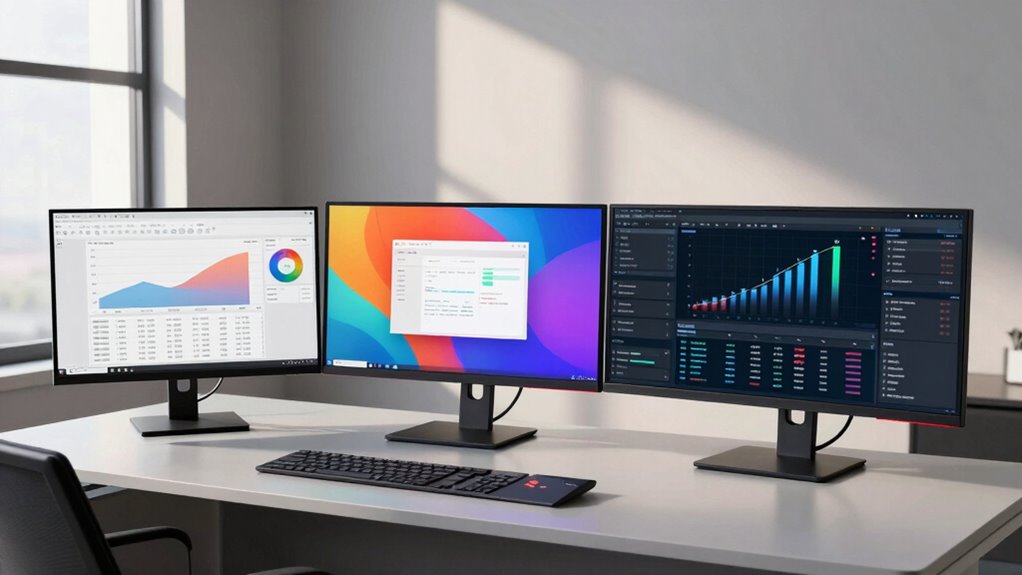

When choosing between a 27-inch, 32-inch, or ultrawide monitor for data work, consider your needs. A 27-inch monitor offers crisp detail for spotting trends, while a 32-inch monitor provides ample space for multitasking without clutter. If you crave an immersive experience and prefer extensive visibility, go for an ultrawide. Each option has its strengths, but your ideal choice depends on your workspace and budget. You’ll find more insights on how to choose the best fit for your tasks.

Get business pricing on monitors, keyboards and dev gear
- Business-only prices and quantity discounts
- Tax-exempt purchasing
- Multiple users, one account, clear invoices
Key Takeaways
- 27-inch monitors offer crisp displays and are ideal for data-heavy tasks without overwhelming workspace, but multitasking may be limited.
- 32-inch monitors provide ample screen space for side-by-side viewing, enhancing organization and multitasking efficiency, though they can cause eye strain if too close.
- Ultrawide monitors deliver an immersive experience with panoramic designs, making them excellent for handling complex visualizations and reducing clutter from multiple displays.
- Budget considerations are crucial; 27-inch and 32-inch monitors generally offer reliable performance at lower costs compared to more expensive ultrawide options.
- Long-term use benefits from investing in well-known brands, ensuring better customer support and warranty options for data work.
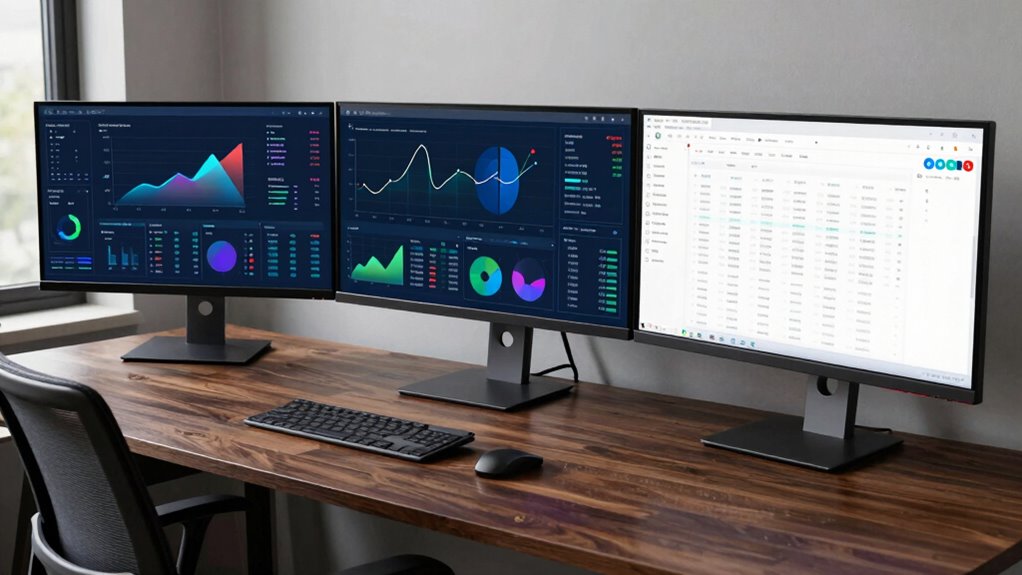
When it comes to data work, choosing the right monitor can make all the difference. You’ve got options like 27-inch, 32-inch, and ultrawide monitors, each offering unique advantages that can notably impact your productivity. Understanding these differences can help you decide which monitor suits your needs best.
Starting with the 27-inch monitor, it’s often favored for its balance of screen comfort and resolution effect. You’ll find that it provides a crisp display without overwhelming your workspace. If you’re working with data-heavy applications, the color accuracy on a quality 27-inch monitor can enhance your analysis, making it easier to spot trends and discrepancies. However, if you often multitask, you might find it a bit limiting compared to larger options.
Now, let’s talk about the 32-inch monitor. This size excels in multitasking efficiency, allowing you to view multiple windows side by side without feeling cramped. The larger screen real estate can enhance workspace organization, especially if you’re juggling spreadsheets or complex datasets. However, consider the potential for increased eye strain; sitting too close to a 32-inch screen might require you to adjust your seating position frequently.
The 32-inch monitor enhances multitasking, providing ample space for spreadsheets, but may lead to eye strain if positioned too close.
Ultrawide monitors are gaining popularity, particularly for users who require extensive visibility. Their panoramic design offers an immersive experience, which can be a game-changer when analyzing large datasets or working with visualizations. The resolution effect here can’t be understated; the wide format allows for greater detail and clarity in your work. Plus, you can achieve excellent screen comfort, as these monitors enable you to avoid the clutter of multiple displays.
When making your choice, budget considerations also come into play. While ultrawide monitors often come with a higher price tag, their advantages might justify the expense if you frequently handle complex data. Meanwhile, 27-inch and 32-inch options can provide reliable performance without breaking the bank.
Finally, brand reliability can influence your decision. Investing in a monitor from a well-known brand guarantees you get better customer support and warranty options, which is vital for long-term use. Ultimately, whether you choose a 27-inch, 32-inch, or ultrawide monitor, weighing these factors will help you find the best fit for your data work needs.
27 inch 4K monitor for data analysis
As an affiliate, we earn on qualifying purchases.
As an affiliate, we earn on qualifying purchases.
Frequently Asked Questions
How Does Refresh Rate Impact Data Work Performance?
Refresh rate greatly impacts your data work performance. A higher refresh rate guarantees smoother visuals, making data visualization more fluid and easier to interpret. When you’re analyzing complex datasets or monitoring real-time changes, a higher refresh rate reduces motion blur, allowing you to spot trends quickly. If you’re working with dynamic graphs or charts, you’ll appreciate the clarity and responsiveness a higher refresh rate brings to your workflow.
Are There Ergonomic Considerations for Different Monitor Sizes?
Sure, you could choose a monitor size based on how much you love straining your neck! But seriously, ergonomic considerations are essential. You want your monitor height at eye level, so you’re not craning or slouching like a confused ostrich. Screen distance matters too; aim for about an arm’s length to reduce eye strain. Bigger isn’t always better if it leads to a chiropractor’s appointment—trust me, your back will thank you!
What About Color Accuracy for Data Analysis Tasks?
For data analysis tasks, color accuracy is essential. You’ll want monitors with excellent color calibration to guarantee your data visuals are precise. Look for models with a high contrast ratio, as this enhances the clarity of different colors and shades. When you choose a monitor that excels in these areas, you can trust that your analysis reflects true data insights, making your work more reliable and effective.
Can Dual Monitors Enhance Productivity Compared to a Single Ultrawide?
Yes, dual monitors can boost your productivity compared to a single ultrawide. With a dual monitor setup, you can enhance your workspace organization by keeping multiple applications open side by side. You’ll find it easier to reference data while analyzing, and switching between tasks becomes seamless. Plus, you can customize each screen for specific uses, making your workflow smoother and more efficient. Overall, this setup can greatly improve your data work efficiency.
What Connection Types Are Best for High-Resolution Monitors?
For high-resolution monitors, you’ll want to evaluate HDMI options, DisplayPort advantages, and USB-C benefits. HDMI is great for most setups, but DisplayPort offers higher bandwidth, making it ideal for 4K or higher resolutions. USB-C can simplify your cable management, allowing for power delivery and data transfer in one cable. Choose the connection that fits your needs best, ensuring your monitor displays stunning visuals with minimal clutter.
As an affiliate, we earn on qualifying purchases.
Conclusion
In the end, whether you choose a 27-inch, 32-inch, or ultrawide monitor, it all boils down to your specific needs. You might find that the extra screen real estate of an ultrawide perfectly complements your multitasking lifestyle, while a 27-inch might just fit snugly into your workspace. Coincidentally, just as you decide, you might discover that the ideal monitor is the one that sparks your productivity and creativity the most.
ultrawide curved monitor for data visualization
As an affiliate, we earn on qualifying purchases.
As an affiliate, we earn on qualifying purchases.
As an affiliate, we earn on qualifying purchases.
Halloween Picks
halloween
As an affiliate, we earn on qualifying purchases.