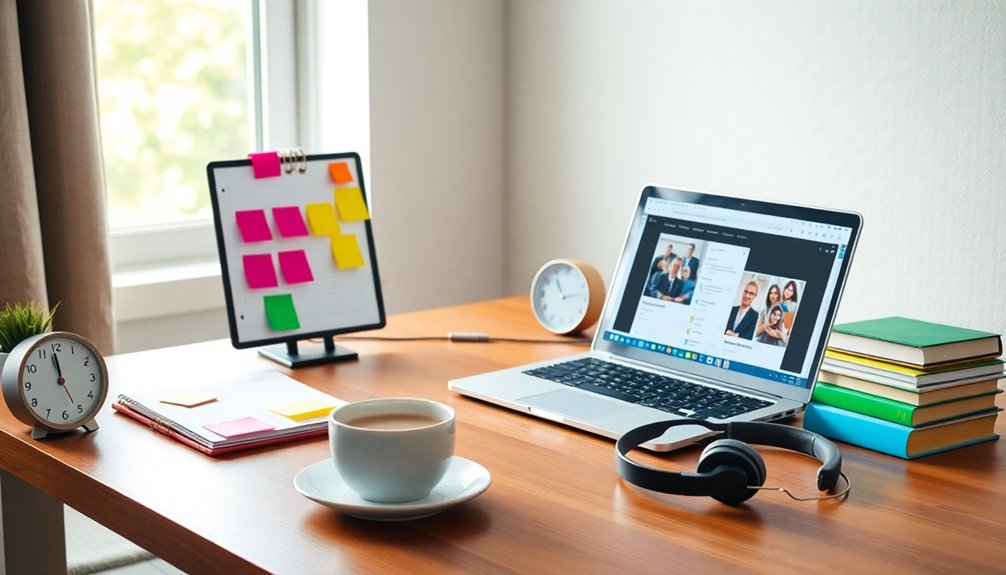
For a better monitor layout when you’re reading papers and writing notes, position one monitor at eye level for reading while the other’s set up for writing. This lets you easily copy quotes and organize your thoughts without constantly switching tabs. Angle the monitors slightly toward you for comfort and maintain a tidy workspace to minimize distractions. Following these tips can boost your efficiency and comfort during long sessions, and there’s more to explore.
Key Takeaways
- Use one monitor for reading papers and the other for writing notes to streamline your workflow and reduce tab switching.
- Position both monitors at eye level and angle them toward you to promote good posture and minimize eye strain during long sessions.
- Keep your workspace organized and clutter-free to enhance concentration and create a conducive environment for deep work.
- Utilize adjustable monitors and automated lighting to optimize comfort and focus during extended writing periods.
- Implement easy copying and pasting between monitors, allowing for simultaneous highlighting and organizing of thoughts without printed documents.
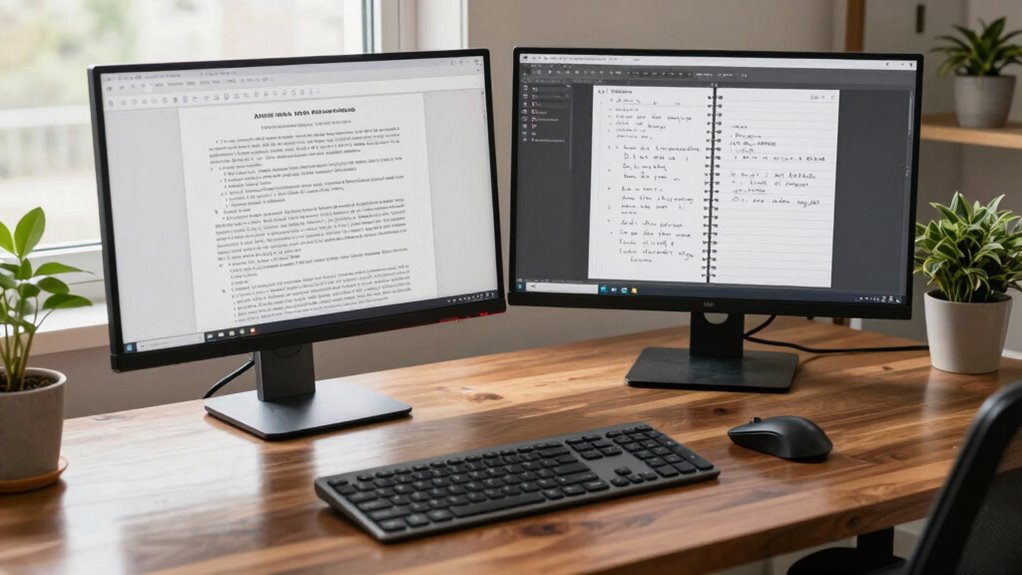
Creating an effective monitor layout can greatly enhance your reading and writing experience. If you’re often buried in papers or need to jot down notes quickly, a well-organized screen setup can make all the difference. One of the best ways to achieve this is through a dual monitor setup. By using two screens, you can streamline your workflow and minimize distractions, allowing you to focus entirely on your work.
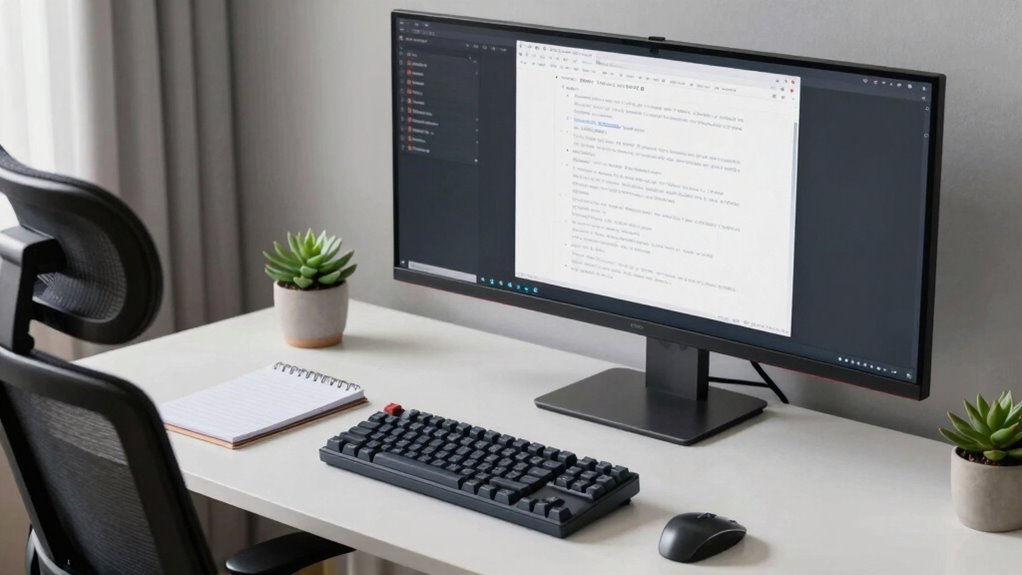
Imagine having one monitor dedicated to reading your papers while the other is set up for writing your notes. This screen organization helps you avoid the hassle of constantly switching between tabs or applications. Instead of squinting at a single screen trying to split your attention, your eyes can easily shift from one monitor to the other. This setup not only improves efficiency but also reduces eye strain, as you won’t be cramming everything into a cramped space.
When you’re reading a paper on one monitor, you can take notes directly on the other. This means there’s no need to print out documents or jot down thoughts on a separate piece of paper. You can copy and paste quotes, highlight important sections, and organize your thoughts simultaneously. This dual approach can really boost your productivity, especially during long writing sessions. Additionally, monitor placement is crucial for reducing eye strain and improving comfort during extended sessions. Proper ergonomic principles can further enhance your setup by ensuring your posture remains healthy and comfortable, preventing fatigue over time. Paying attention to workspace organization can also help keep your environment clutter-free, further supporting focus and efficiency.
To maximize your dual monitor setup, pay attention to the arrangement of your screens. Position your monitors at eye level and angle them slightly toward you. This way, you can easily glance from one to the other without straining your neck. Make sure your desk is tidy and that you’ve eliminated any unnecessary clutter. Maintaining a clean workspace enhances your concentration, allowing you to dive deeper into your reading and writing tasks. Incorporating smart home principles, such as adjustable monitors or automated lighting, can further optimize your workspace for comfort and focus during long work periods.
dual monitor stand for ergonomic setup
As an affiliate, we earn on qualifying purchases.
As an affiliate, we earn on qualifying purchases.
Frequently Asked Questions
What Monitor Size Is Best for Reading Papers Effectively?
The best monitor size for reading papers effectively is typically between 24 to 27 inches. A higher screen resolution, like 1440p or 4K, enhances clarity, making text easier to read. Position your monitor at eye level to maintain a comfortable height, reducing neck strain. This setup allows you to see more content at once, improving your workflow. Experiment with sizes to find what feels most comfortable for your reading and note-taking needs.
How Can I Improve My Note-Taking Speed?
You can improve your note-taking speed by focusing on visual organization and effective note formatting. Instead of lengthy paragraphs, use bullet points and headings to break down information. It’s like painting a picture—clear and concise notes make it easier to recall details later. Practice shorthand techniques for common phrases, and don’t hesitate to use colors or symbols to highlight key concepts. You’ll find your speed and comprehension both increase greatly!
What Software Is Recommended for Managing Research Papers?
For managing research papers, consider using software like Zotero or Mendeley. These tools offer excellent reference management and citation capabilities, making it easy to organize your documents. You can seamlessly integrate them with research databases, allowing you to pull in articles directly. Plus, they help you create bibliographies in various formats, saving you time and effort. With these tools, you’ll streamline your workflow and enhance your research process efficiently.
Are There Ergonomic Tips for Long Reading Sessions?
To avoid eye strain during marathon reading sessions, position your screen at eye level, so you’re not craning your neck like a curious giraffe. Use a chair that hugs your back, giving you posture support like a loyal friend. Take breaks every 20 minutes to blink and stretch; your eyes will thank you. Consider using blue light filters to keep your focus sharp, making you feel like a reading superhero ready for anything!
How Can I Minimize Distractions While Reading?
To minimize distractions while reading, you should implement focus techniques like the Pomodoro method, breaking your reading into manageable intervals. Before you start, try digital decluttering by closing unnecessary tabs and apps. Silence notifications on your devices to maintain concentration. Consider creating a dedicated reading space that’s free from clutter and distractions. This way, you’ll find it easier to immerse yourself in the material and enhance your comprehension.
adjustable monitor arms for dual screens
As an affiliate, we earn on qualifying purchases.
As an affiliate, we earn on qualifying purchases.
Conclusion
In the grand library of your digital world, the right monitor layout can be your secret weapon, much like a well-placed bookmark in a beloved novel. By arranging your screens to seamlessly switch between reading and writing, you’ll reveal a flow reminiscent of a masterful storyteller. Embrace this setup, and you’ll find your productivity soaring, allowing your thoughts to dance across the page like characters brought to life in a timeless tale.
monitor riser for eye level positioning
As an affiliate, we earn on qualifying purchases.
As an affiliate, we earn on qualifying purchases.
ergonomic monitor mount for reading and writing
As an affiliate, we earn on qualifying purchases.
As an affiliate, we earn on qualifying purchases.