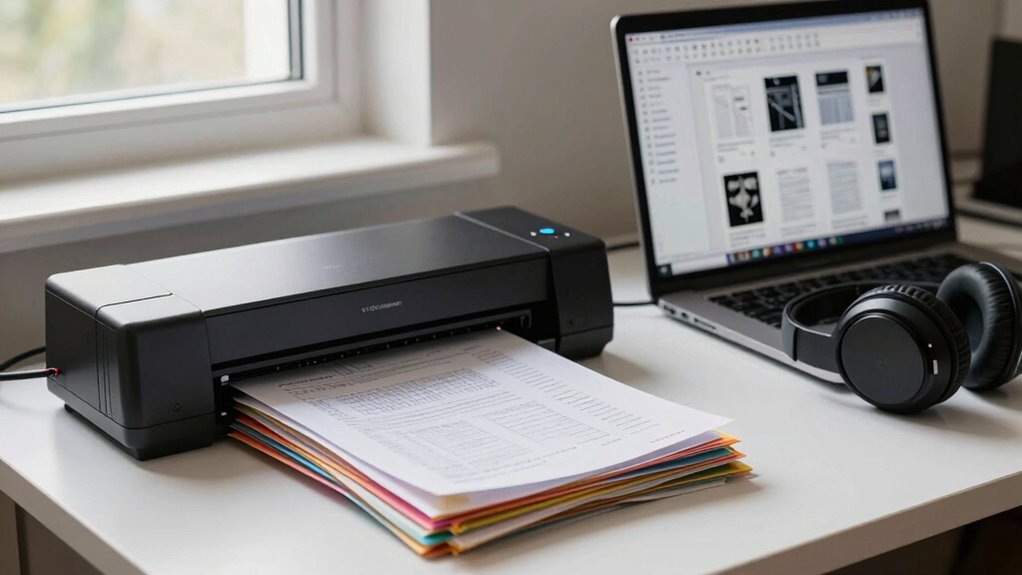

To digitize old handouts and keep them searchable, start by using a quality flatbed scanner for high-resolution scans. Adjust your settings to guarantee ideal results, aiming for 300 DPI. Once scanned, utilize OCR technology to convert images into editable text. This makes your documents easily searchable and accessible. Don’t forget to organize files systematically and back them up regularly. Keep exploring the best practices to enhance your digital archiving process.
Key Takeaways
- Use a flatbed scanner for high-quality image capture of handouts, ensuring a resolution of at least 300 DPI for clarity.
- Implement OCR technology to convert scanned images into editable text, enhancing searchability and information retrieval.
- Organize files systematically by subject or project, using consistent naming conventions like “Year_Subject_Description” for easier access.
- Regularly back up digitized files in multiple formats, such as PDF and TIFF, to ensure long-term preservation and accessibility.
- Utilize cloud storage and collaborative platforms to facilitate sharing and annotation, improving accessibility across devices.
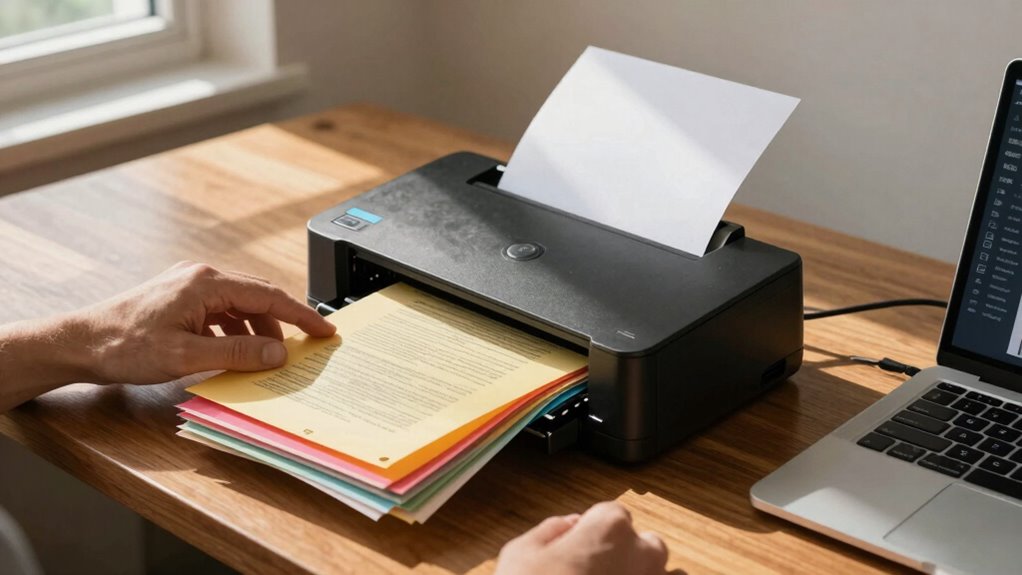
In today’s digital age, you might find yourself sifting through stacks of old handouts that are gathering dust. These documents may hold valuable information, but their physical form can make accessing and organizing them a hassle. Luckily, digitizing these handouts can transform them into easily searchable and accessible files. By employing effective scanning techniques and leveraging technology, you can preserve these significant documents while enhancing your file organization.
Start by choosing the right scanner. Flatbed scanners are great for high-quality images, while sheet-fed scanners can speed up the process if you have a large volume of documents. Be certain to adjust the settings for ideal results; scanning at a resolution of 300 DPI usually strikes a balance between quality and file size. Once you’ve scanned your handouts, it’s essential to utilize OCR (Optical Character Recognition) software. This technology converts scanned images into editable and searchable text, making it easier for you to retrieve specific information later on.
Choosing the right scanner and using OCR software transforms your handouts into easily searchable digital files.
After scanning and applying OCR, focus on file organization. Create a systematic folder structure that works for you, perhaps by categorizing files by subject, date, or project. Consistent naming conventions will also help in locating documents quickly. For instance, using a format like “Year_Subject_Description” guarantees clarity. Don’t forget to back up your files in multiple locations, such as cloud storage or external drives, to safeguard against data loss. Additionally, understanding the basics of filtration and suction can help in maintaining your digital storage environment, preventing issues like overheating or data corruption. Implementing proper digital hygiene practices, such as regular updates and security scans, is also vital to protect your files from malware or corruption. Staying informed about file formats and their longevity can help ensure your documents remain accessible as technology advances. Being aware of digital preservation techniques is key to maintaining the integrity and usability of your files over time. Moreover, exploring digital storage solutions can help optimize your organization and access.
Preservation methods are crucial in keeping your digitized documents intact. Regularly check the integrity of your digital files and convert them into multiple formats if necessary. PDF is widely used, but you might also consider formats like TIFF for archiving purposes. This redundancy protects your files from becoming obsolete as technology evolves.
Lastly, accessibility options are significant. Make certain your digital files are easy to access on various devices, whether it’s your computer, tablet, or smartphone. Consider using apps or platforms that allow you to annotate or share documents, enhancing collaboration if you work with others.
high-resolution flatbed scanner for documents
As an affiliate, we earn on qualifying purchases.
As an affiliate, we earn on qualifying purchases.
Frequently Asked Questions
What Equipment Is Best for Scanning Old Handouts?
For scanning old handouts, you’ve got a few great options. Flatbed scanners provide high-quality images and handle fragile documents well. Document cameras are perfect for quickly capturing multiple pages, while portable scanners offer flexibility for on-the-go digitization. If you’re looking for convenience, scanning apps on your smartphone can also do the trick, allowing you to easily scan and organize files. Choose the one that fits your needs best!
How Can I Improve Scan Quality?
To improve scan quality, set your image resolution to at least 300 DPI for clear details. Adjust your color settings to match the original document for accurate colors. Confirm proper lighting conditions; avoid shadows by scanning in a well-lit area. Finally, don’t rush the process—slower scanning speeds can capture finer details and enhance overall quality, reducing the chances of distortion or blurriness in your digital copies.
What File Formats Are Best for Storage?
When it comes to file formats, think of PDFs as your trusty Swiss Army knife. They offer numerous advantages, like maintaining layout and compatibility across devices. Plus, when you pair PDFs with OCR technology, you transform scanned text into searchable content, making it easier to find what you need. This combination not only keeps your handouts organized but also enhances accessibility. So, stick with PDFs for reliable, high-quality storage.
Can I Digitize Handouts Using My Smartphone?
Yes, you can digitize handouts using your smartphone! Download scanning apps like Adobe Scan or CamScanner for easy use. To guarantee clarity, lay the handout flat in good lighting and avoid shadows. Use the app’s cropping tools to focus on the document, and adjust the contrast if needed. Don’t forget to save your scans in a searchable format like PDF. With these scanning tips, you’ll keep everything organized and accessible!
How to Organize Digitized Files Effectively?
To organize your digitized files effectively, start by using clear file naming conventions—research shows that 75% of users struggle to find files without proper names. Incorporate metadata tagging to enhance searchability; this allows you to add relevant keywords and descriptions. Create folders based on categories, and consider using cloud storage for easy access. By following these steps, you’ll guarantee your files are not only organized but also easy to retrieve when needed.
OCR software for digitizing handouts
As an affiliate, we earn on qualifying purchases.
As an affiliate, we earn on qualifying purchases.
Conclusion
To sum up, digitizing your old handouts not only preserves their content, but also enhances their accessibility. By scanning, organizing, and tagging your documents, you’re creating a searchable archive that saves you time and effort. Embrace technology to transform your paper clutter into digital clarity, to guarantee your valuable information is easily retrievable, and to keep your knowledge alive for years to come. Start today, and watch your old materials evolve into a streamlined resource.
external hard drive for data backup
As an affiliate, we earn on qualifying purchases.
As an affiliate, we earn on qualifying purchases.
cloud storage subscription for document archiving
As an affiliate, we earn on qualifying purchases.
As an affiliate, we earn on qualifying purchases.